拡大画像
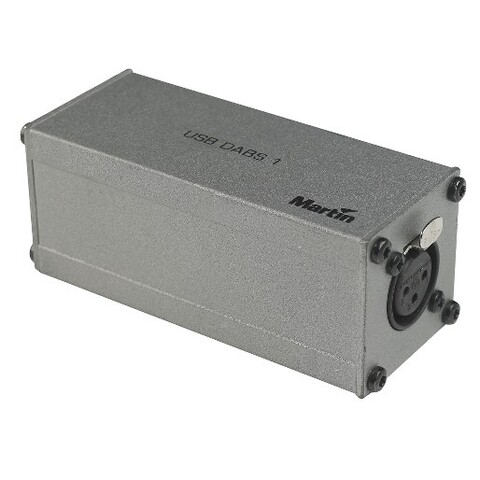
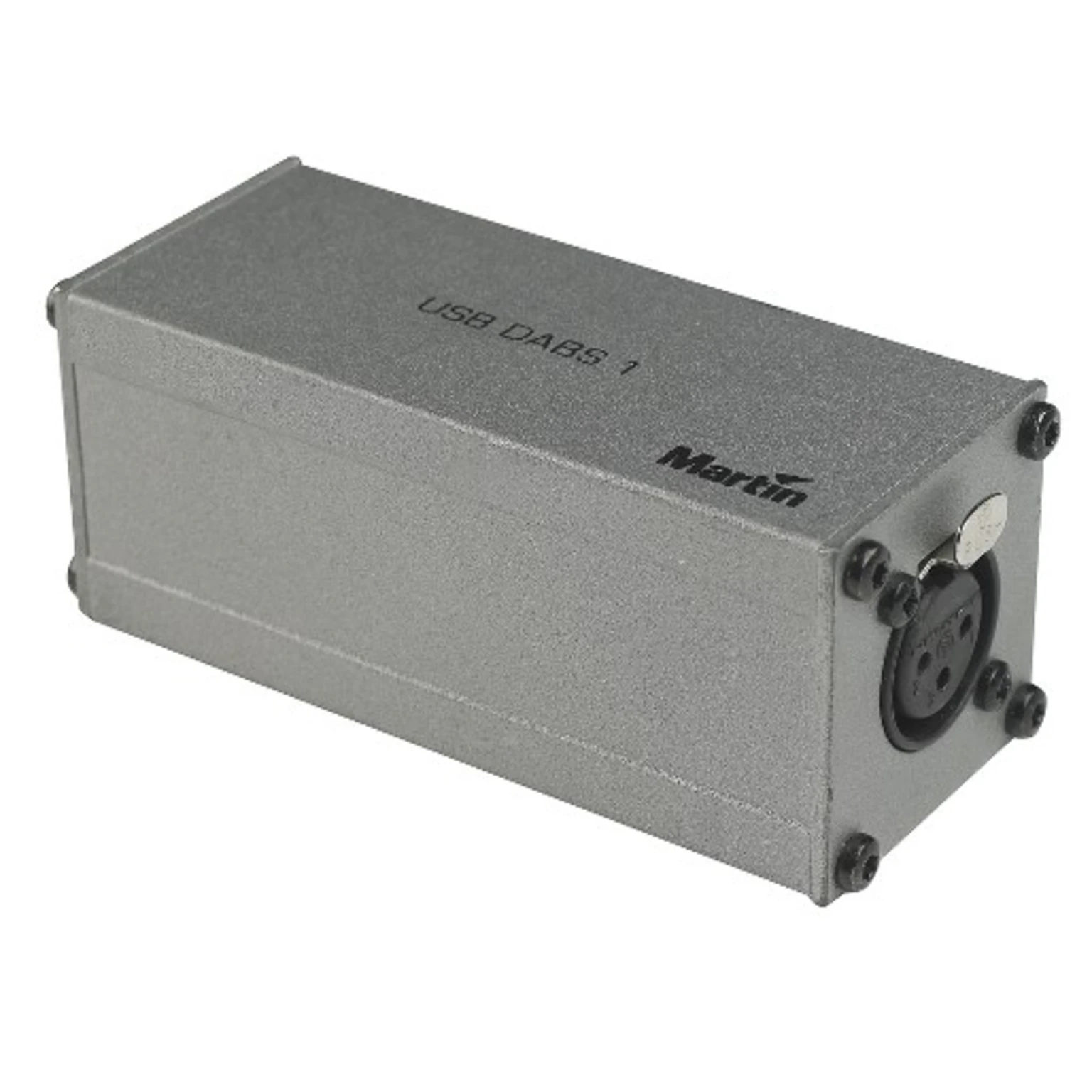
DABS1はMartin建築照明製品シリーズのPC間通信用の便利なUSBインターフェースです。DABS1の動作にはMartin Webサイトから無償でダウンロードできるMartin USB Toolsソフトウェア・ドライバパッケージが必要です。
特長
- コンピュータから直接フィクスチャソフトウェアをアップロード
- Windows PCおよびノートパソコン対応(Windows 7および8)
- 小型で軽量な持ち運び可能なソリューション
- USB電源
- フィクスチャへの3ピンXLR接続、直接またはDMXリンク経由
より詳しい情報はこちら
物理仕様
長さ: 100 mm (4.0 in.)
幅: 40 mm (1.6 in.)
高さ: 40 mm (1.6 in.)
重量: 0.3 kg (0.7 lbs.)
システム要件
USB 2.0ポート搭載のWindows PC
Windows 7または8
Martin USB Tools™ドライバとソフトウェアパッケージをPCにインストール
1 GB RAM
Intel Core i3相当機
500 MBのドライブ空き容量
1024x768のモニター解像度
構造
ハウジング: スチール
色: グレー
仕上げ: 静電気粉体塗装
コネクション
Windows PC: USB 2.0
フィクスチャへのデータ: 3ピンロッキングXLR
同梱物
DABS1™ USB-DMXインターフェースボックス
DMX終端プラグ、3ピンオスXLR: P/N 91613017
USBケーブル (A/B)、1000 mm (39.4 in.): P/N 11840066
XLR 3ピンオス~RJ-45アダプター: P/N 11840087
注文情報
DABS1™ USB-DMXインターフェースボックス: P/N 90758090
ダウンロード
Manuals
| サイズ | |
|
|
430KB |

Compliances
| サイズ | |
| 79.6KB |
 バージョン B,
更新: 2018年5月
バージョン B,
更新: 2018年5月
Software
| サイズ | |
|
|
107MB |

Service Notes
| サイズ | |
Compatibility Issues Software Uploader
 バージョン A,
更新: 2018年5月
バージョン A,
更新: 2018年5月
|
Hints and Tips
| サイズ | |
|
Compatibility issue with DABS1 interface and EXT 200 LED
バージョン A,
更新: 2018年5月
|
Schematics
| サイズ | |
|
|
9.32KB |
上記のリンクをクリックしてブラウザで文字化けが発生する場合は、ファイルを右クリックしてコンピューターに保存してください。


 コンサルタントサポート