

Companion Desktop è lo strumento di gestione delle fixture, caricamento firmware e programmazione stand-alone compatibile con tutte le fixture Martin per la massima facilità d'uso. L'applicazione Companion Desktop si sincronizza via Internet con la libreria di Martin: sono così finiti i giorni in cui era necessario consultare le pagine di supporto per trovare il firmware più recente delle fixture o la panoramica dei ricambi.
L'integrazione RDM avanzata consente di configurare ed eseguire il patch di tutte le fixture in remoto. Per semplificare la configurazione di più fixture in una sola operazione, un sistema di Configurazione Fixture permette di inviare un intero set di impostazioni a tutte le fixture selezionate contemporaneamente. Lo strumento Quick Addressing integrato consente di indirizzare le fixture con un solo clic per ciascuna di esse.
L'ergonomico strumento di programmazione stand-alone integrato permette di programmare le fixture con un massimo di 20 scene, ciascuna con tempi di hold e fade individuali. Le fixture possono quindi riprodurre le scene in perfetta sincronia, senza alcun computer o controller collegato. Gli show stand-alone possono inoltre essere salvati, condivisi e riutilizzati in seguito.
Companion Desktop si sincronizza automaticamente anche con i file GDTF realizzati da Martin sul GDTF share, offrendo accesso a tutti i dettagli delle fixture come DMX Modes, DMX Channel Listings, Gobo Loadouts e molto altro. I file GDTF possono essere esportati direttamente da Companion Desktop per l'utilizzo con qualsiasi software compatibile con GDTF.
La funzione integrata di ricerca dei ricambi consente di accedere a un modello 3D di ogni fixture Martin, che può essere scomposto per identificare i pezzi di ricambio.
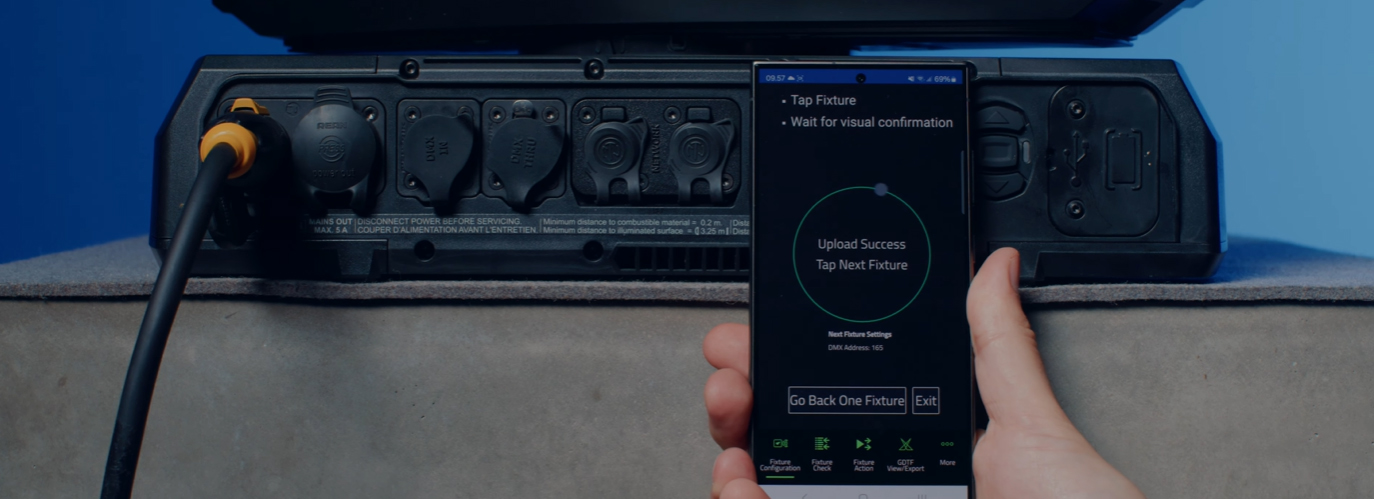
Scoprite anche Companion Mobile, che offre alcune delle stesse funzioni per dispositivi mobili iOS e Android.
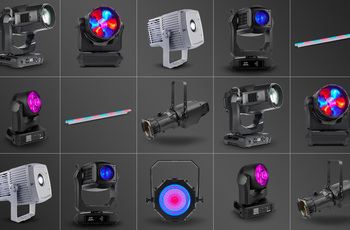
Compatible with all Martin lighting fixtures
Martin Companion can upload firmware to all Martin product ranges including MAC, ERA, ELP, VDO and Exterior.
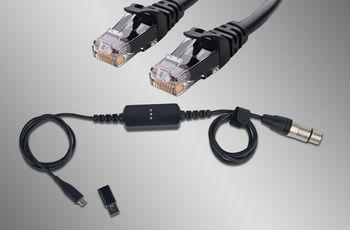
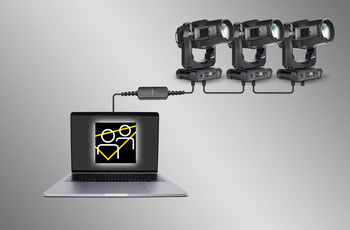
Fixture Connection via DMX or Network
Connection between Martin Companion and the fixtures can be made via the Martin Companion Cable or a standard network interface.
Automatic Cloud Synchronization
Online synchronization makes sure that you always have the latest fixture firmware, spare parts finder and GDTF files with you. There’s no need to browse support pages to find the latest firmware, spare parts or GDTF file, Martin Companion does this for you.
Esportazione per l'aggiornamento tramite USB o P3
Il firmware può essere esportato da Martin Companion per aggiornare un apparecchio tramite un dispositivo di memoria USB o un Martin P3 System Controller, in alternativa all'aggiornamento degli apparecchi tramite Martin Companion.
Configure and Patch features via RDM or RDM over Art-Net
The integrated RDM toolkit allows fixtures to be configured and patched remotely. Martin Companion supports standard RDM parameters, but also more advanced Martin-specific RDM parameters to configure fixtures to the best performance.
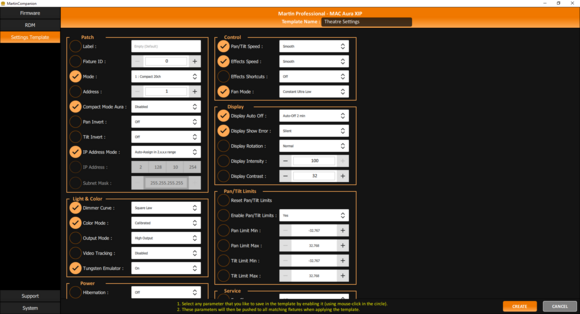
Fixture Settings Templates for Quick Deployment
Update settings of multiple fixtures in a matter of seconds. Any combination of settings can be stored in a template and then pushed to all fixtures in the rig. Gone are the days of manually checking the settings on fixtures one-by-one.
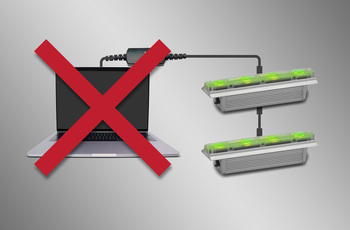
Stand-Alone Programming
Shows of up to 20 scenes, with individual hold- and fade-times, can be programmed into select Martin fixtures using Martin Companion. The fixtures will run the show fully synchronized and without computer or controller connected.
GDTF View and Export
View all Martin-made GDTF files to look up fixture details, and download them directly from within Martin Companion for easy access at all times.
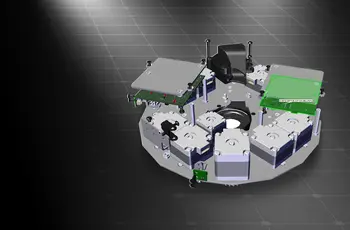
Spare Parts Finder
Open a 3D model of each Martin fixture and find the spare part you need.

 versione 2.0.0,
aggiornato: dic 2023
versione 2.0.0,
aggiornato: dic 2023




 Supporto Consulenti