

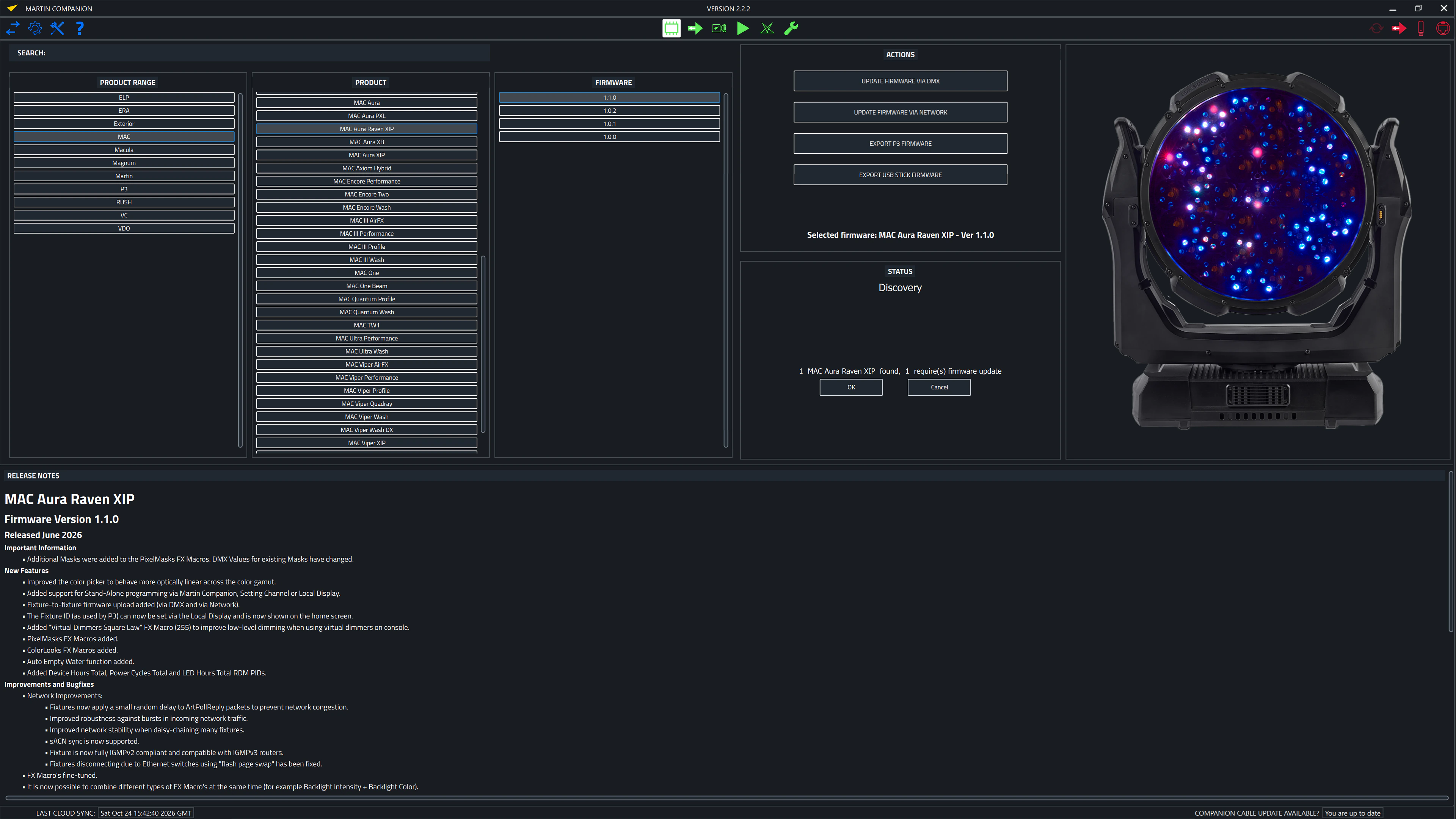
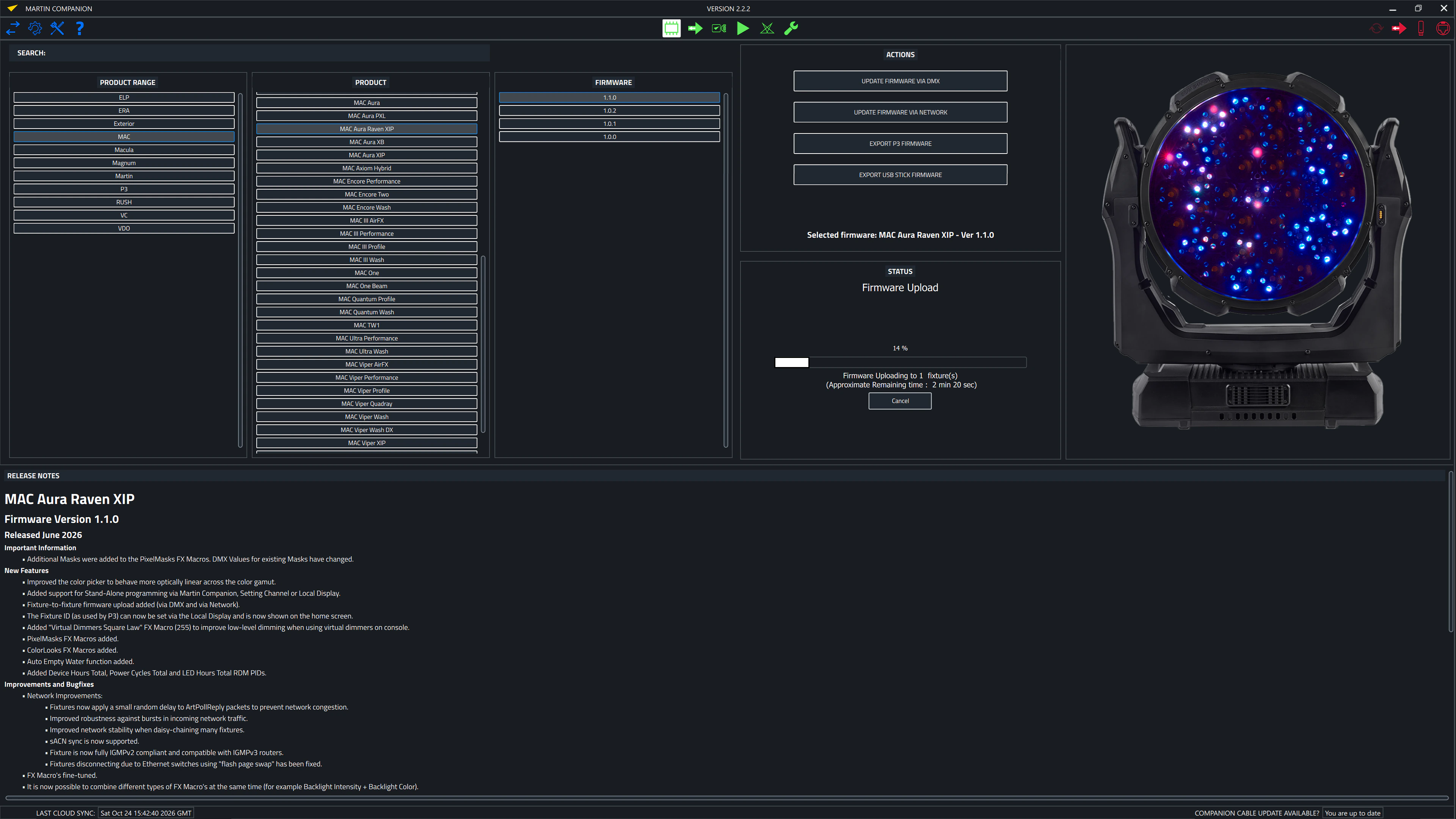
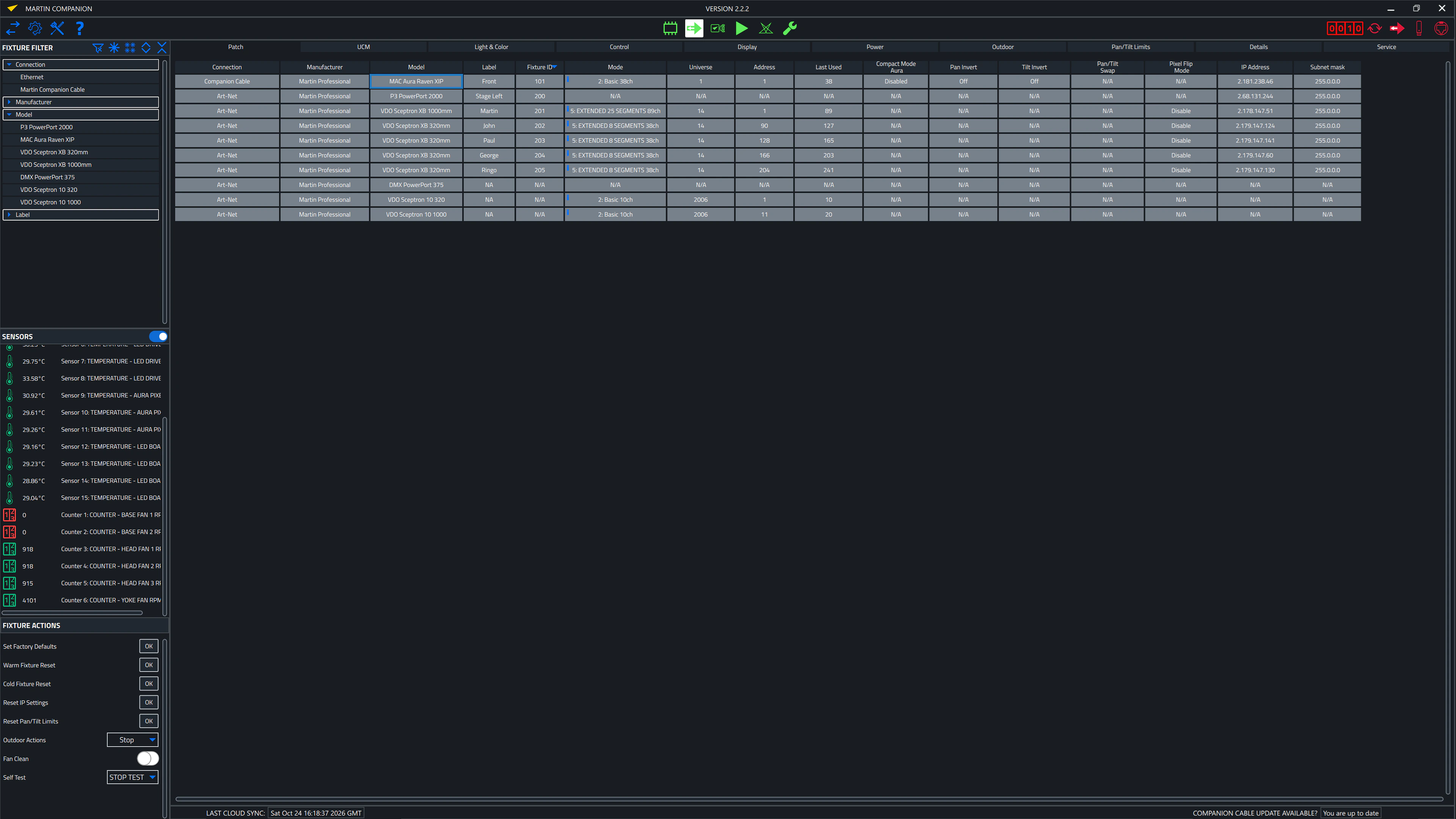
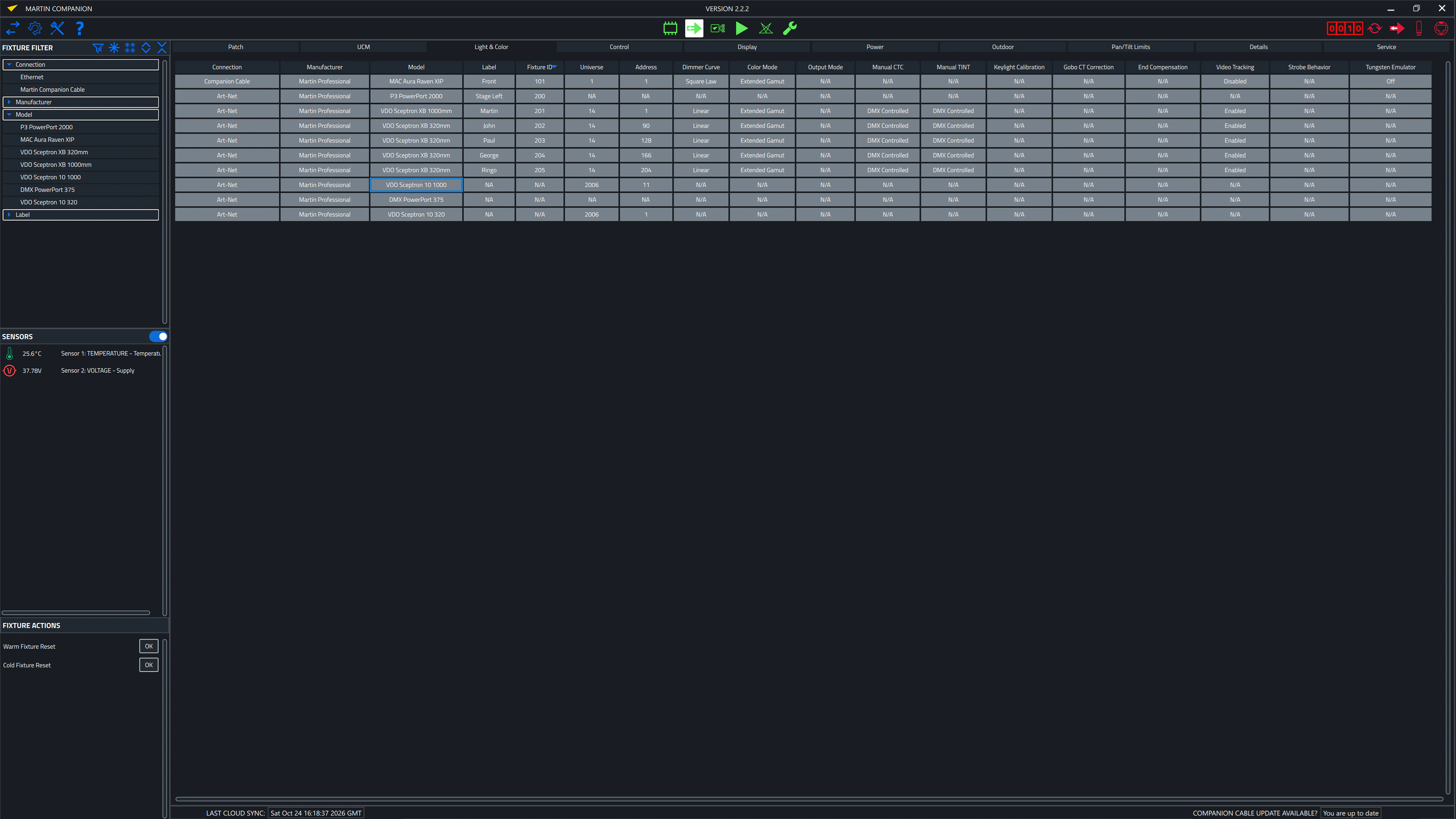
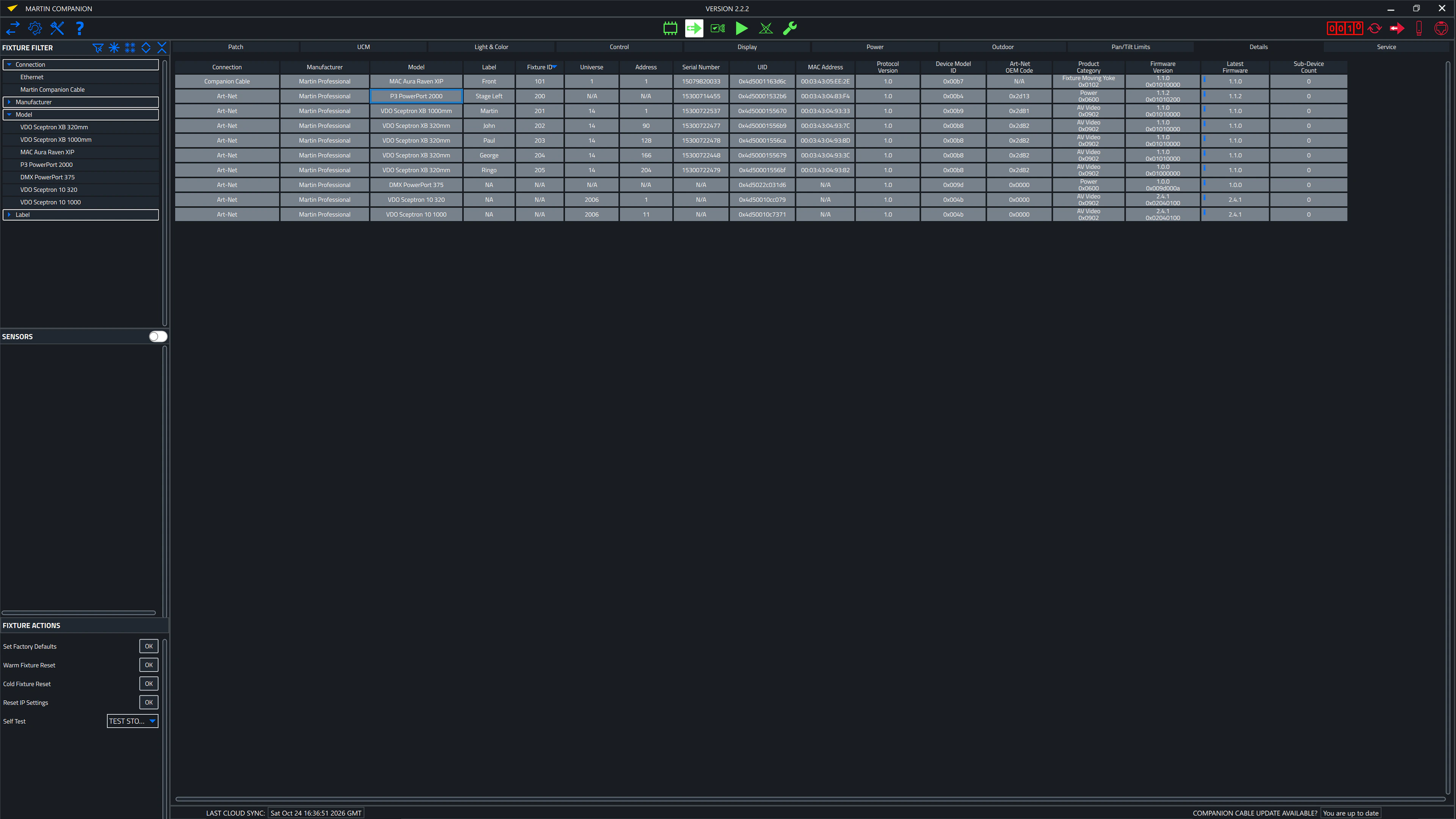
Companion Desktop is the fixture management, firmware upload and stand-alone programming tool compatible with all Martin fixtures for maximal ease of use. The Companion Desktop application synchronizes with Martin’s library over the Internet, so gone are the days of browsing the support pages to find the latest fixture firmware or spare parts overview.
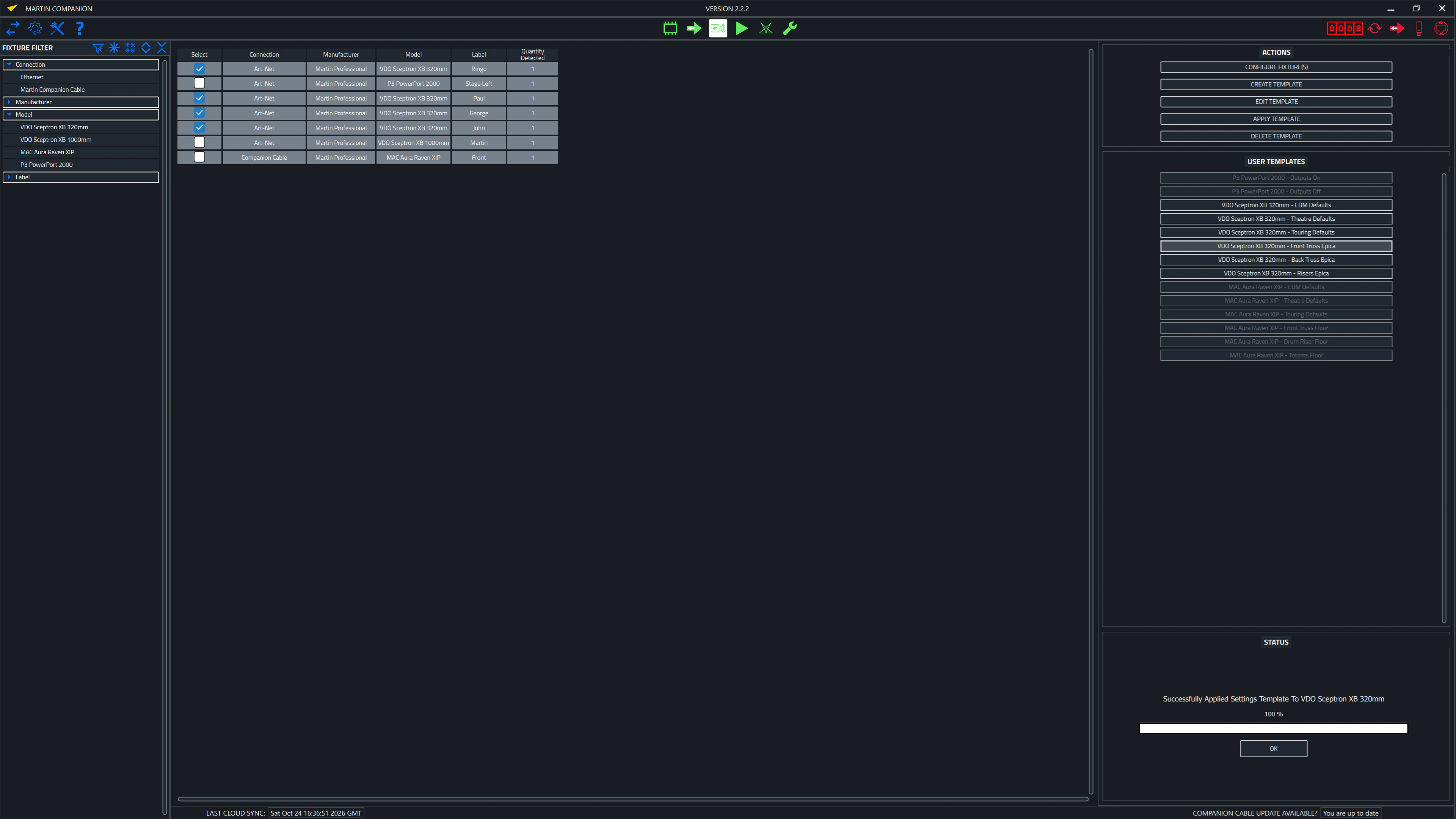
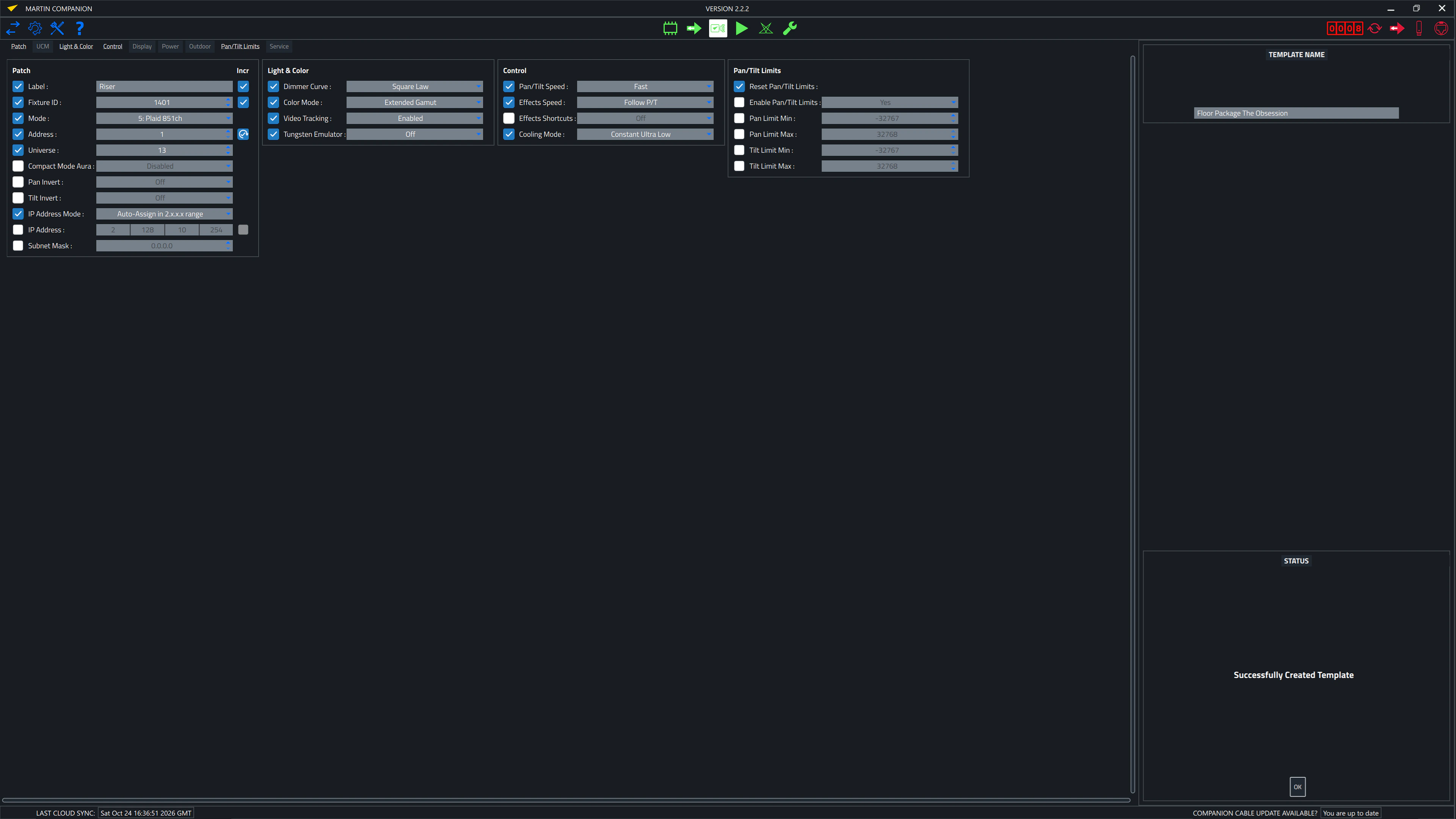
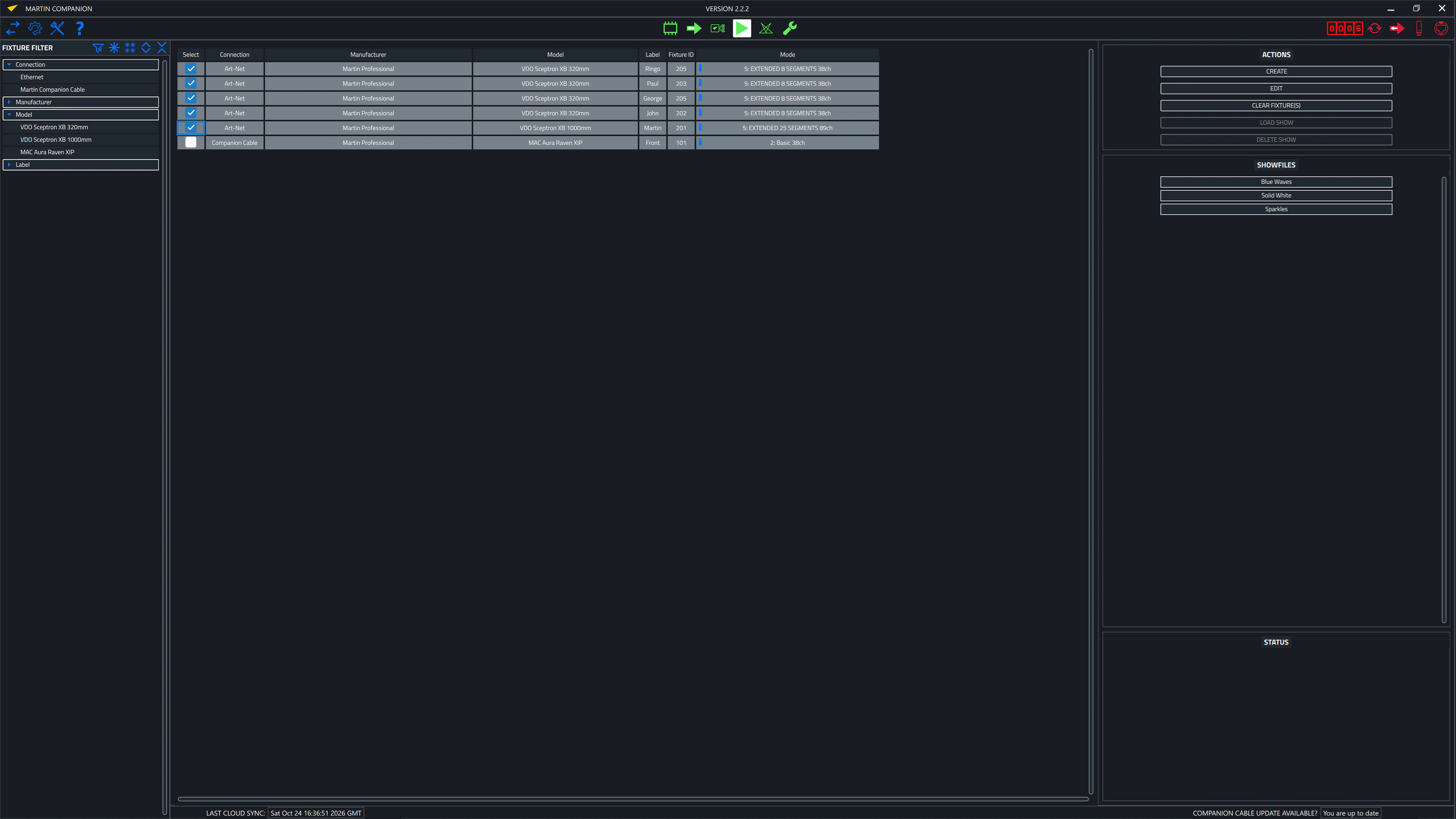
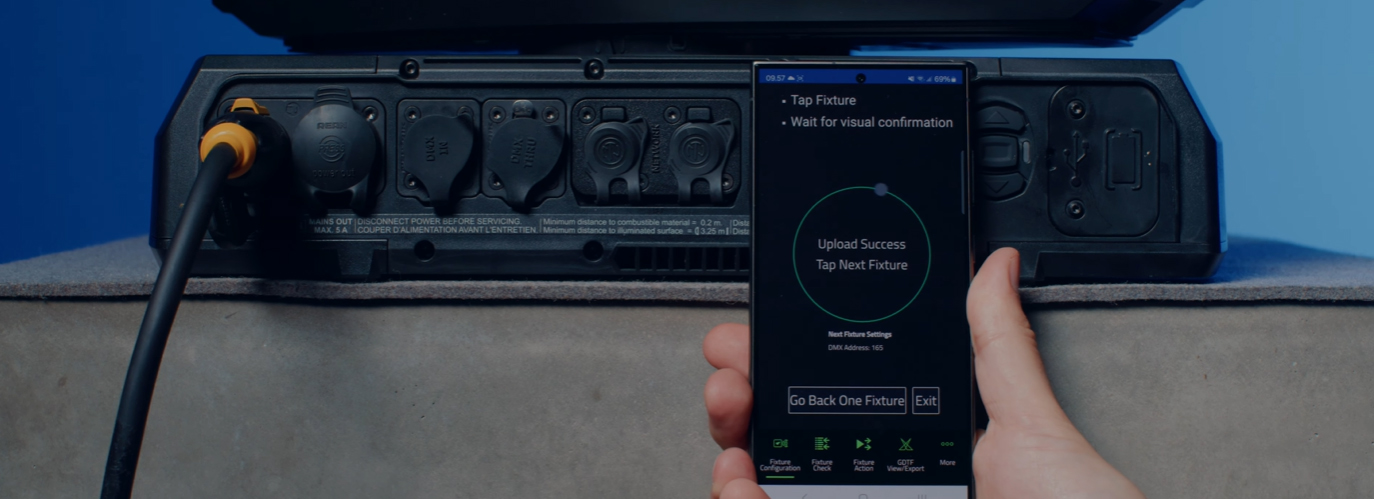
Advanced RDM integration allows all fixtures to be configured and patched remotely. To facilitate easy configuration of many fixtures in one go, a Fixture Configuration system allows an entire set of fixture settings to be pushed to all selected fixtures at once. The built-in Quick Addressing tool enables fixture addressing with just a single click per fixture.
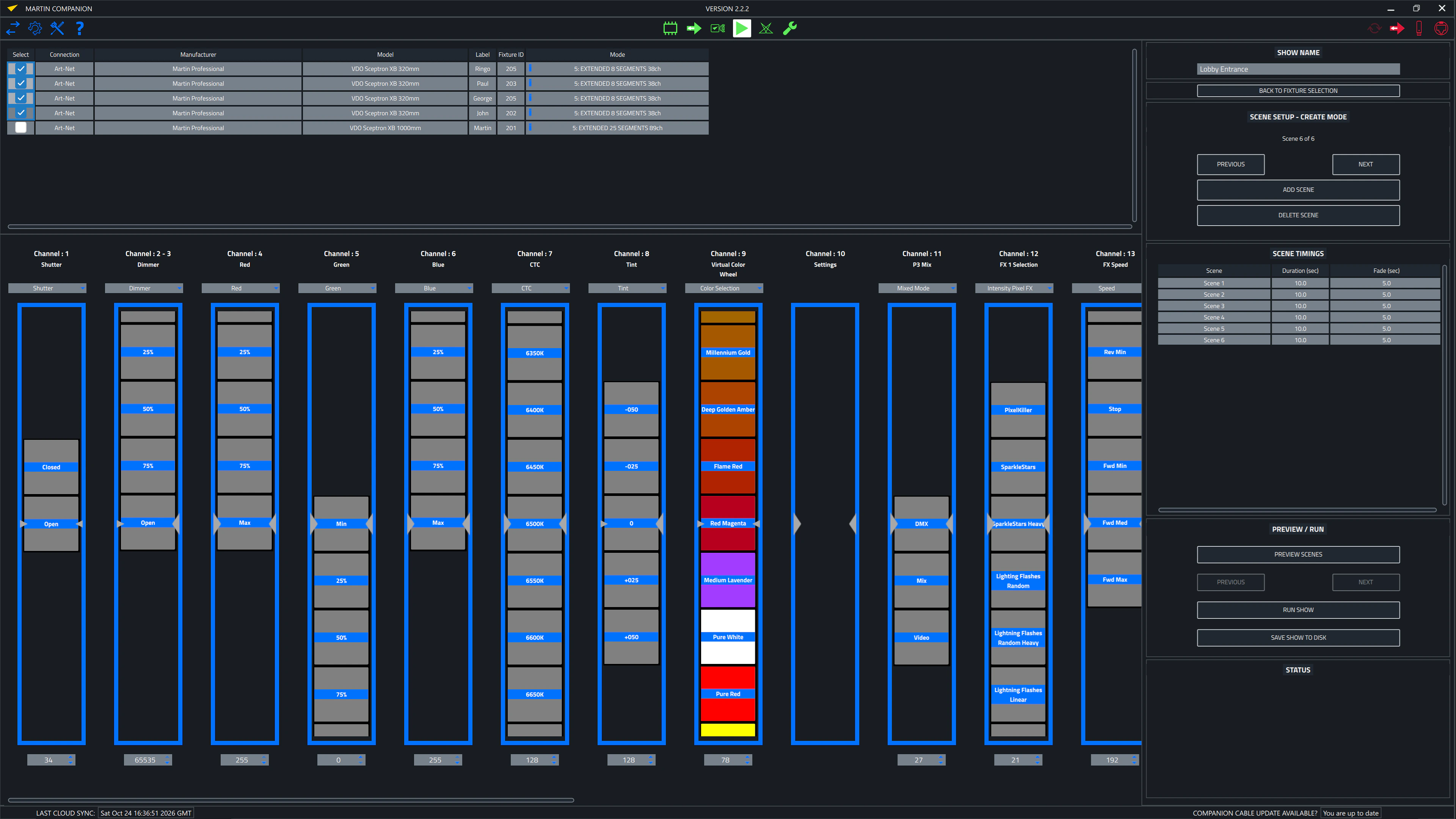
The built-in ergonomic stand-alone programming tool allows fixtures to be programmed with up to 20 scenes with individual hold and fade times. The fixtures can then run these fully synchronized, without any computer or controller connected. Stand-alone shows can also be stored, shared and re-used later.
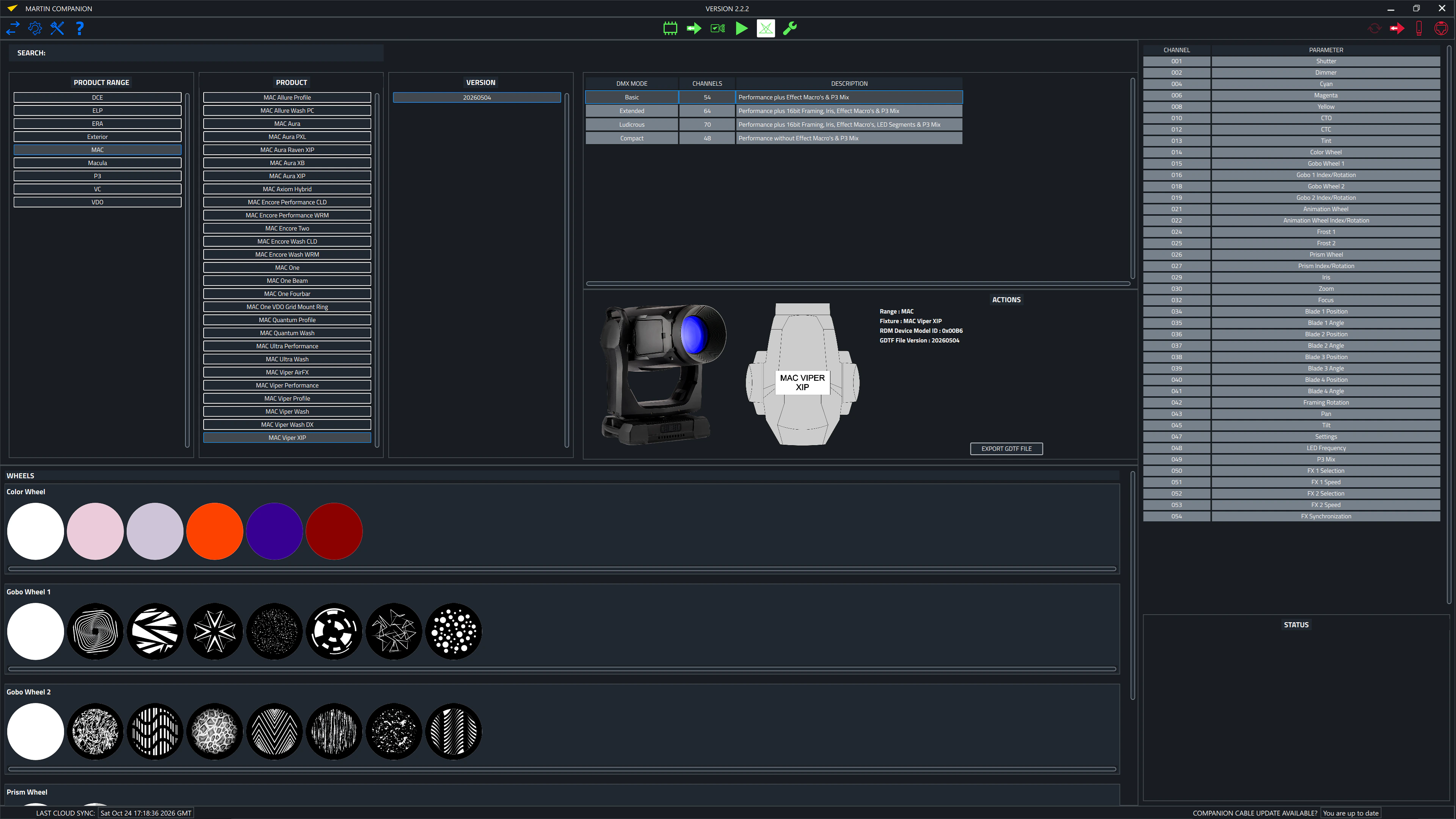
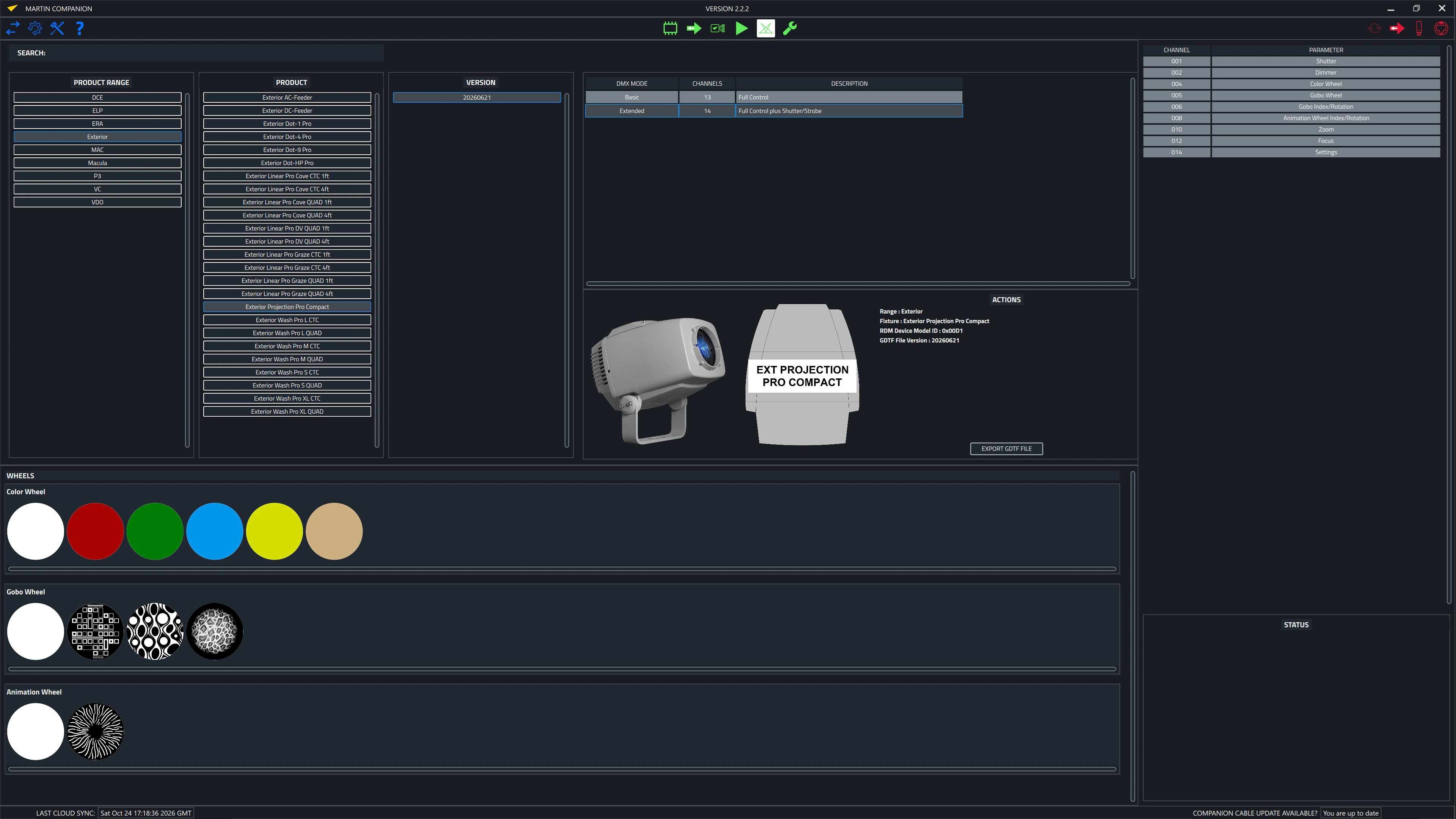
Companion Desktop also automatically synchronizes with the Martin-made GDTF files on the GDTF share. Giving you access to all fixture details such as DMX Modes, DMX Channel Listings, Gobo Loadouts and more. GDTF files can be exported directly from Companion Desktop for use with any GDTF-compatible software.
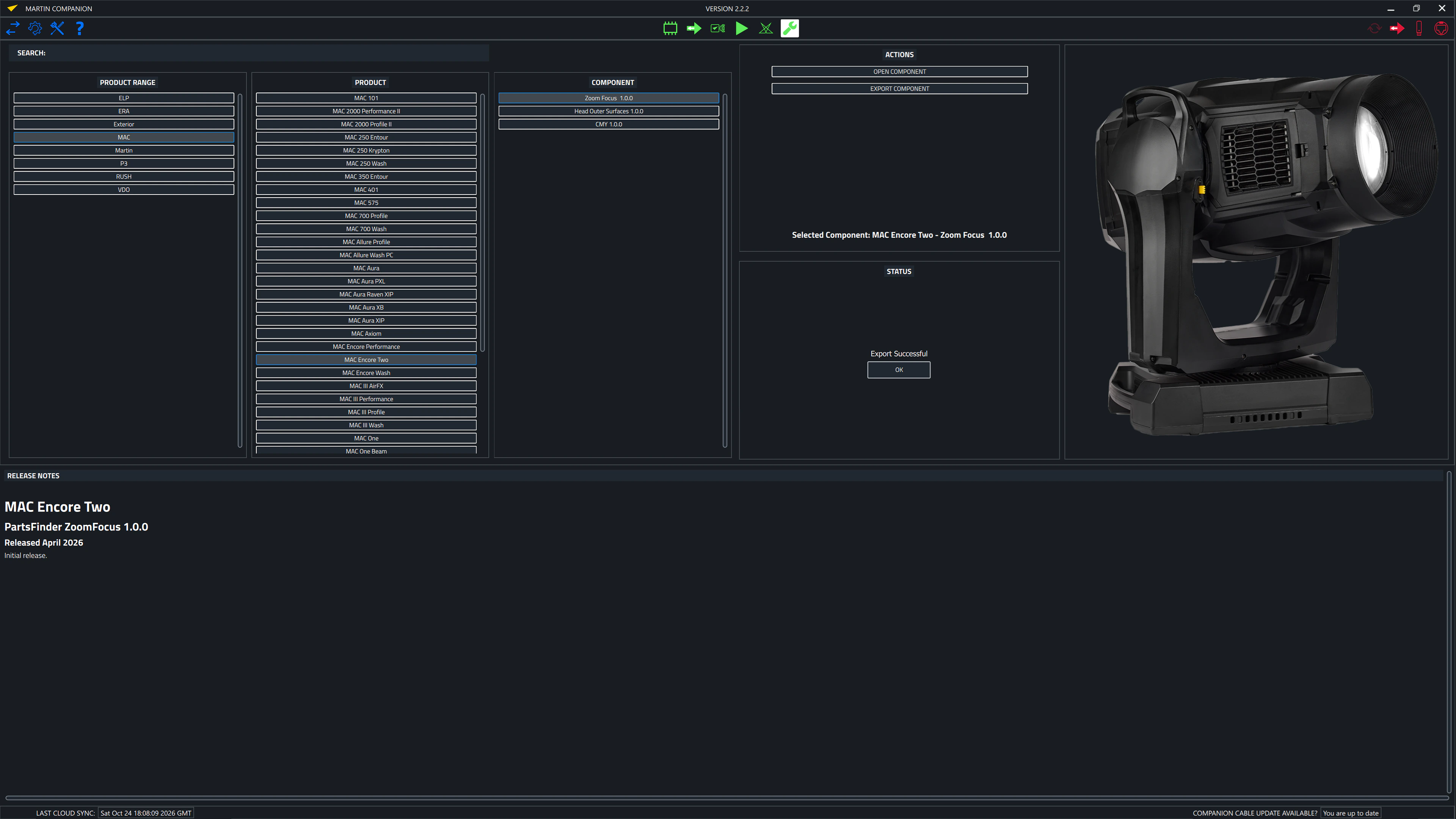
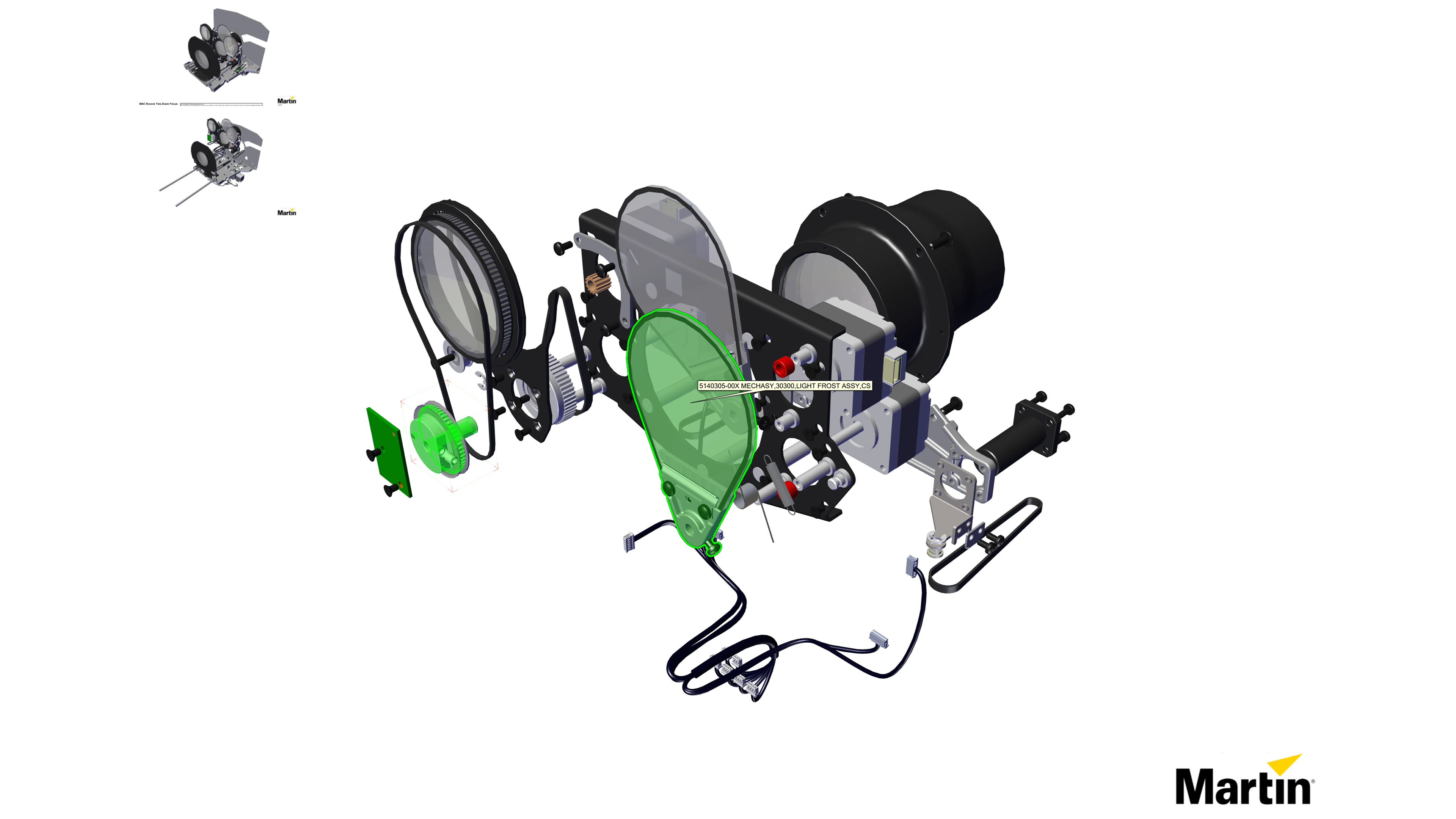
The built-in spare parts finder gives you access to a 3D model of each Martin fixture, which can be taken apart to identify spare parts.
Also check out Companion Mobile, which offers some of the same features for mobile iOS and Android devices.
Compatible with all Martin lighting fixtures
Martin Companion can upload firmware to all Martin product ranges including MAC, ERA, ELP, VDO and Exterior.
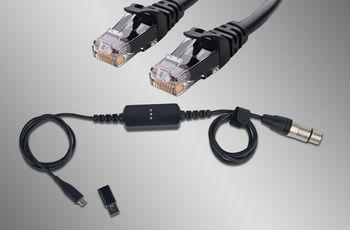
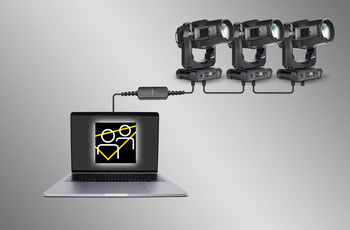
Ligação dos Projetores via DMX ou Rede
A ligação entre o Martin Companion e os projetores pode ser estabelecida através do cabo Martin Companion ou de uma interface de rede padrão.
Sincronização Automática na Nuvem
A sincronização online garante que você sempre tenha em mãos o firmware mais recente das luminárias, o localizador de peças de reposição e os arquivos GDTF. Não é necessário navegar pelas páginas de suporte para encontrar o firmware, as peças de reposição ou o arquivo GDTF mais recente: o Martin Companion faz isso por você.
Exportar para atualização via USB ou P3
O firmware também pode ser exportado do Martin Companion para atualizar uma luminária por meio de um dispositivo de memória USB ou do Martin P3 System Controller, como alternativa à atualização de luminárias pelo Martin Companion.
Configure e faça o patch de recursos via RDM ou RDM sobre Art-Net
O kit de ferramentas RDM integrado permite configurar e fazer o patch das luminárias remotamente. O Martin Companion oferece suporte a parâmetros RDM padrão e também a parâmetros RDM avançados específicos da Martin, permitindo configurar as luminárias para obter o melhor desempenho.
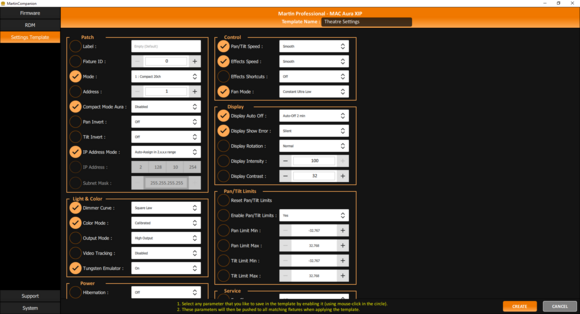
Fixture Settings Templates for Quick Deployment
Update settings of multiple fixtures in a matter of seconds. Any combination of settings can be stored in a template and then pushed to all fixtures in the rig. Gone are the days of manually checking the settings on fixtures one-by-one.
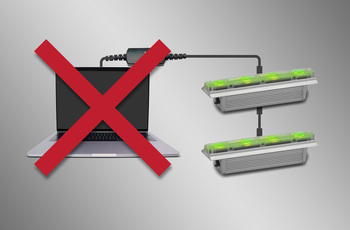
Programação Independente
Shows com até 20 cenas, com tempos individuais de espera (hold) e de transição (fade), podem ser programados em luminárias Martin selecionadas usando o Martin Companion. As luminárias executarão o show totalmente sincronizadas e sem necessidade de computador ou controlador conectado.
Visualização e Exportação GDTF
Visualize todos os arquivos GDTF criados pela Martin para consultar detalhes dos refletores e baixe-os diretamente do Martin Companion para acesso fácil a qualquer momento.
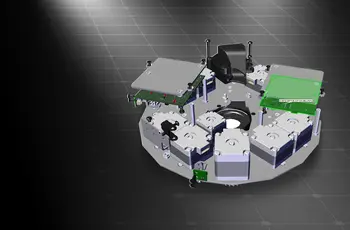
Spare Parts Finder
Open a 3D model of each Martin fixture and find the spare part you need.

 versão 2.0.0,
atualizado: dez 2023
versão 2.0.0,
atualizado: dez 2023




 Suporte para Consultores