
Companion Mobile

모바일, 앱 기반 픽스처 구성 및 진단 도구

Companion Mobile

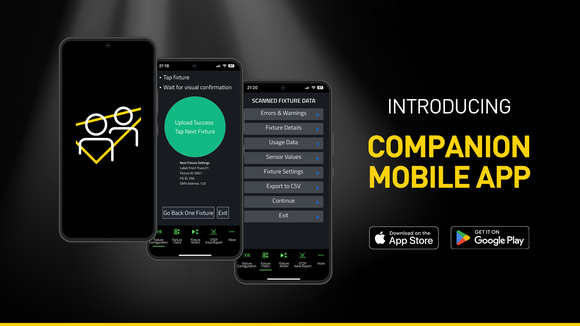
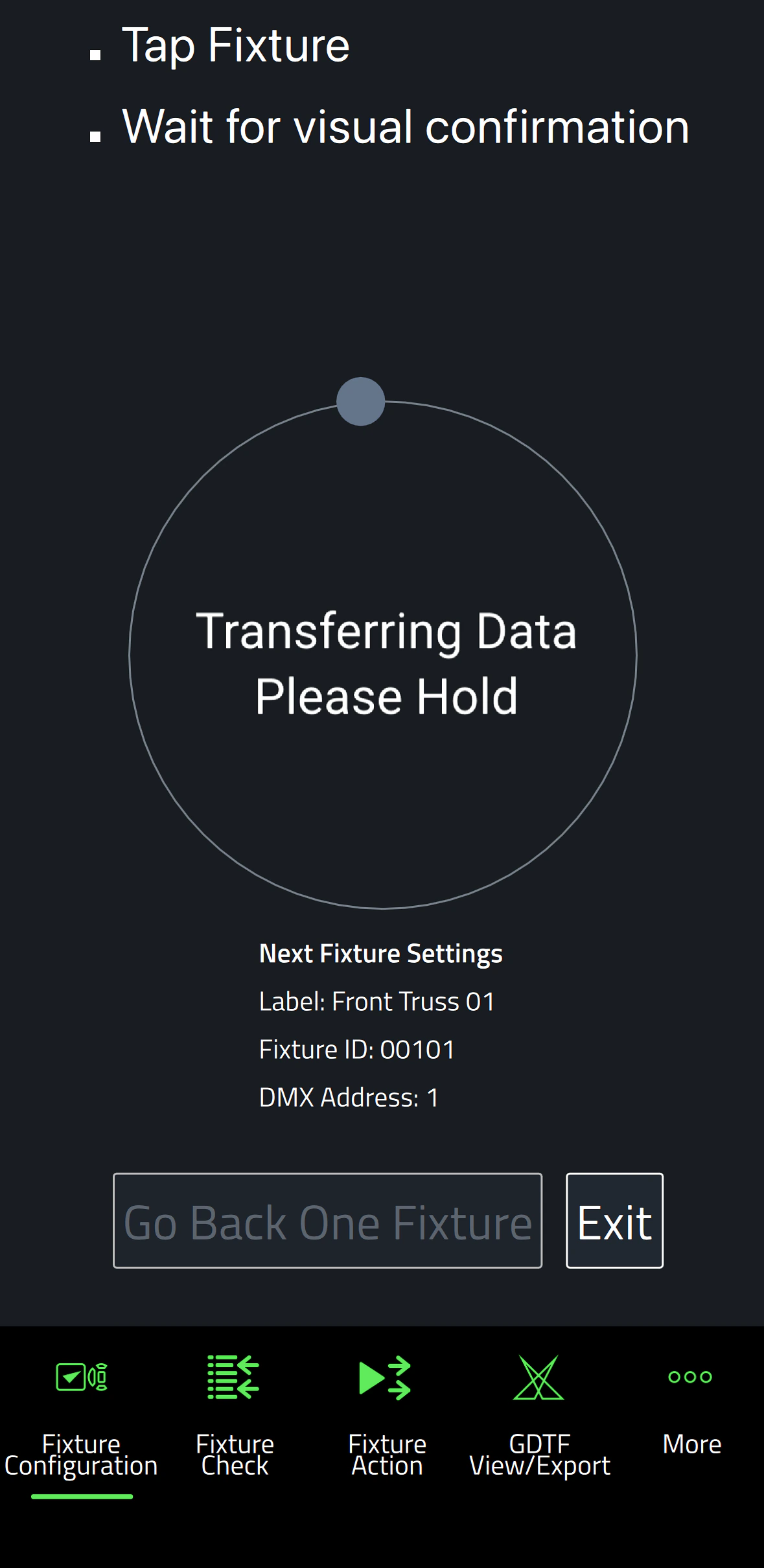
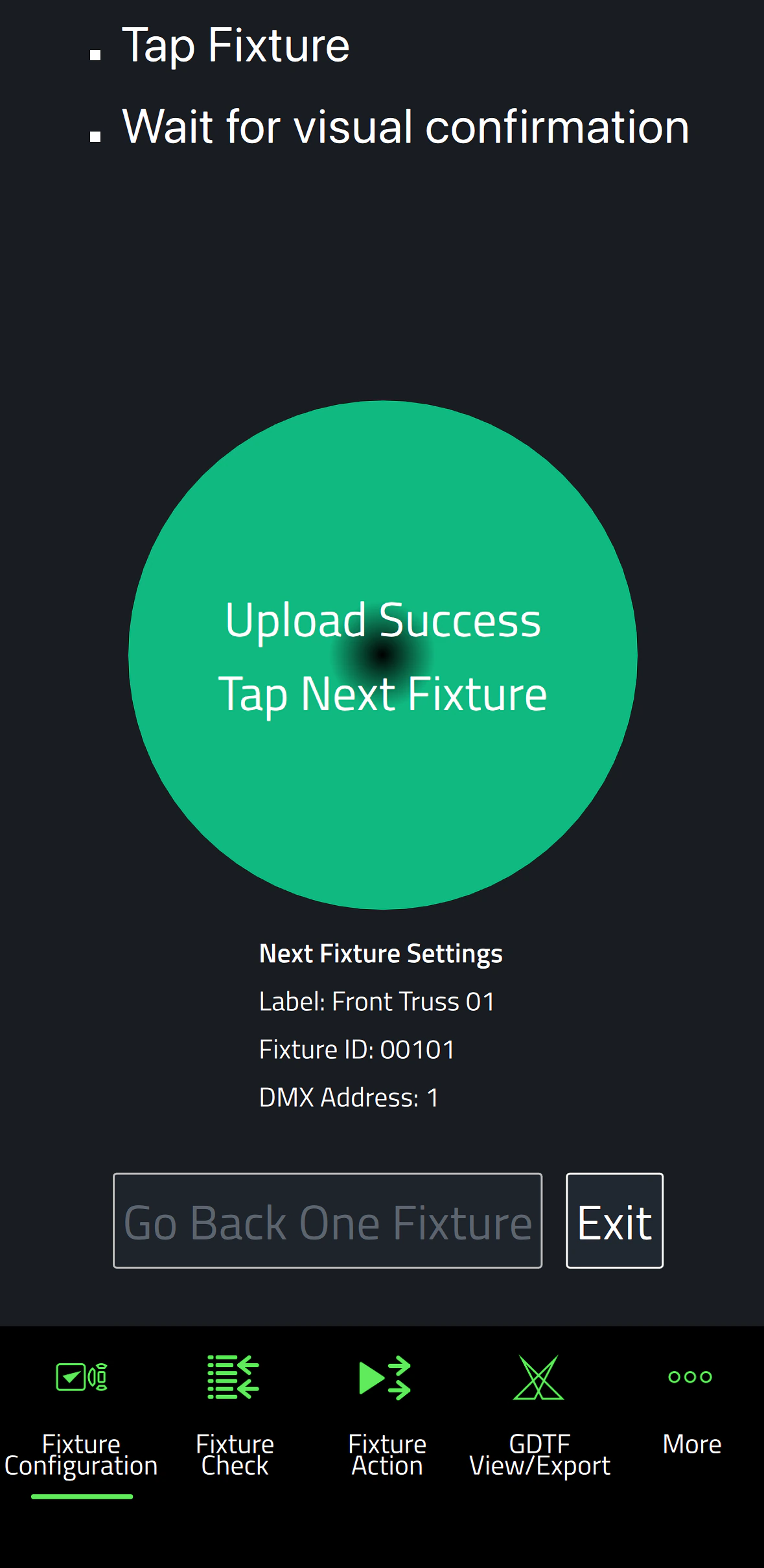
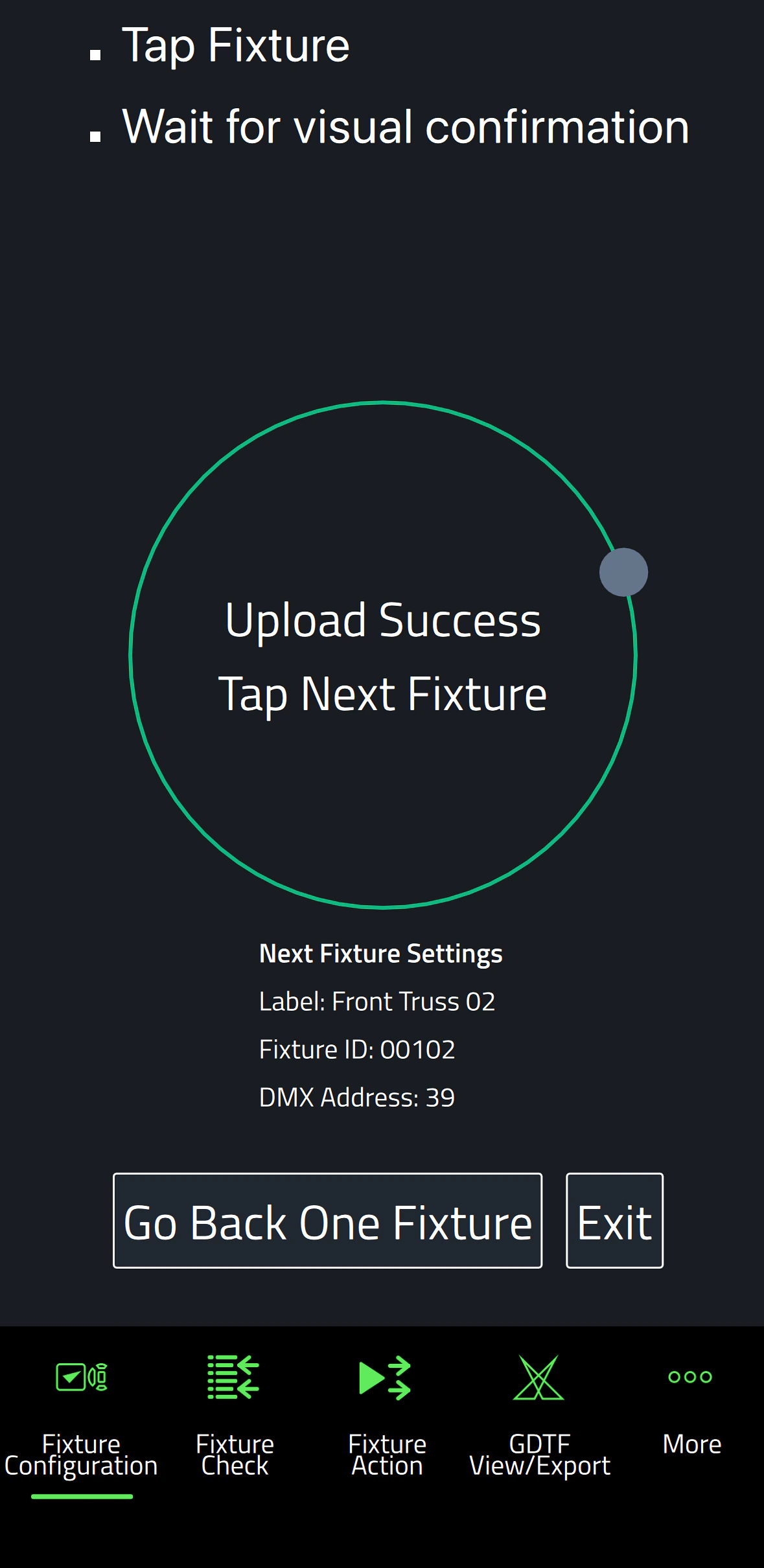
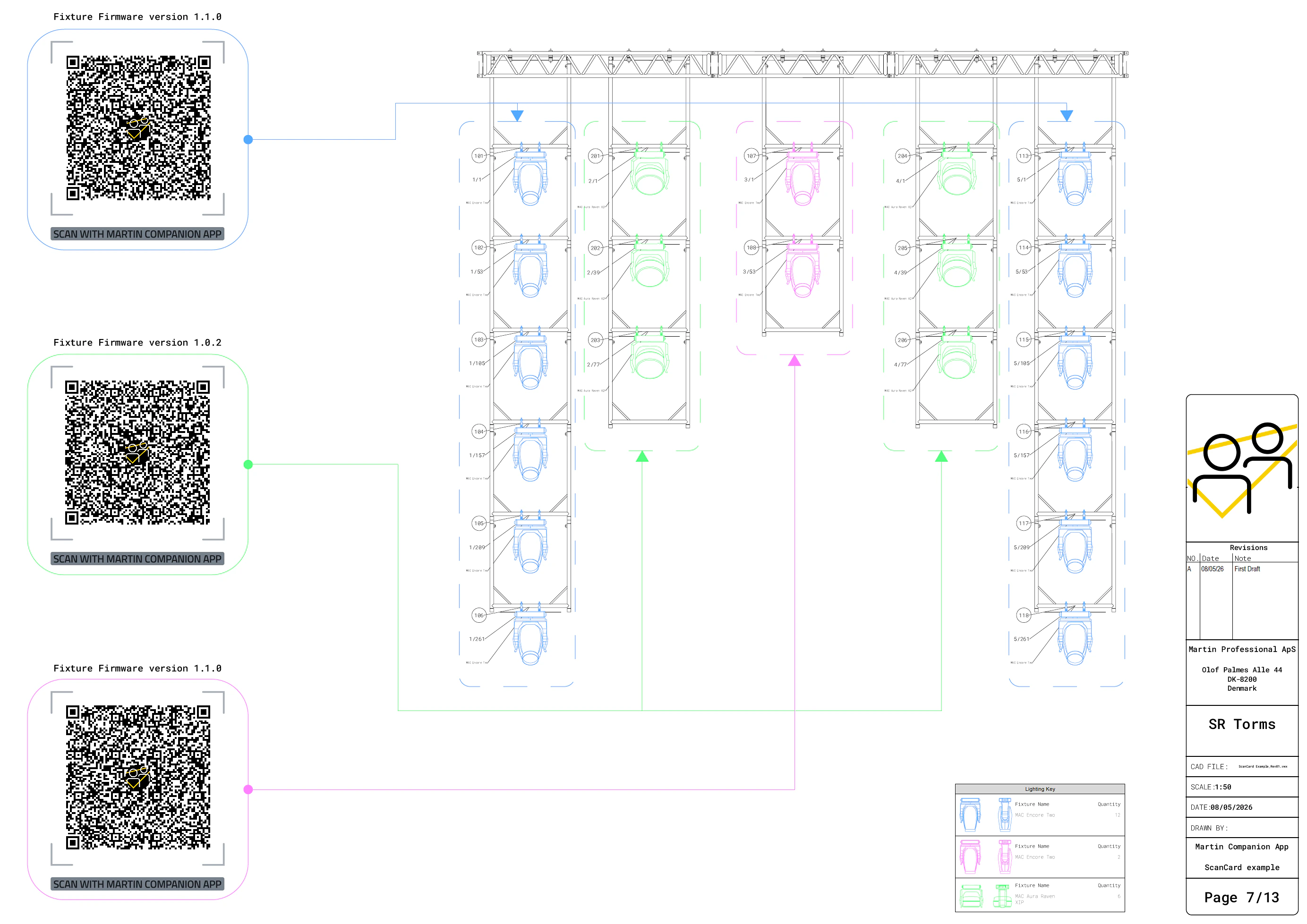
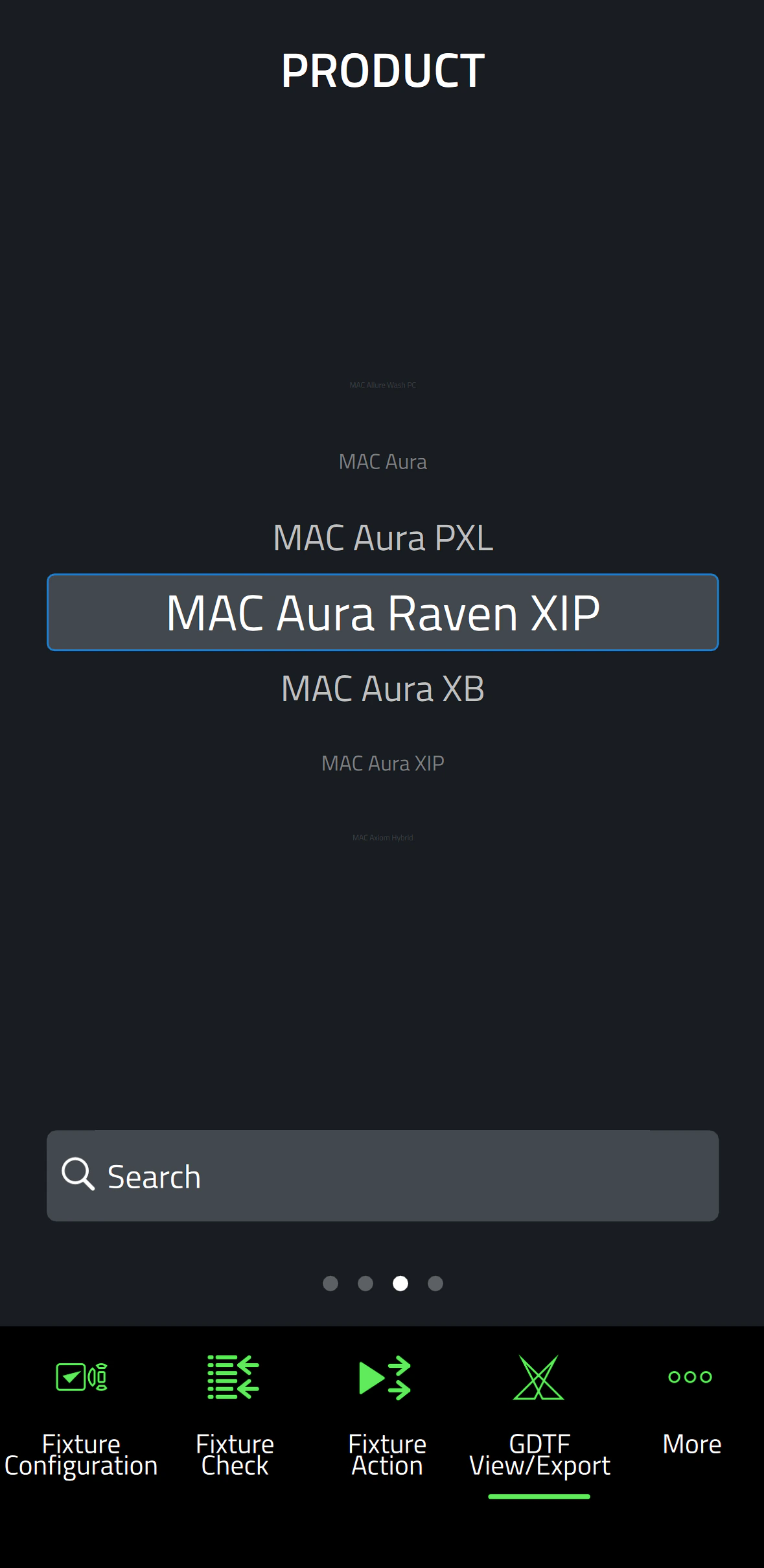
Companion Mobile은 Companion 픽스처 관리, 펌웨어 업로드 및 독립형 프로그래밍 툴의 앱 기반 버전입니다. MAC Viper XIP, MAC Aura Raven XIP, MAC Encore Two, ELP Manet 8F를 포함한 Martin NFC(근거리 무선 통신) 지원 픽스처와 호환되며, 향후 계획 중인 많은 추가 픽스처도 지원합니다. 이 무료 앱은 iOS 및 Android 모바일 기기에서 사용 가능합니다.

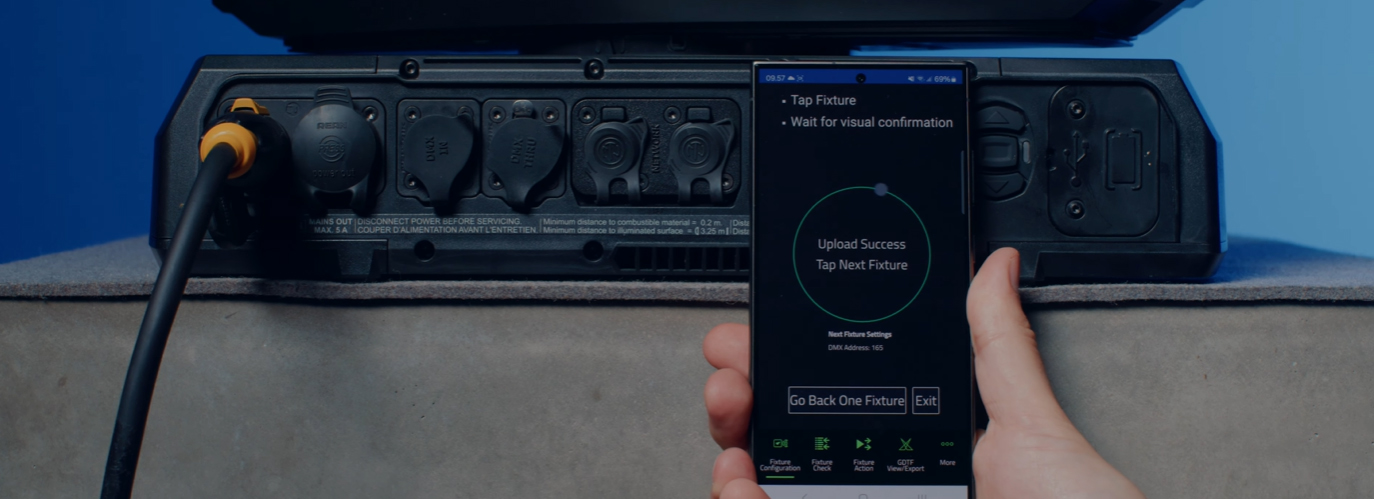
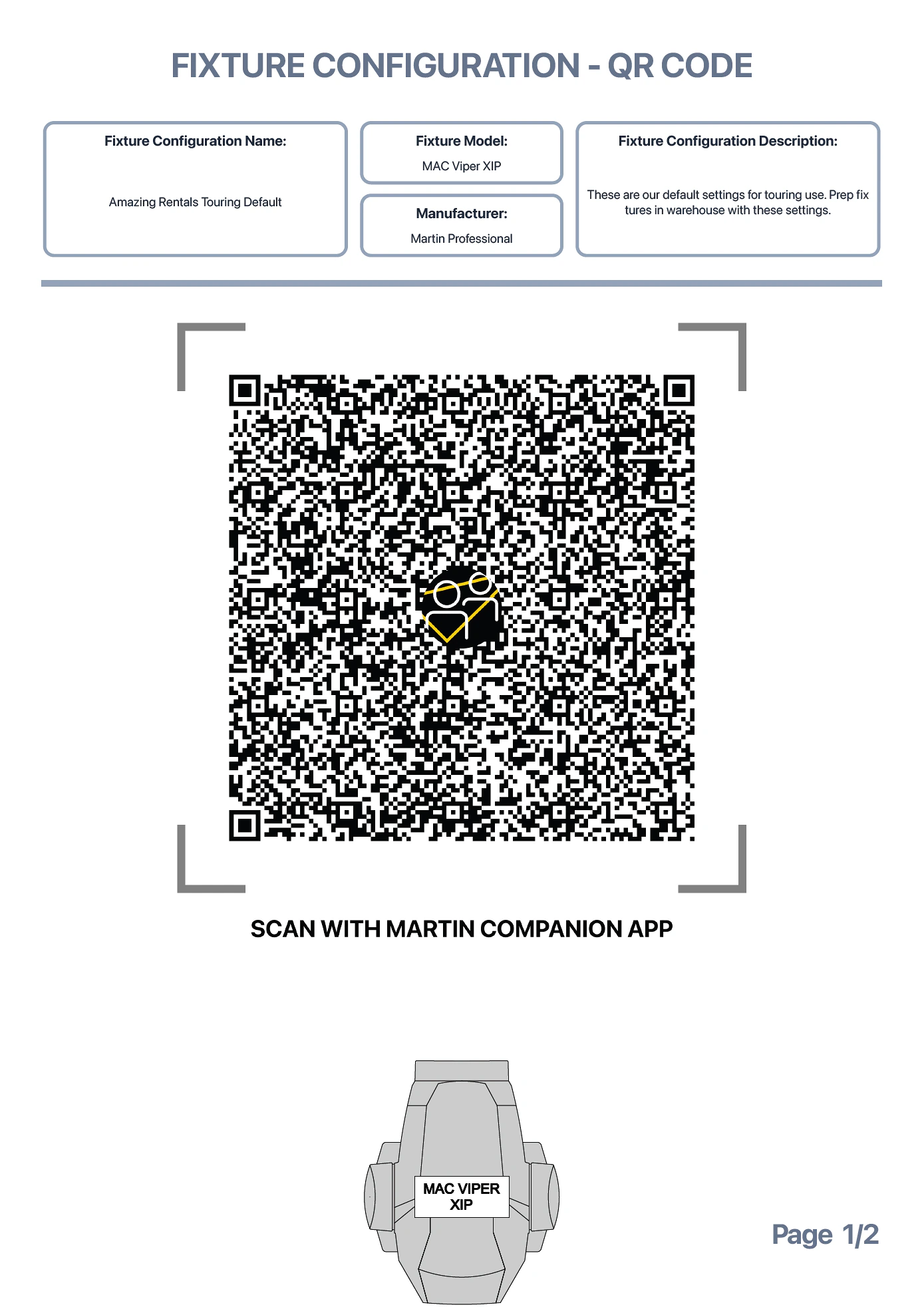
인기 있는 Companion Desktop 애플리케이션과 유사하지만, Companion Mobile은 NFC를 활용하여 무선 통신을 구현함으로써 픽스처 구성을 더욱 간단하고 쉽게 합니다. NFC 인터페이스의 장점은 픽스처의 전원을 켤 필요 없이 구성할 수 있다는 점입니다. 픽스처가 여전히 플라이트 케이스 안에 있을 때도 스마트폰으로 픽스처의 디스플레이를 간단히 터치하기만 하면 픽스처를 구성할 수 있습니다.

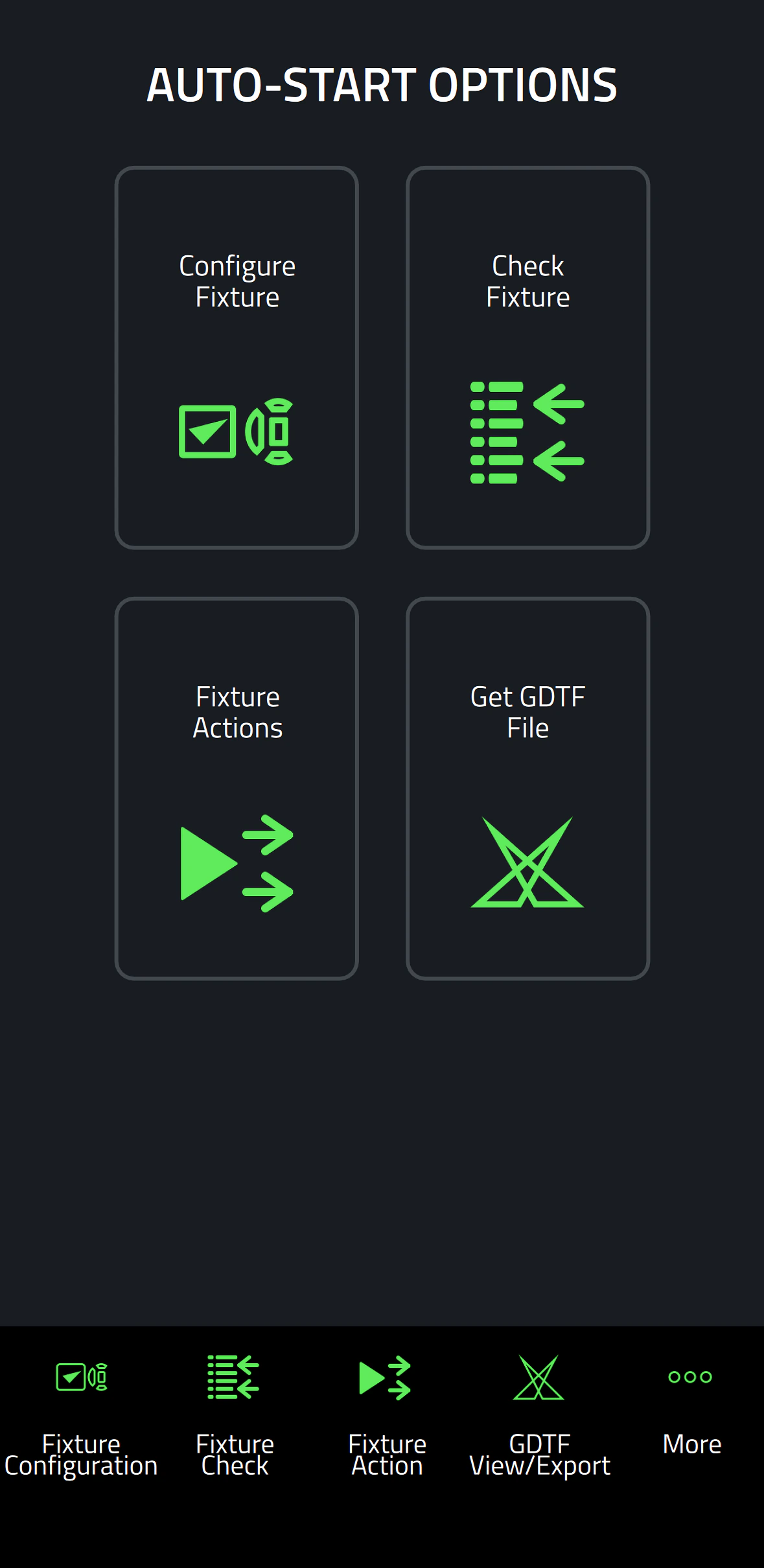
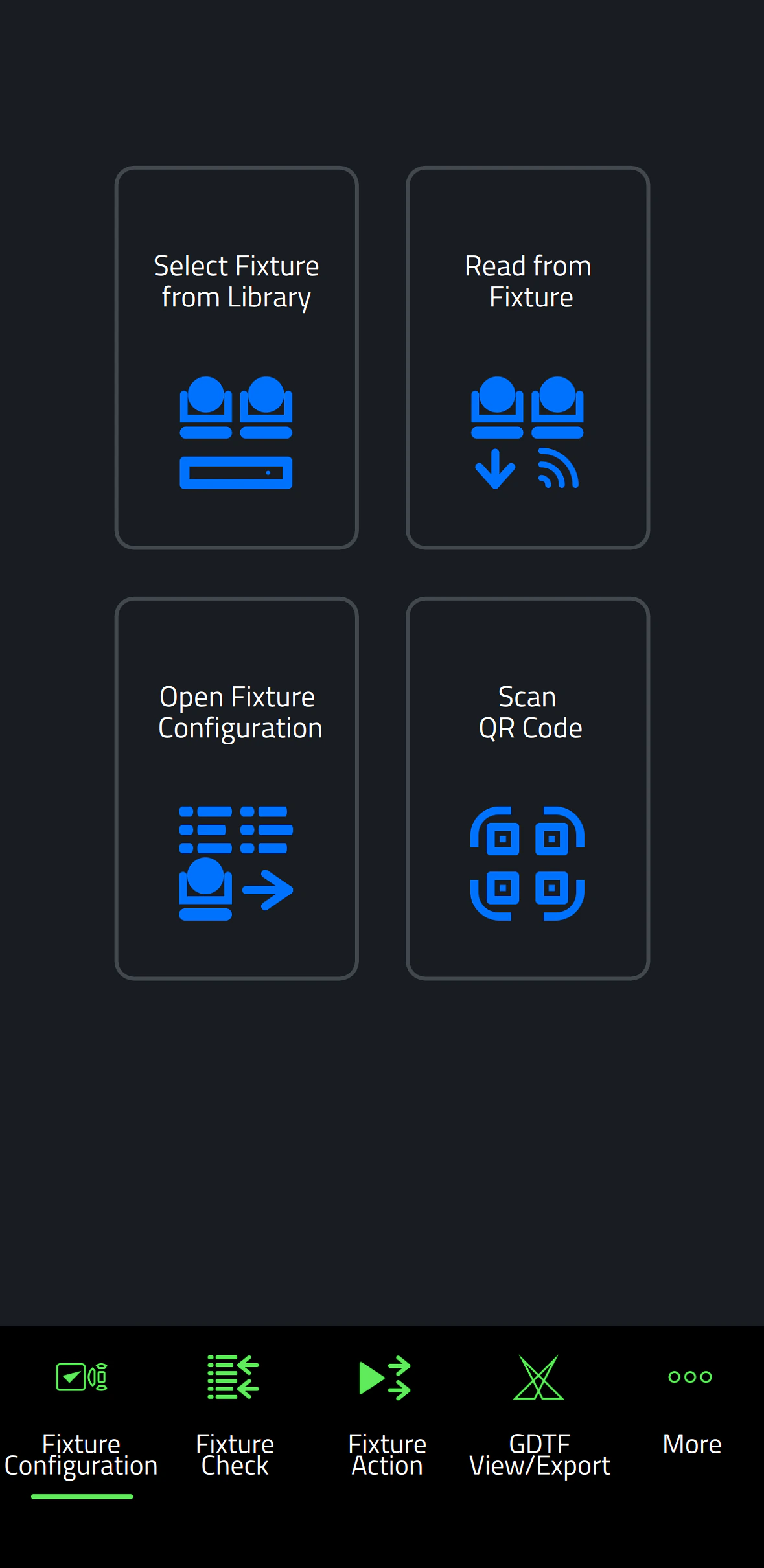
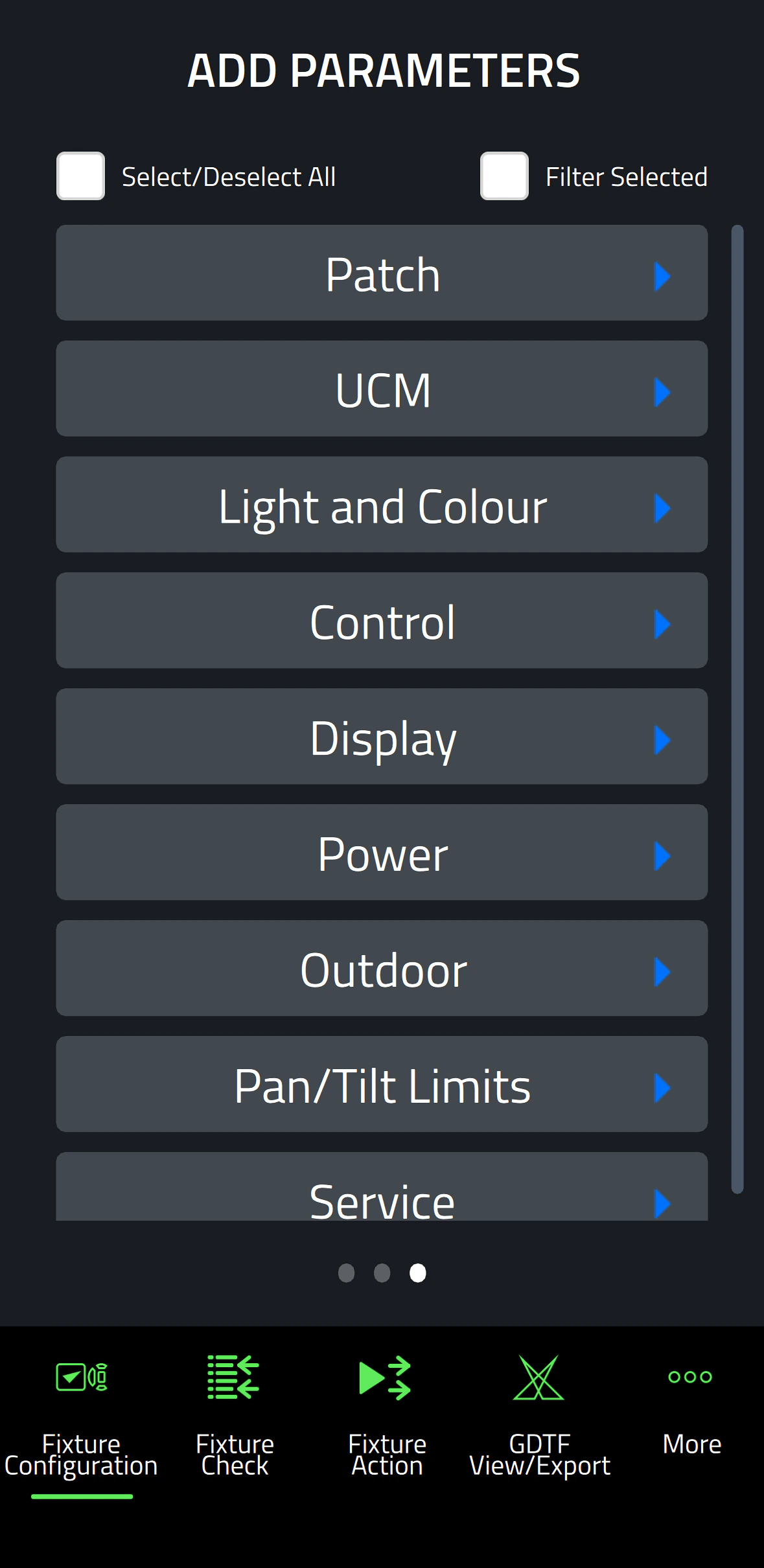
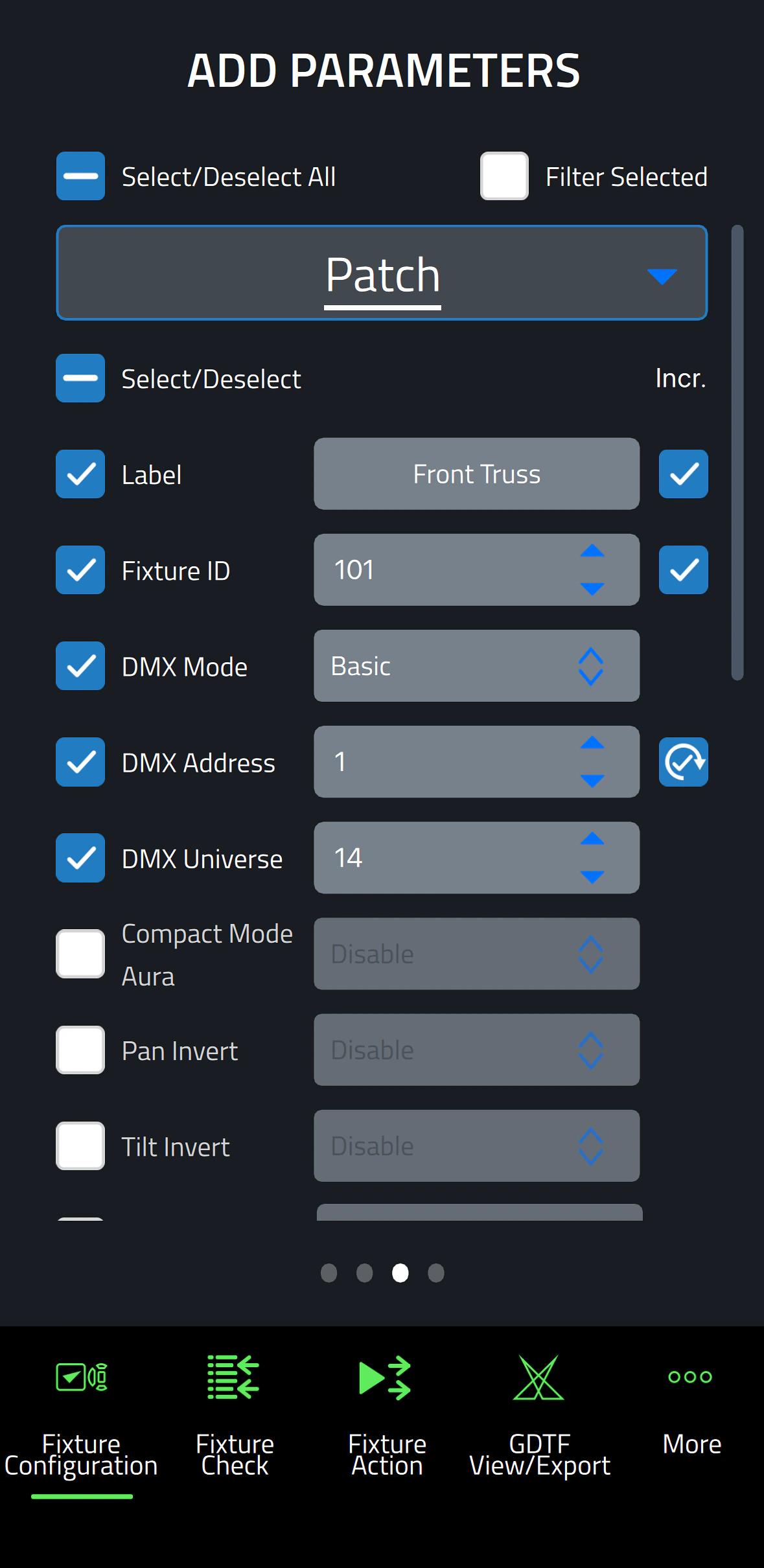
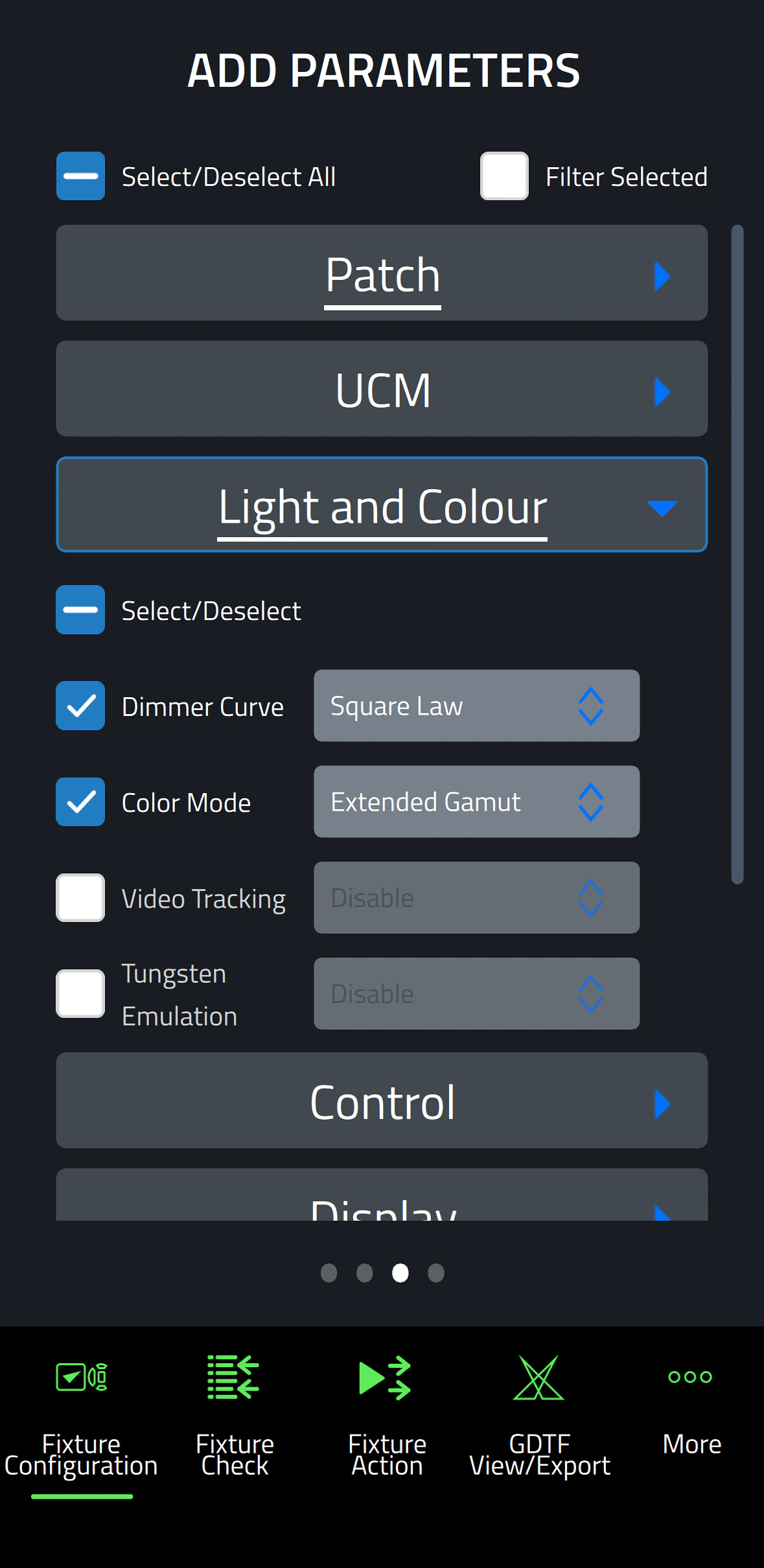
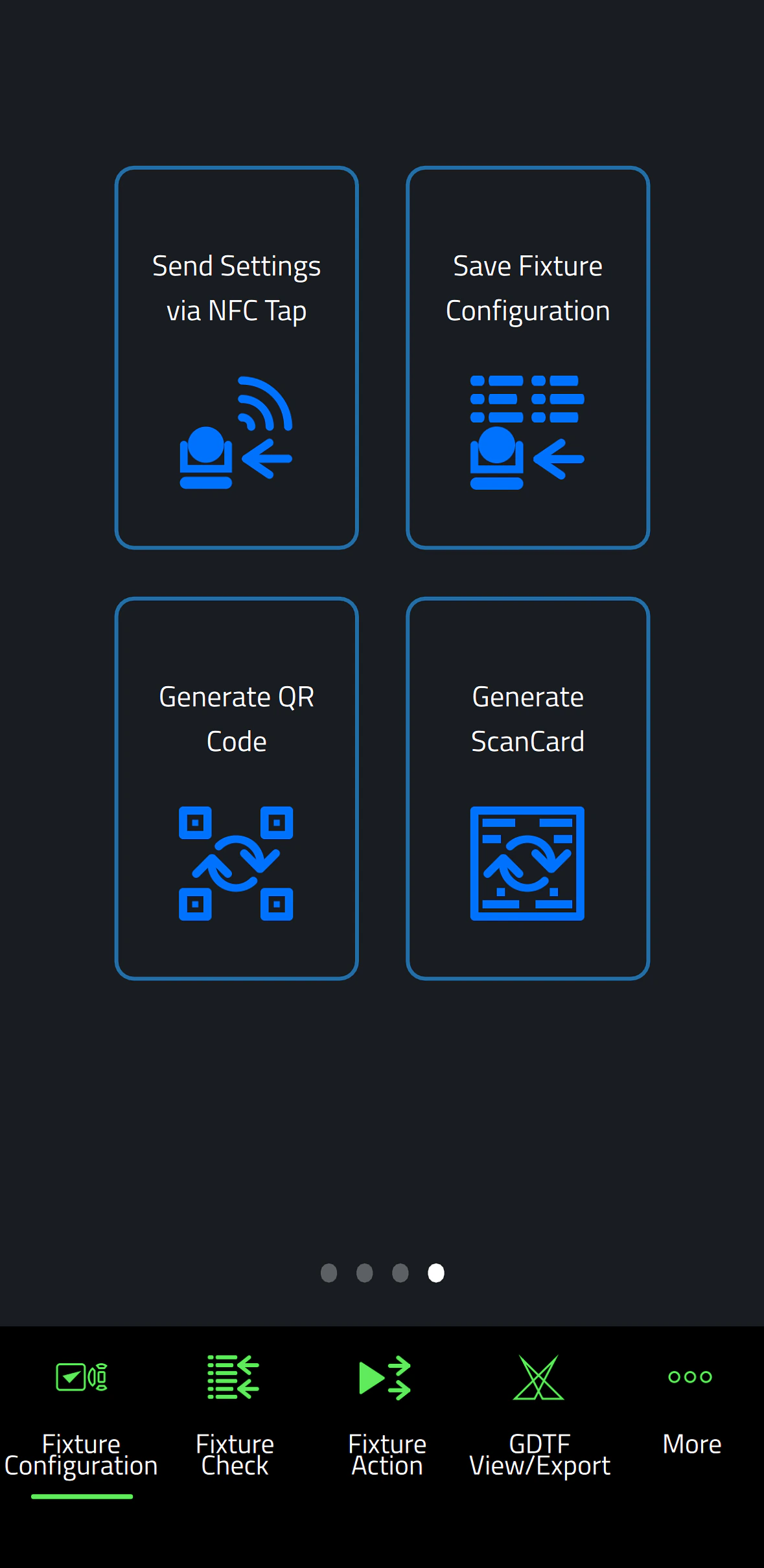
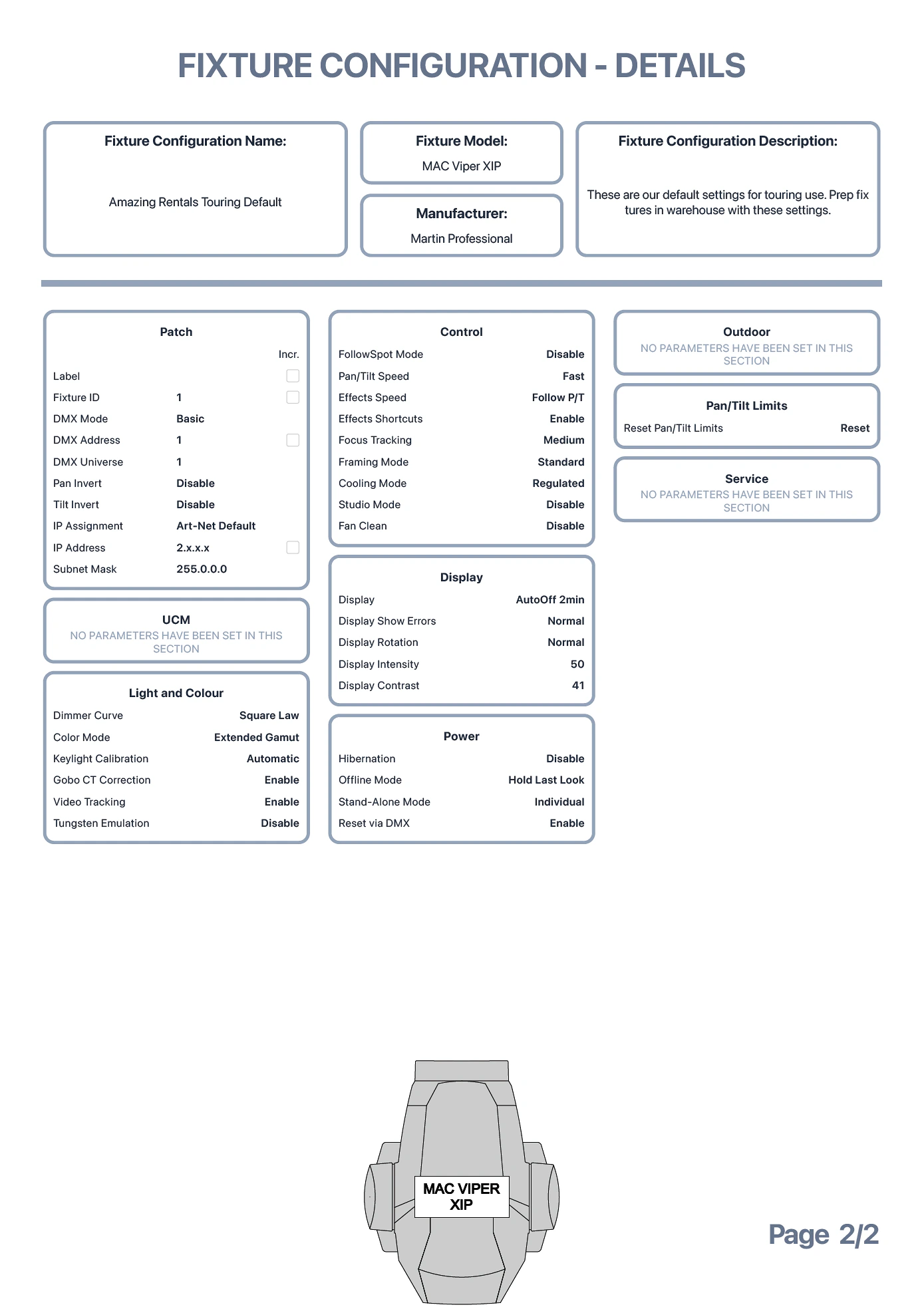
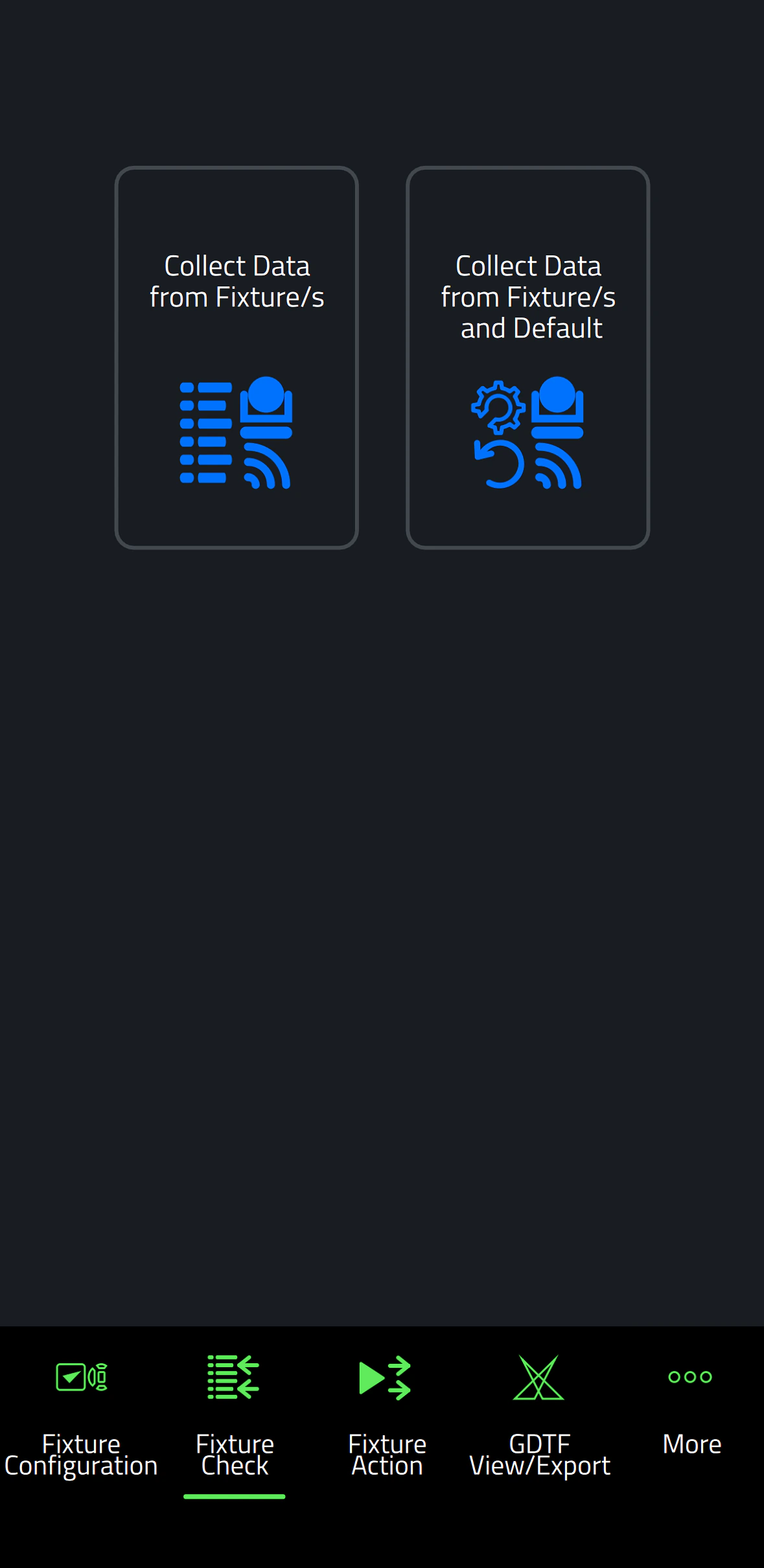
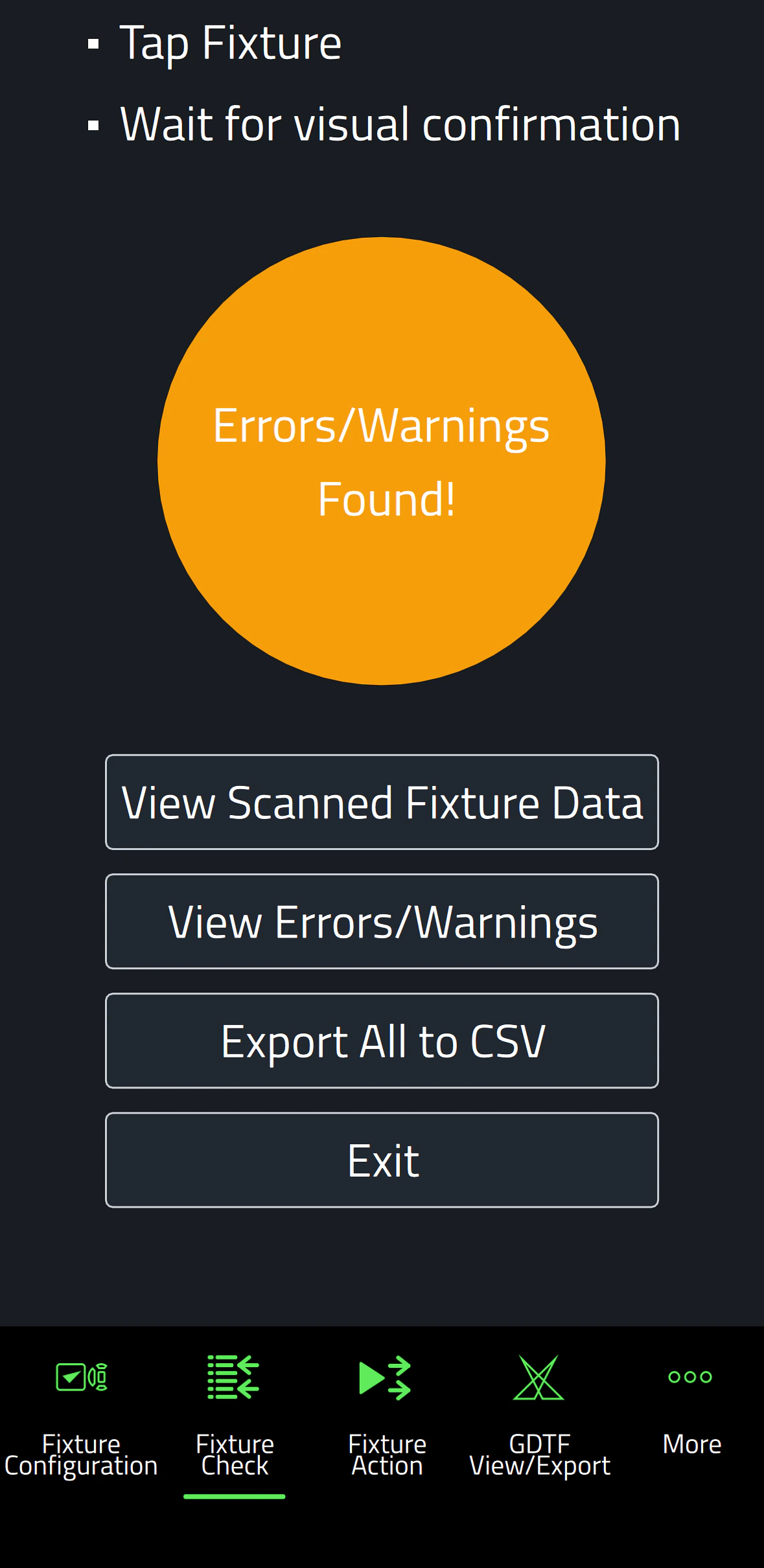
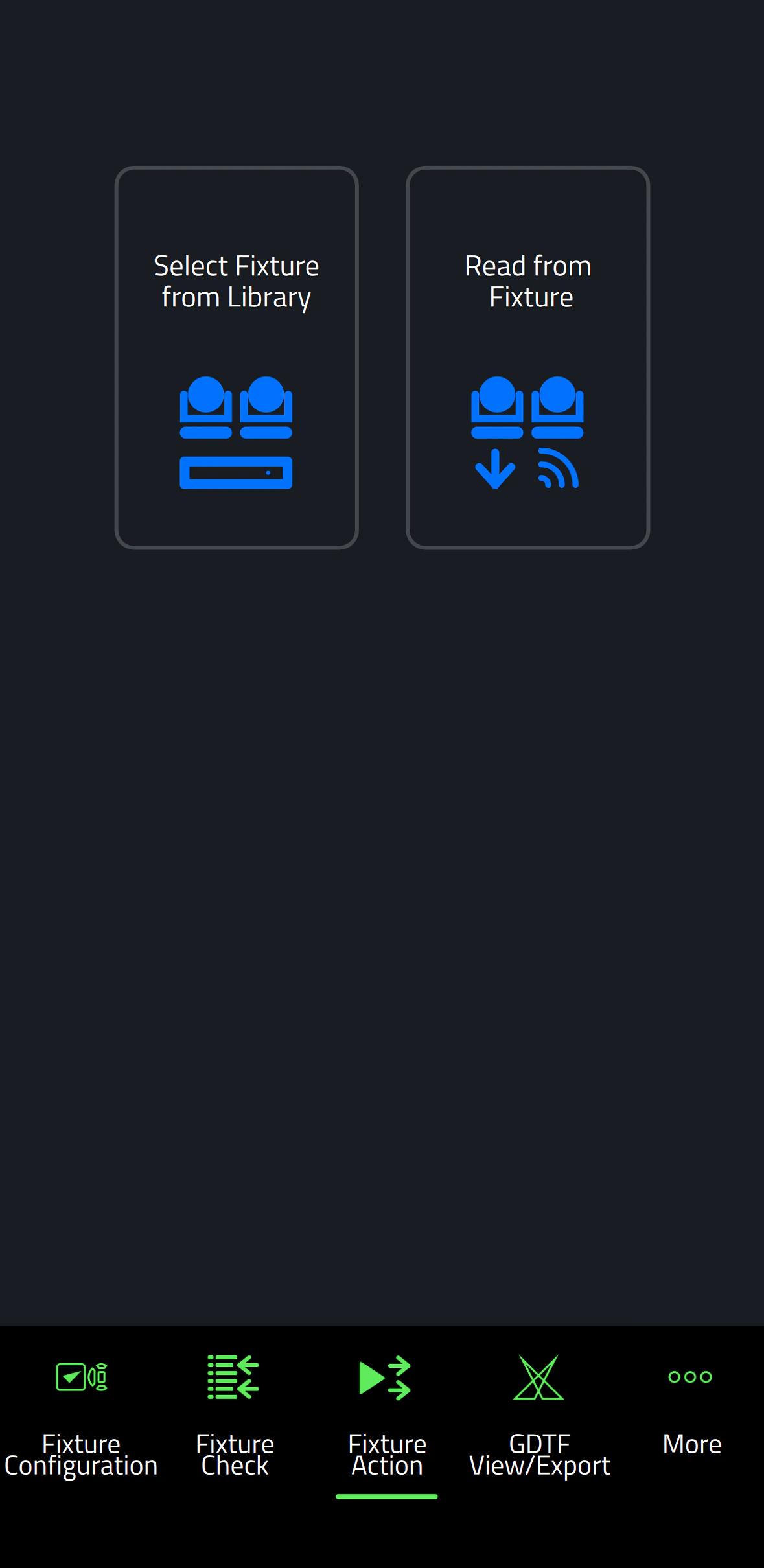
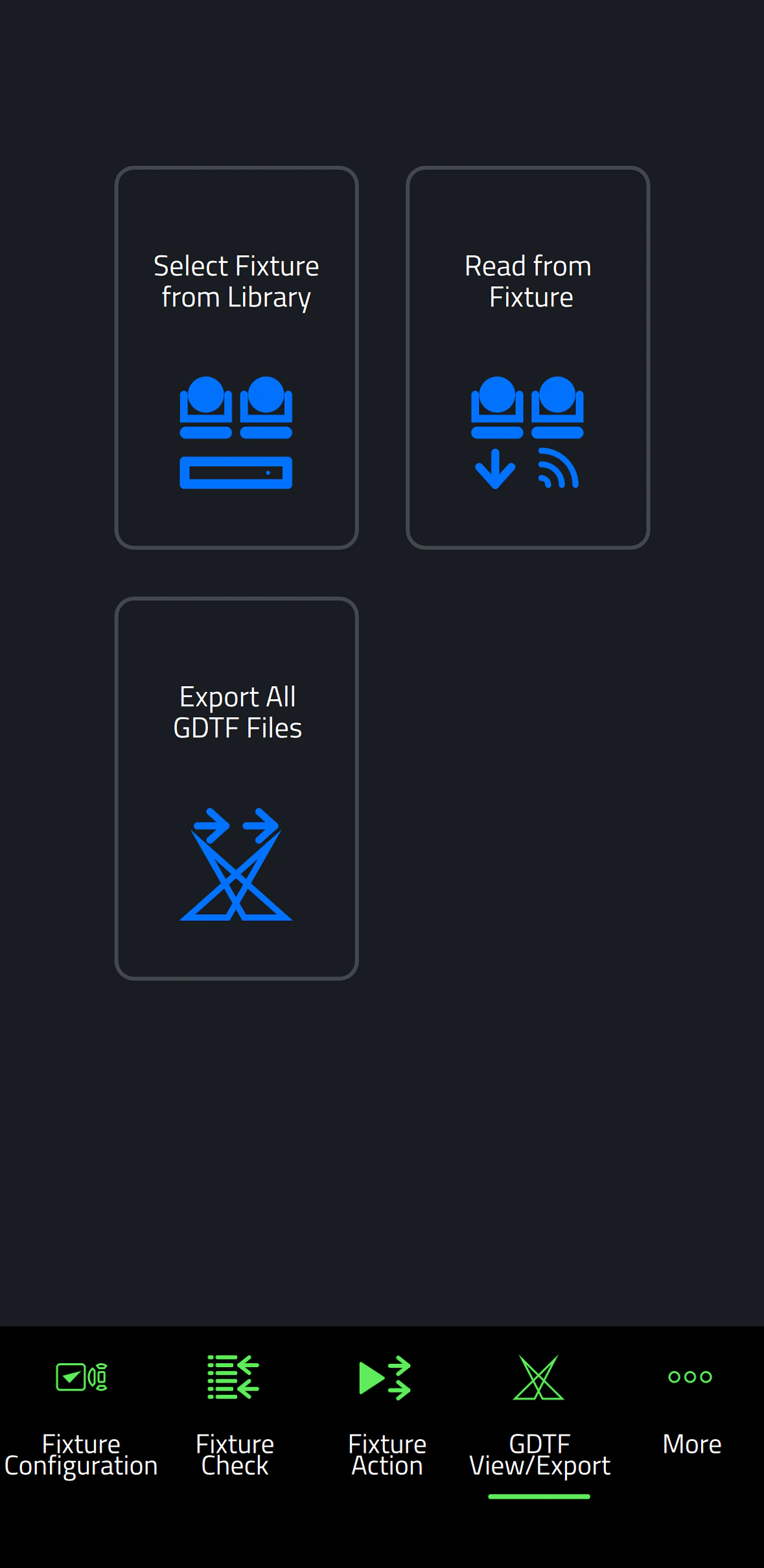
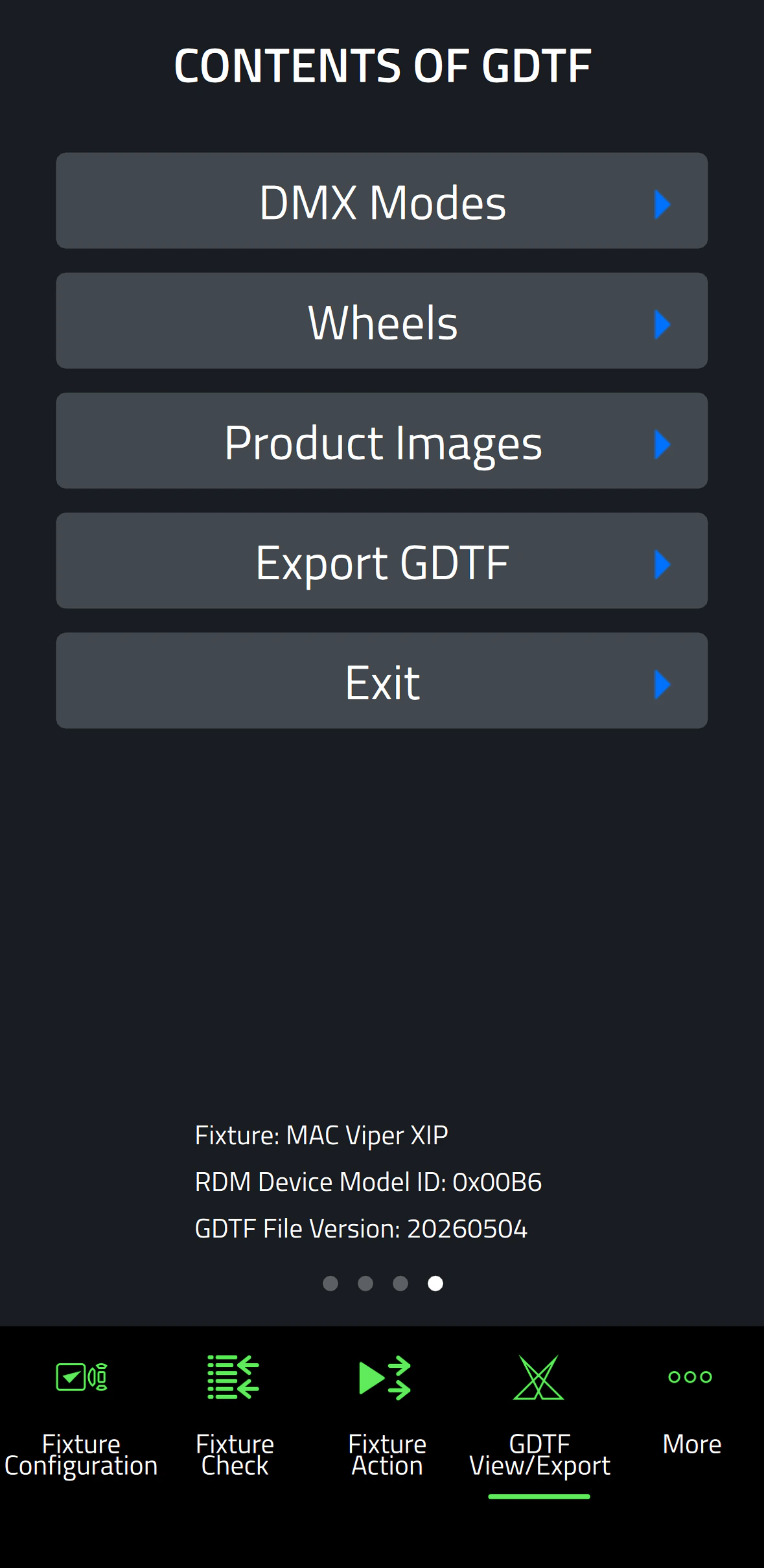
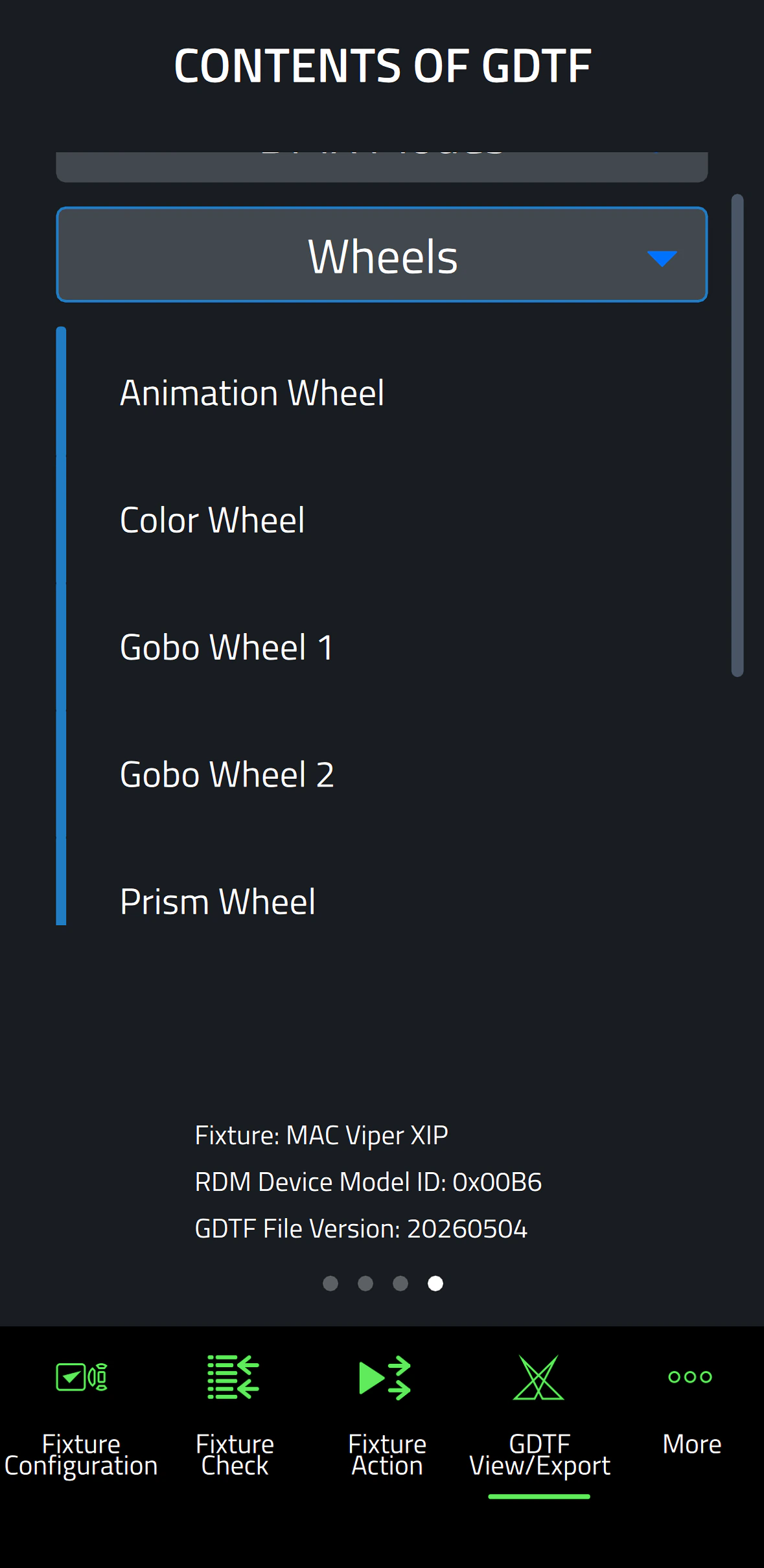
Companion Mobile 버전 1.0.0은 네 가지 핵심 기능을 제공하며 향후 릴리스에서 추가 기능이 계획되어 있습니다. 여기에는 픽스처 설정을 쉽게 변경할 수 있는 Fixture Configure 툴, 빠른 픽스처 진단을 위한 Fixture Check 툴, 간단한 픽스처 작업을 시작하는 Fixture Action 툴, 그리고 Martin 제작 GDTF 파일을 탐색하여 픽스처 세부 정보를 조회할 수 있는 GDTF View & Export가 포함됩니다.

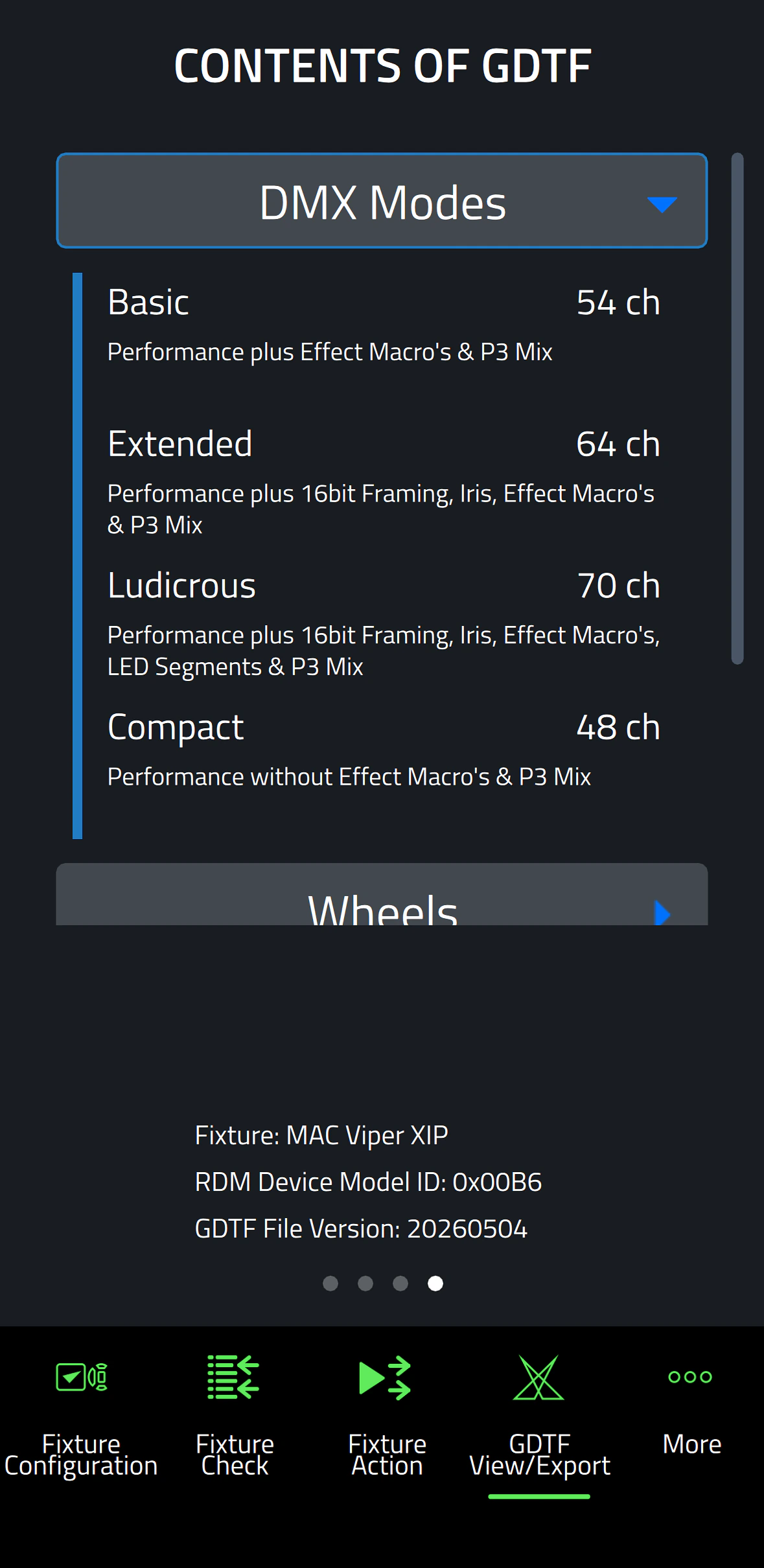
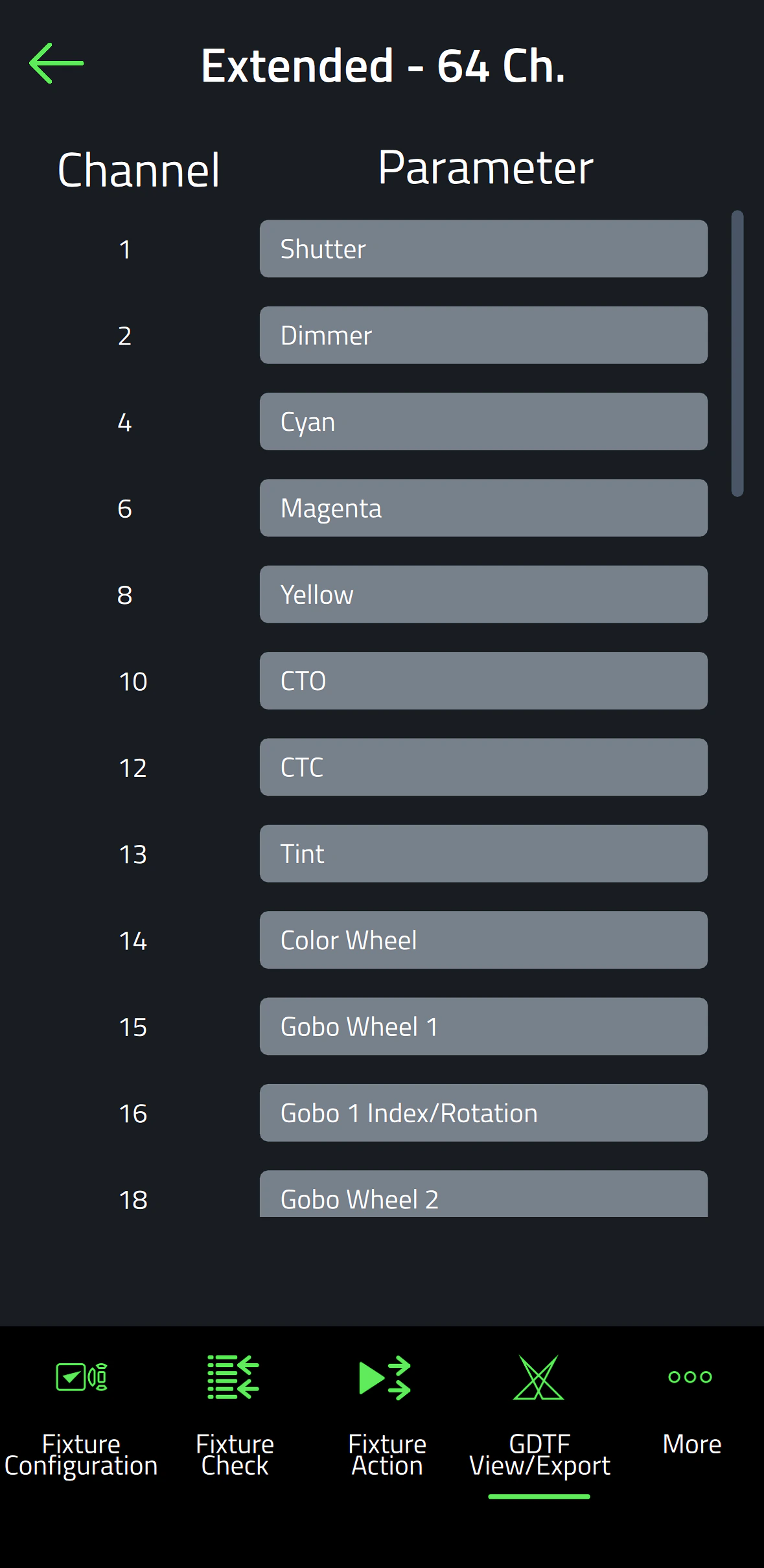
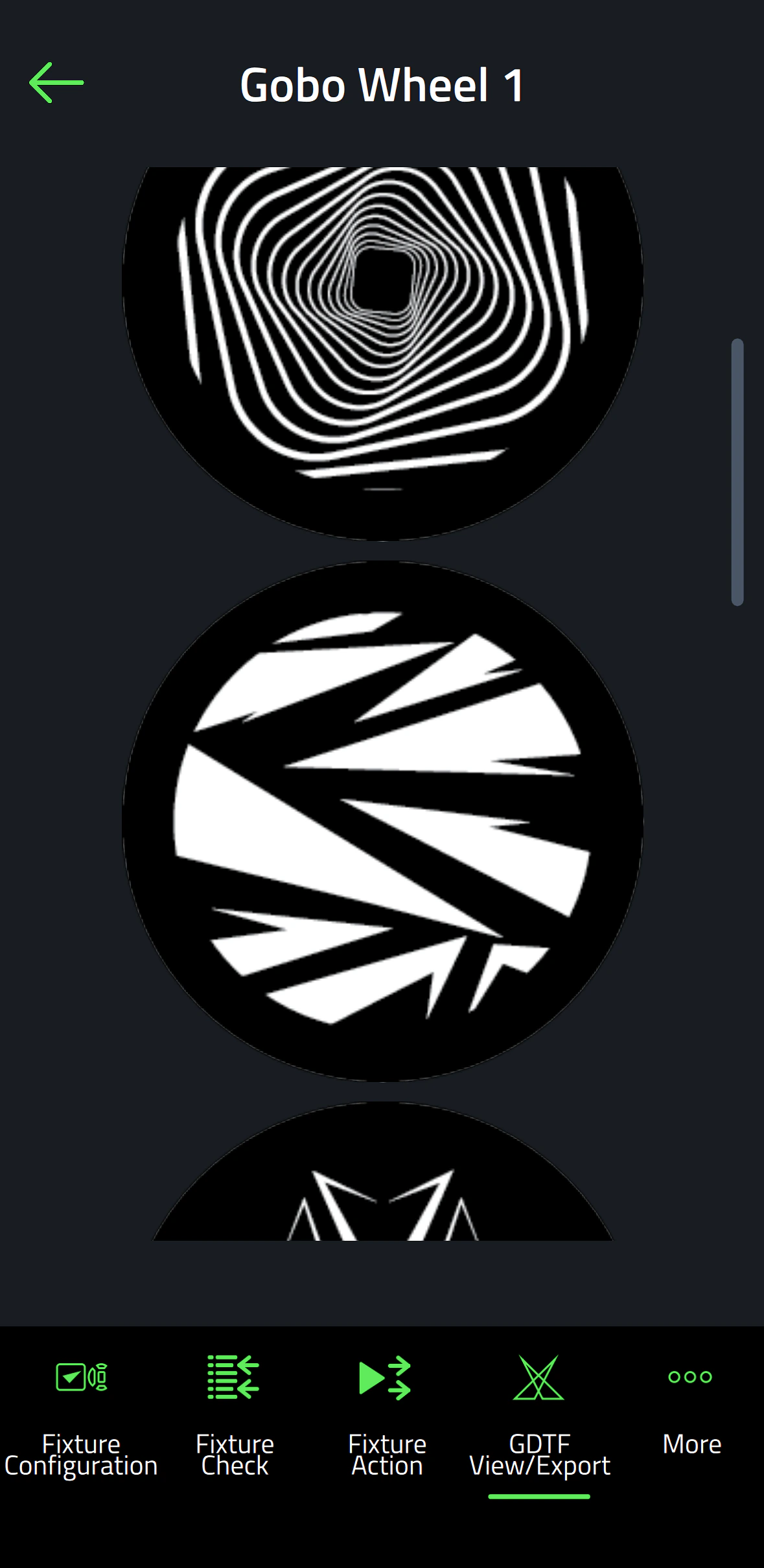
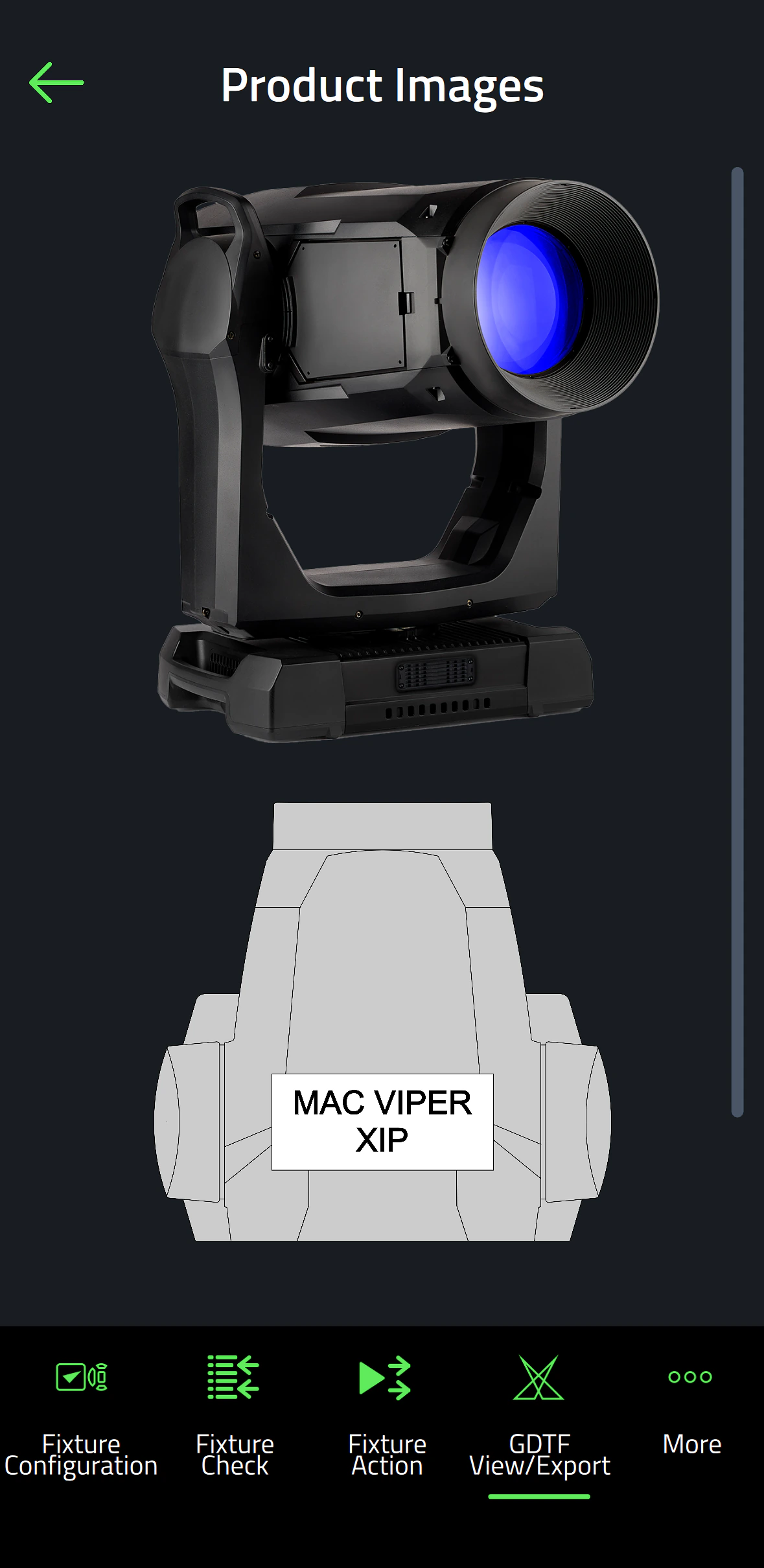
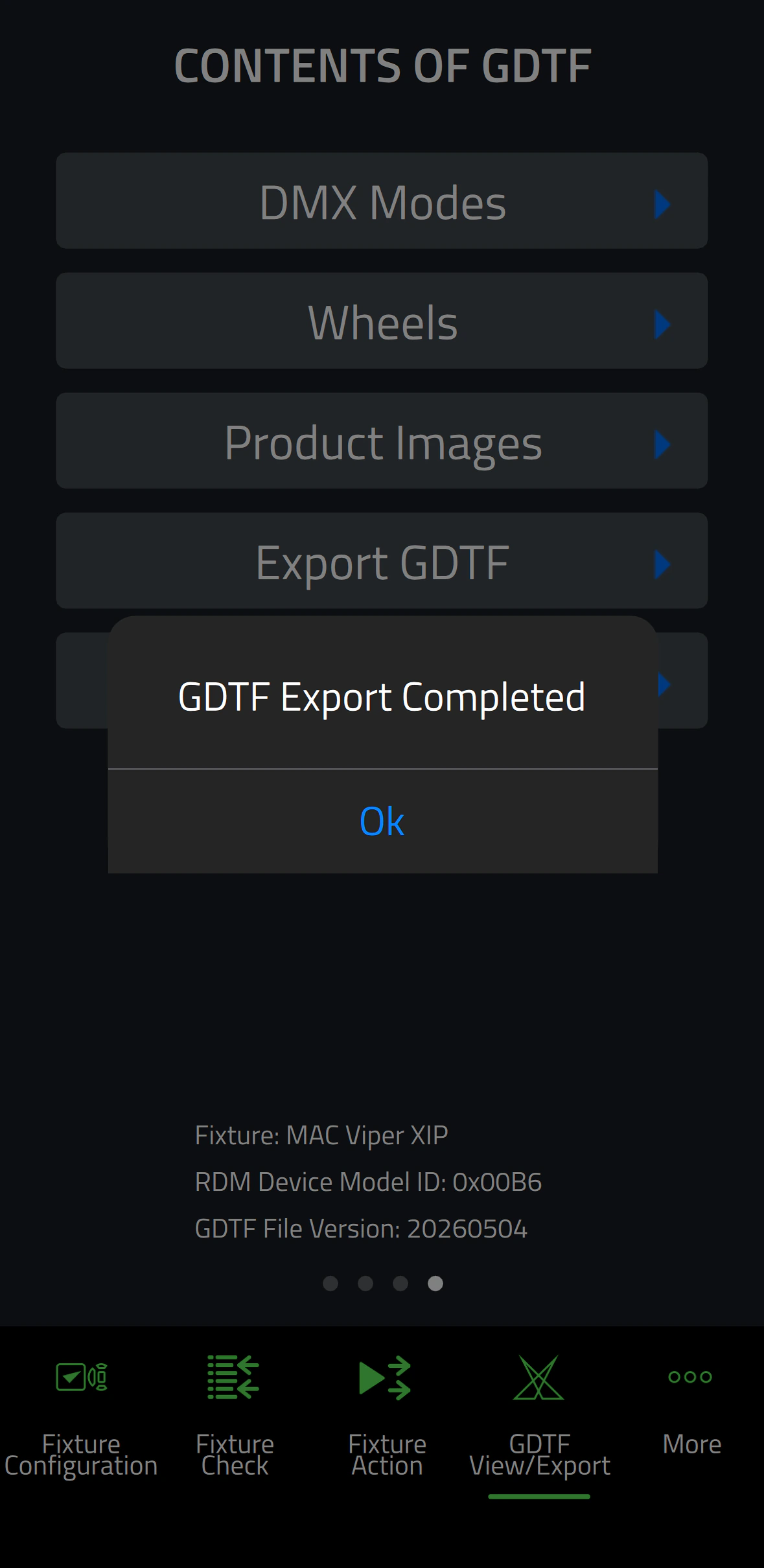
Companion Mobile은 인터넷을 통해 Martin의 라이브러리와 동기화되므로 수동 다운로드가 필요하지 않습니다. 또한 GDTF 공유의 Martin 제작 GDTF 파일과 자동으로 동기화됩니다. 이를 통해 DMX Mode, DMX Channel Listing, Gobo Loadout 등 모든 픽스처 세부 정보에 액세스할 수 있습니다. GDTF 파일을 Companion에서 직접 내보내 모든 GDTF 호환 소프트웨어와 함께 사용할 수 있습니다.

Companion Desktop도 확인하세요. 이는 Windows를 실행하는 컴퓨터에서 동일한 기능 중 일부를 제공합니다.

비디오


특징

  • Compatible with Martin NFC-enabled fixtures, including MAC Viper XIP, MAC Aura Raven XIP, MAC Encore Two, ELP Manet 8F and many more fixtures to come
  • Automatic online synchronization of fixture database and GDTF library
  • Fixture Configure offers the ability to easily change the settings of one or multiple fixtures at once
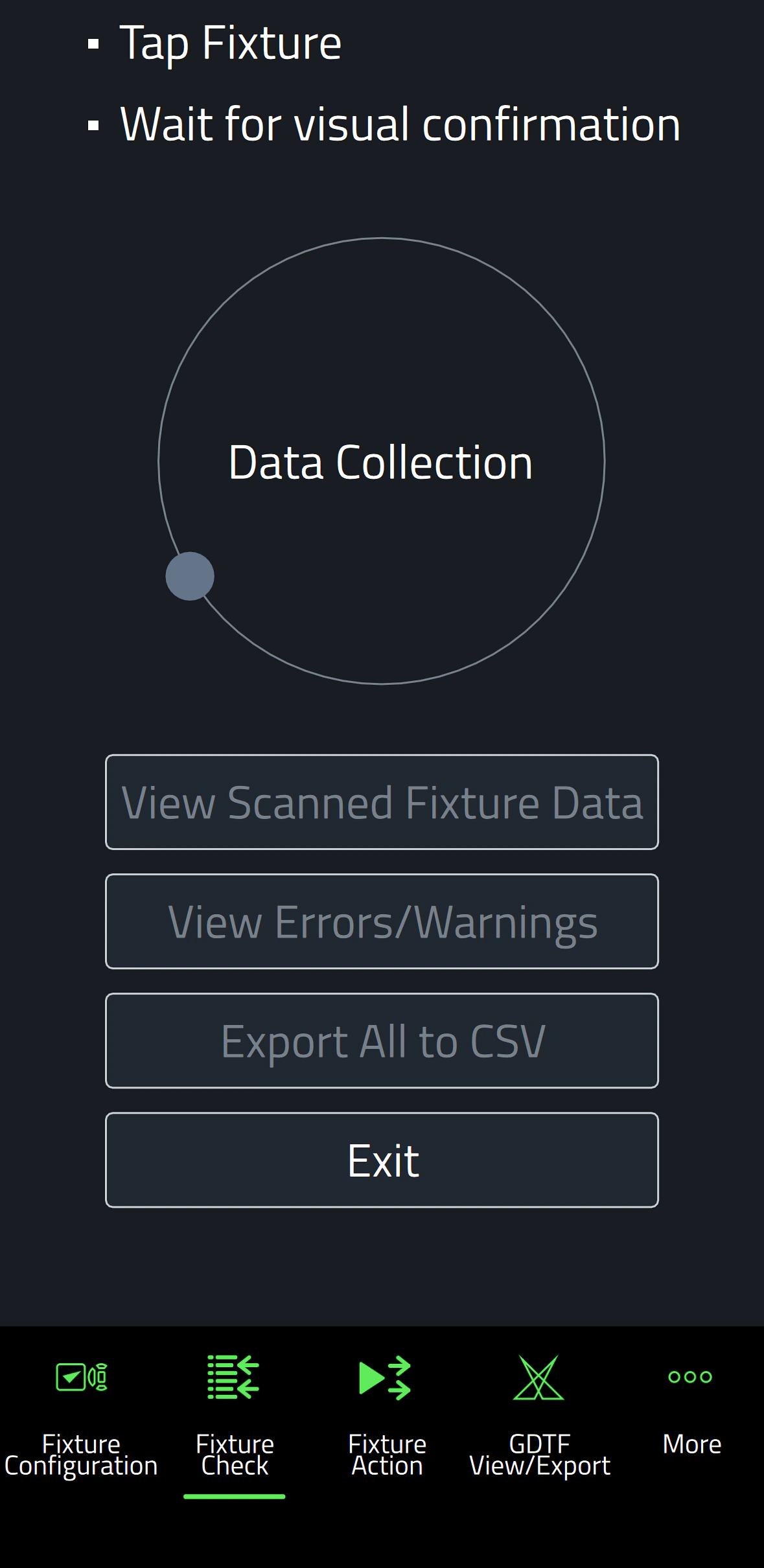
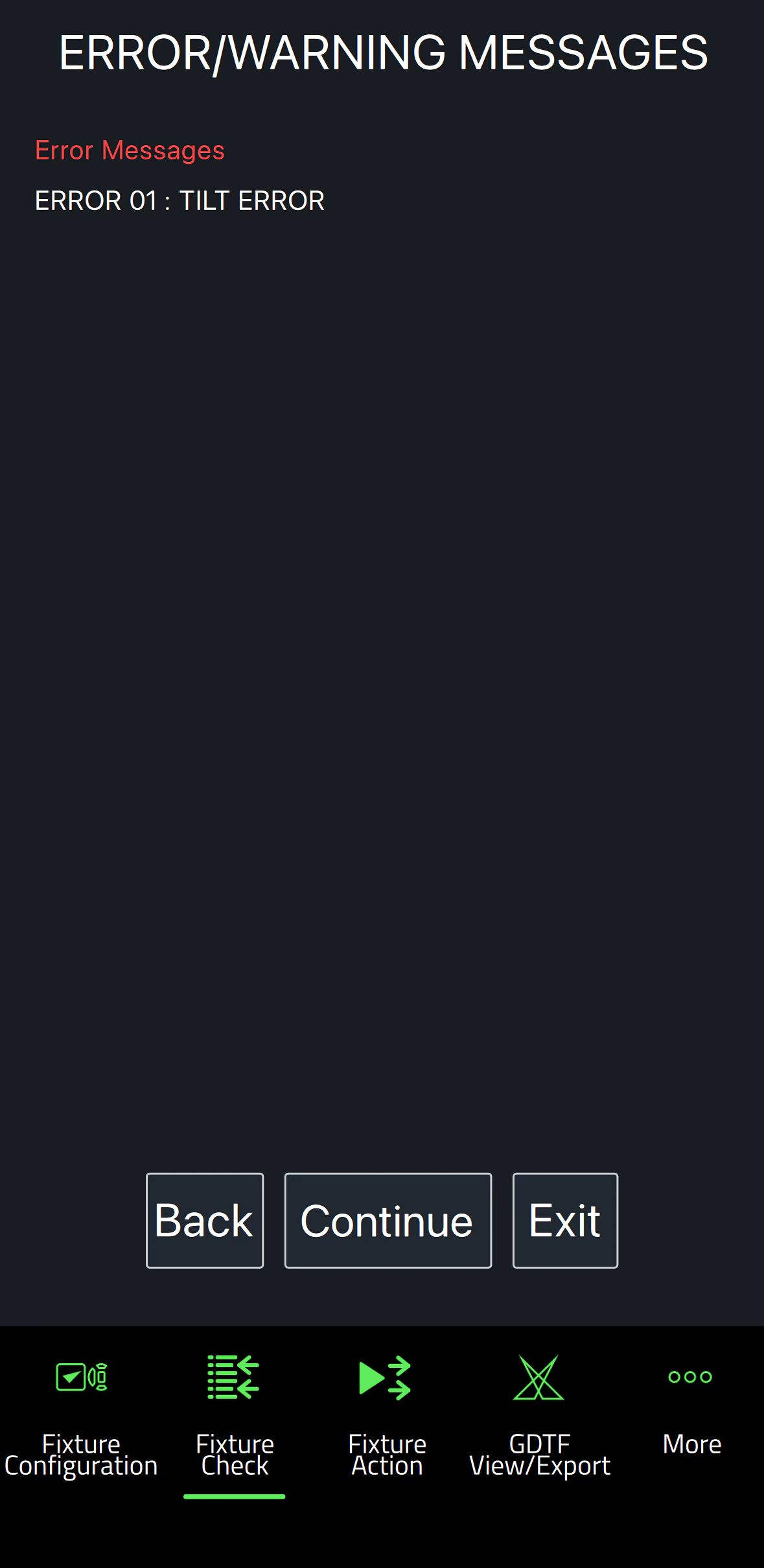
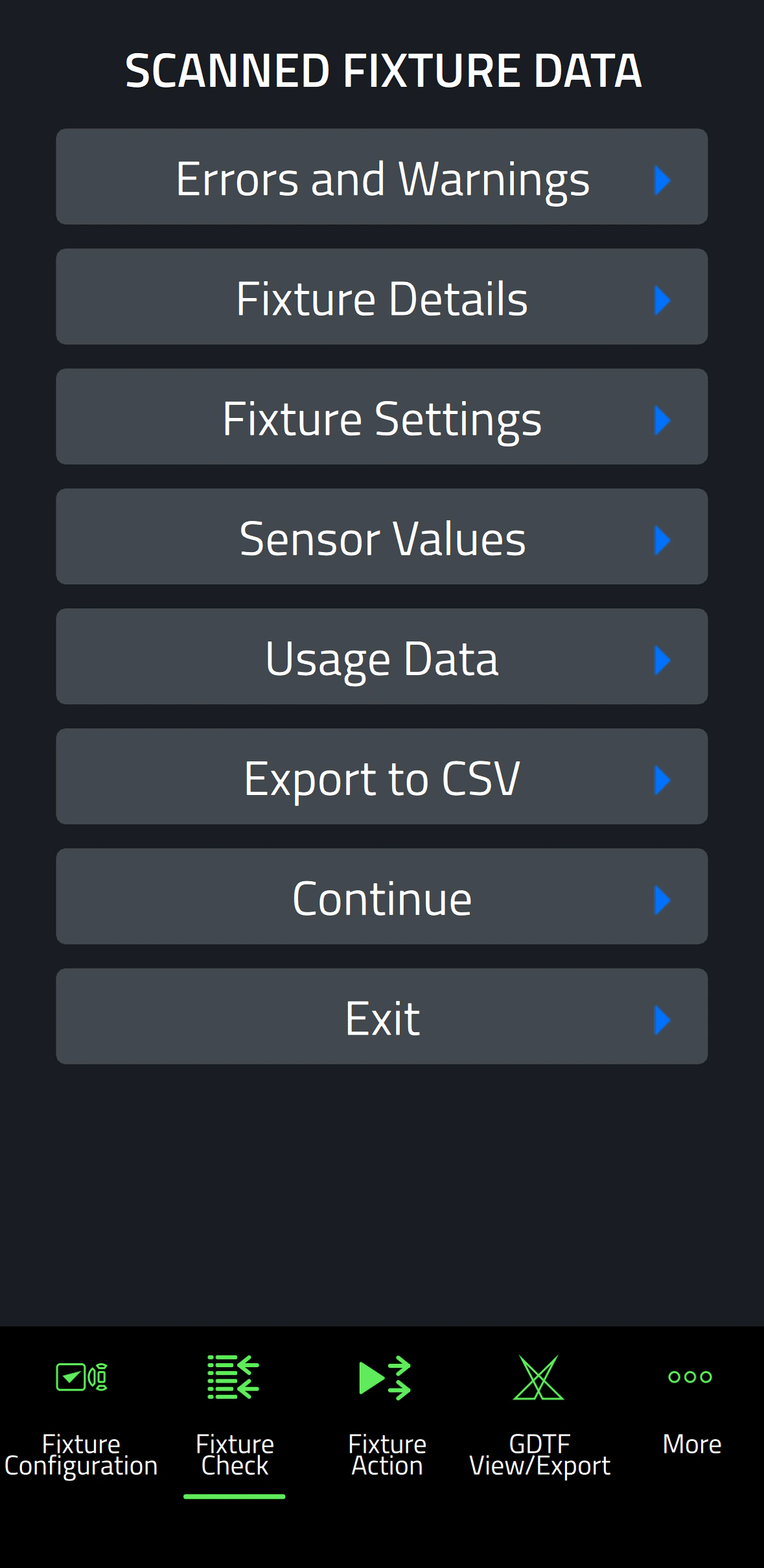
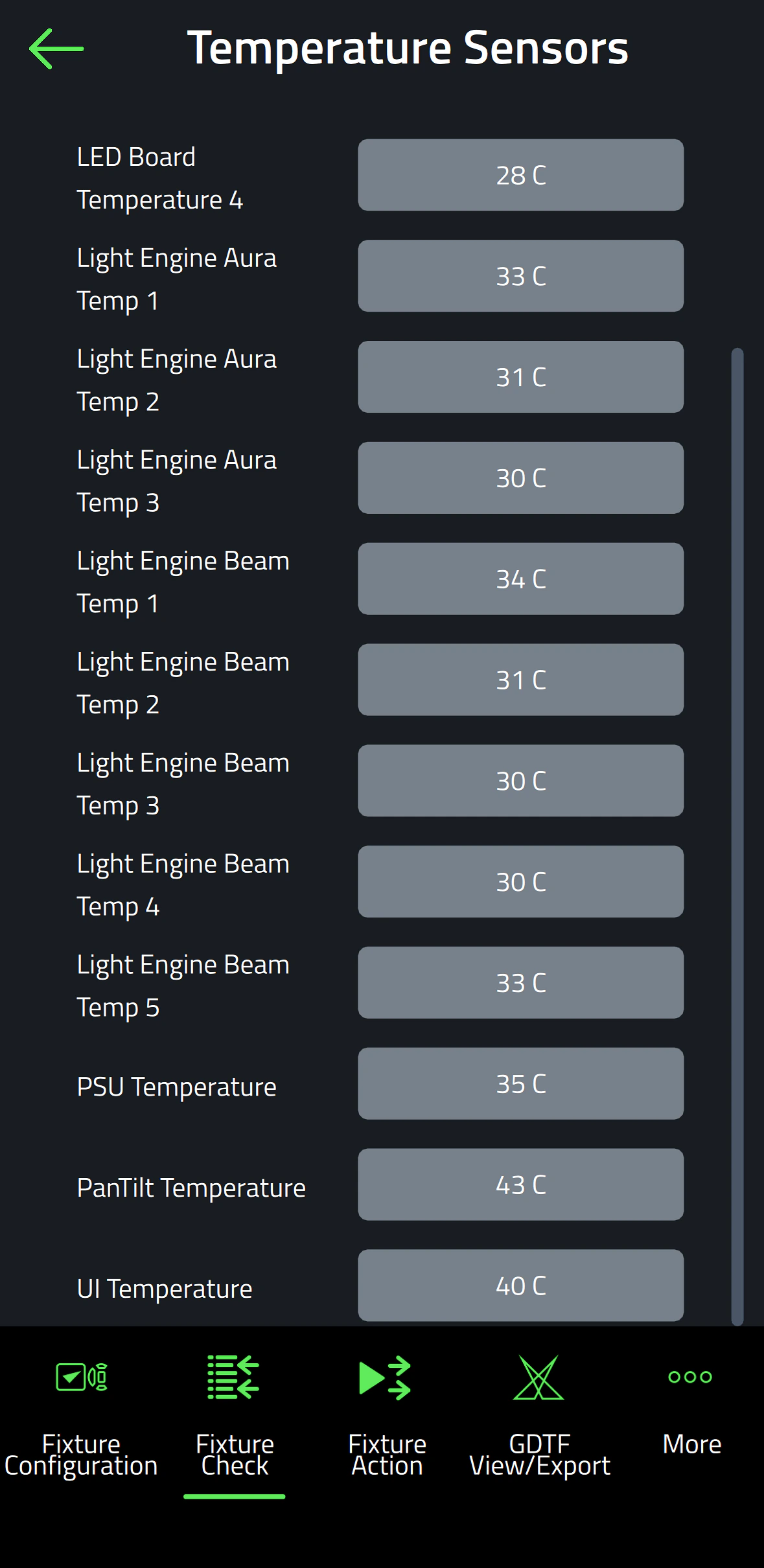
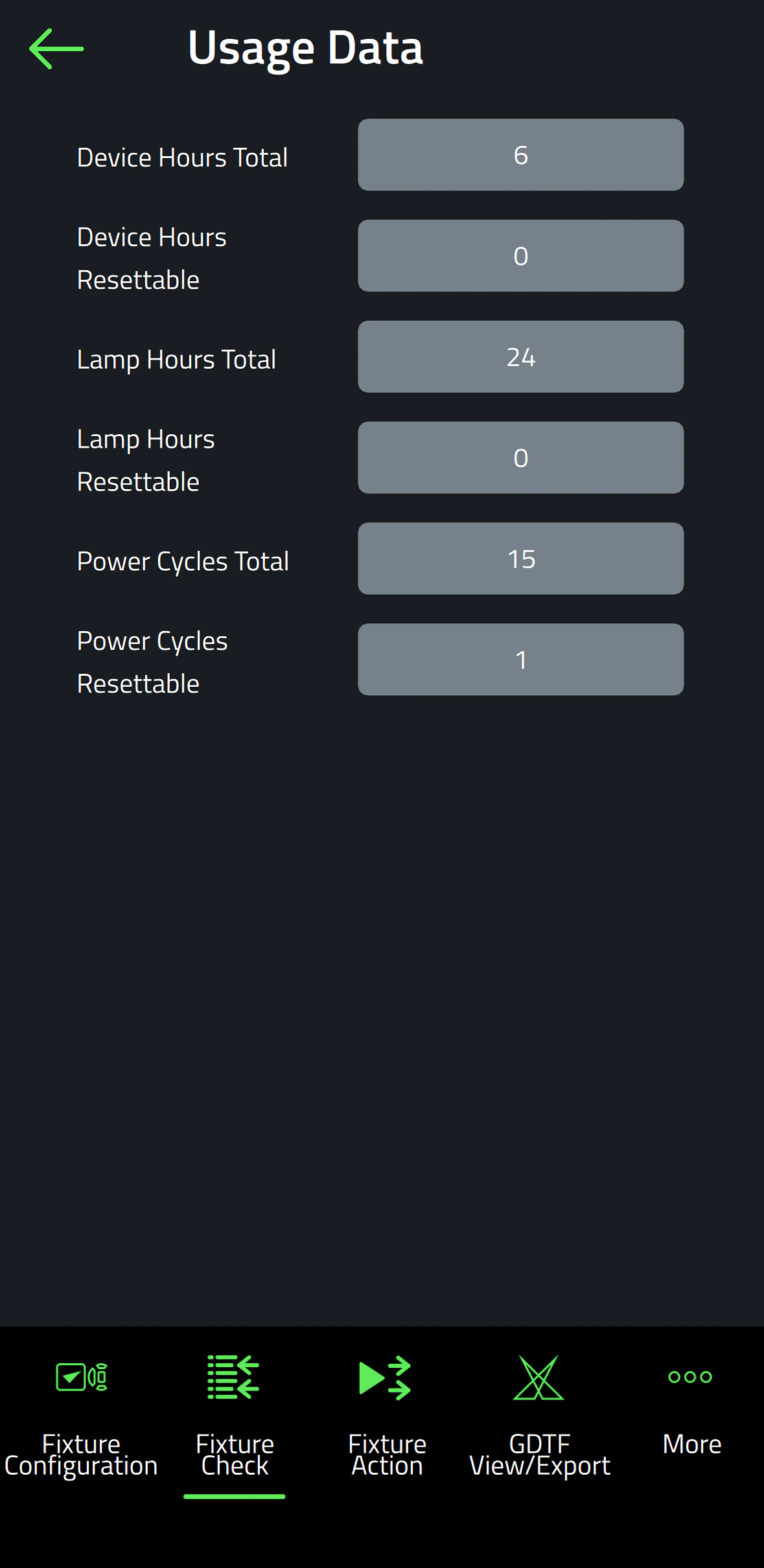
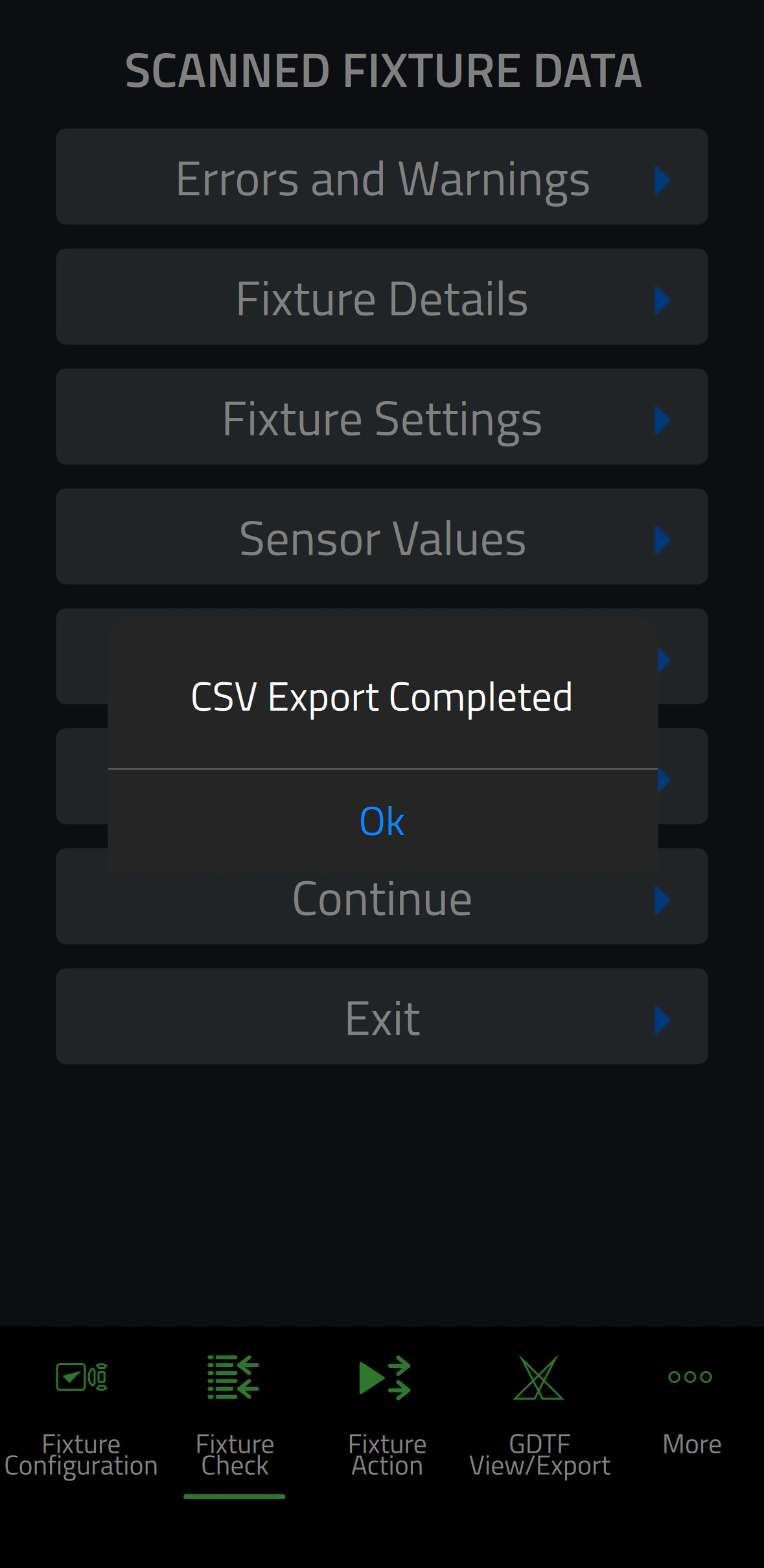
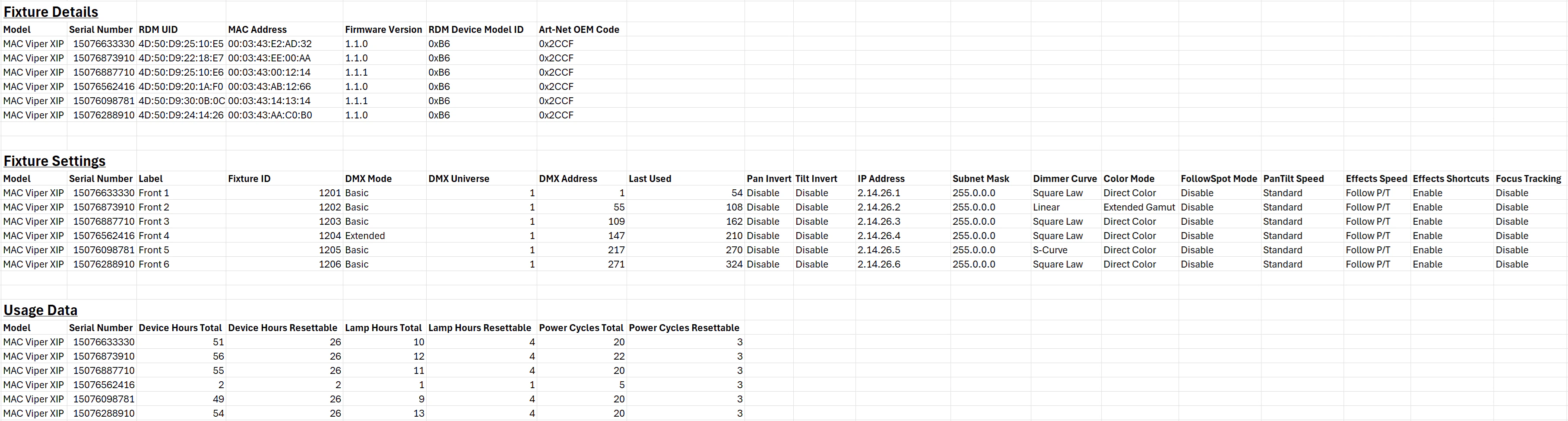
  • Fixture Check enables the ability to quickly diagnose fixtures and export data to a CSV file
  • Fixture Action allows common tasks to be executed with a single click
  • Capability to read all data from fixtures, even when they are powered off
  • Capability to configure fixtures, even before powering them up
  • Includes an integrated GDTF viewer and export tool

사양

  • System Requirements

    Android: Version 12 or newer
    iOS: Version 13 or newer
    Storage: 250 MB available storage space

    Supported Fixture Communication Protocols NFC
    Supported NFC Parameters

    Fixture Configuration
    Patch: Label, Fixture ID, P3 ID, DMX Mode, DMX Address, DMX Universe, Compact Mode Aura, Pan Invert, Tilt Invert, Pan/Tilt Swap, PixelFlip, IP Address, Subnet Mask
    Universal Connect Module: SHoW ID, SHoW Key, Output Power, Antenna Type, RSSI, RX Quality, Connection State, Module Manufacturer, Module Model, Module Firmware
    Light and Colour: Dimmer Curve, Color Mode, Color Boost, Output Mode, Manual CTC, Manual Tint, Keylight Calibration, Gobo CT Correction, End Compensation, Video Tracking, Strobe Behavior, Tungsten Emulation
    Control: FollowSpot Mode, Pan/Tilt Speed, Effects Speed, Effects Shortcuts, Focus Tracking, Framing Mode, HyperZoom, Fan Mode, Cooling Mode, Studio Mode, BeamShaper, Fan Clean
    Display: Display, Display Show Errors, Display Rotation, Display Intensity, Display Contrast
    Power: Power Limit, Hibernation, Offline Mode, Stand-Alone Mode, Reset via DMX
    Outdoor: Auto Empty Water, Outdoor Actions
    Pan/Tilt Limits: Reset Pan/Tilt Limits, Enable Pan/Tilt Limits, Pan Limit Min, Pan Limit Max, Tilt Limit Min, Tilt Limit Max
    Details: Serial Number, RDM UID, MAC Address, RDM Protocol Version, RDM Device Model ID, Art-Net OEM Code, Product Category, Firmware Version, Sub-Device Count
    Service: SelfTest, Device Hours Total, Device Hours Resettable, Lamp Hours Total, Lamp Hours Resettable, Power Cycles Total, Power Cycles Resettable, Fixture Length

    Fixture Check
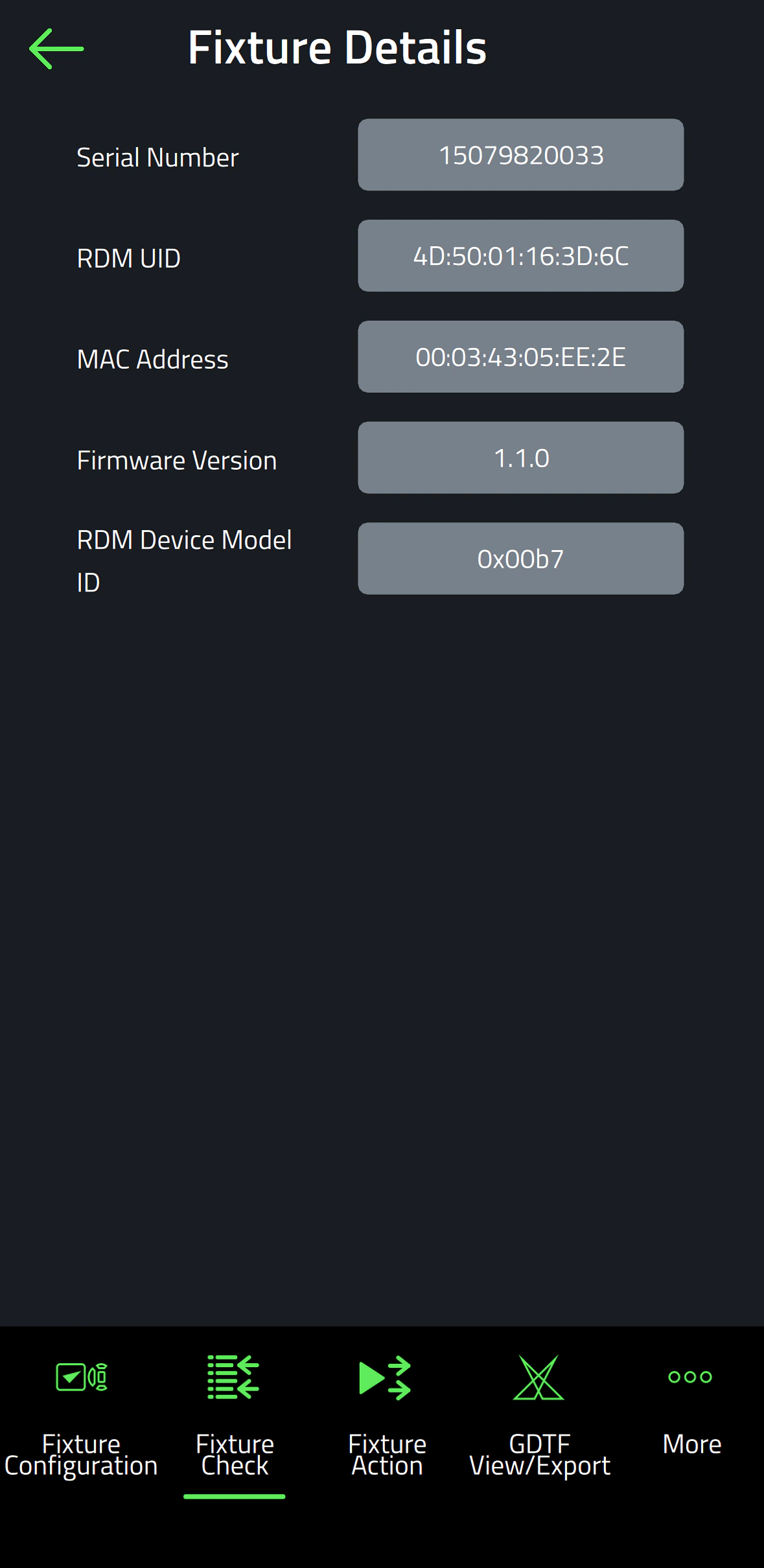
    Fixture Details: Serial Number, RDM UID, MAC Address, Firmware Version, RDM Device Model ID, Art-Net OEM Code
    Errors and Warnings: Error Messages, Warning Messages
    Usage Data: Device Hours Total, Device Hours Resettable, Lamp Hours Total, Lamp Hours Resettable, Power Cycles Total, Power Cycles Resettable
    Sensor Values: Temperatures, Fan Speeds
    Fixture Settings: same as fixture configuration

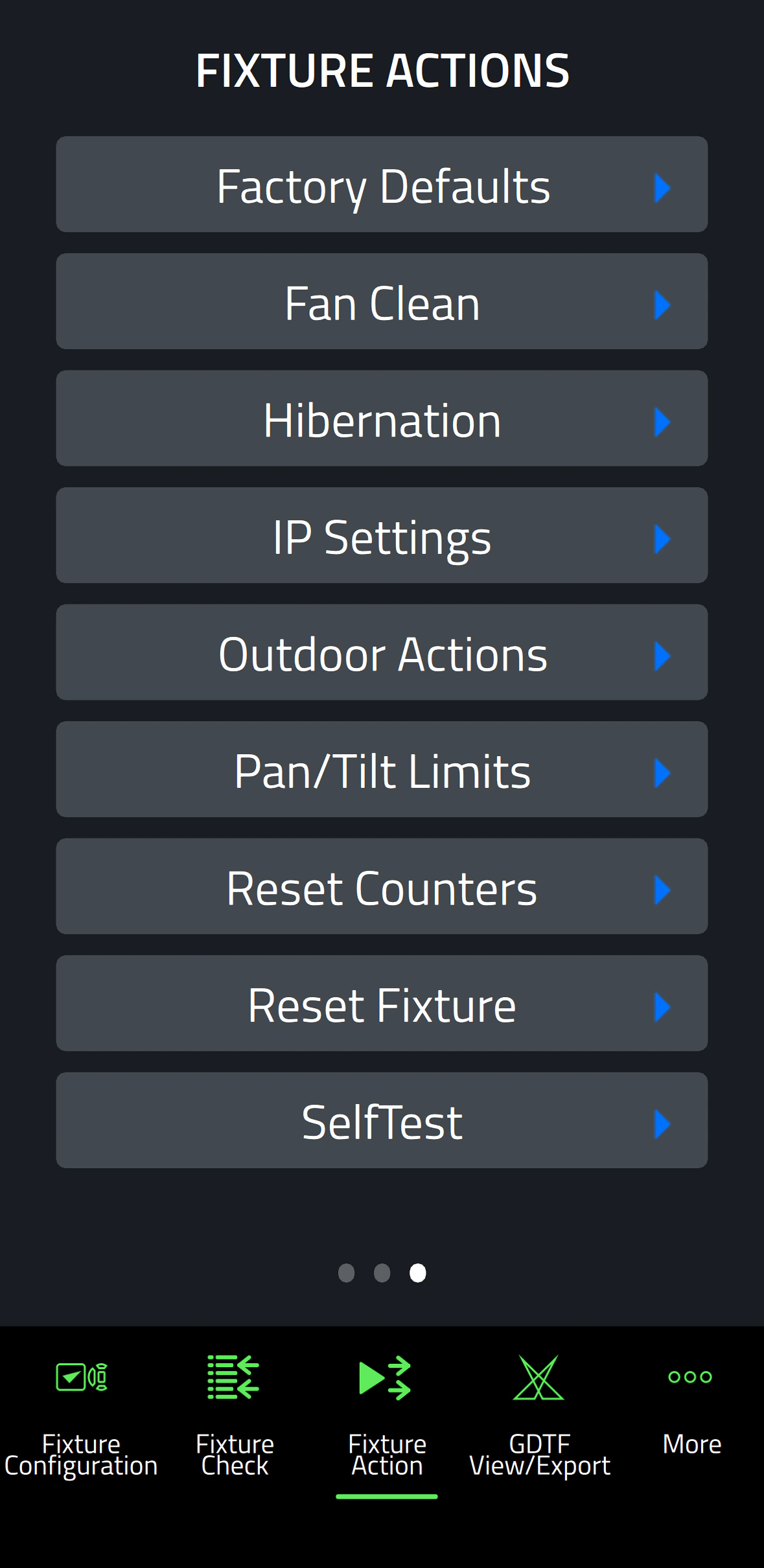
    Fixture Action
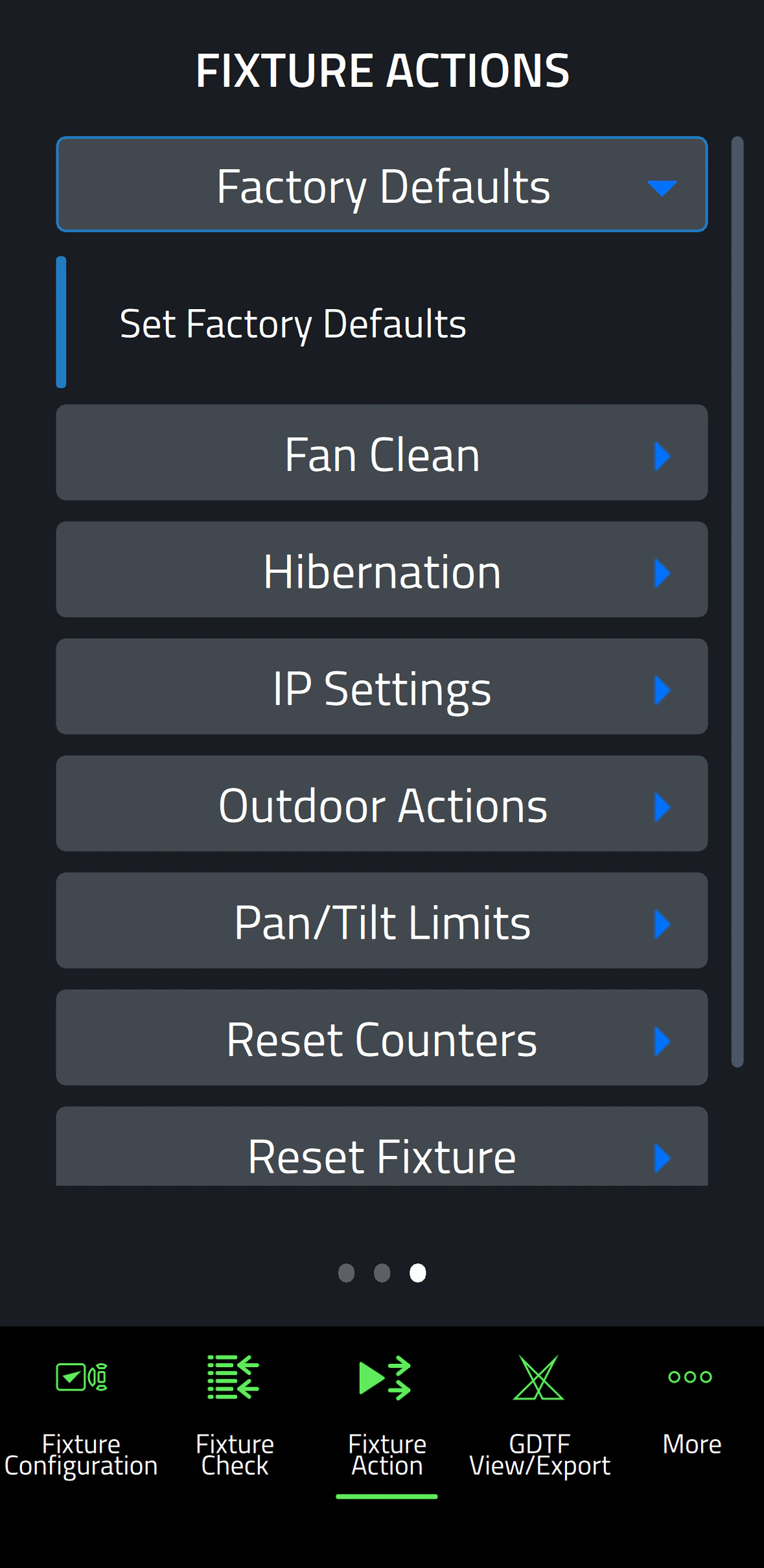
    Factory Defaults: Set Factory Defaults
    Reset Fixture: Warm Reset, Cold Reset
    Hibernation: Disable, Enable
    IP Settings: Reset IP Settings
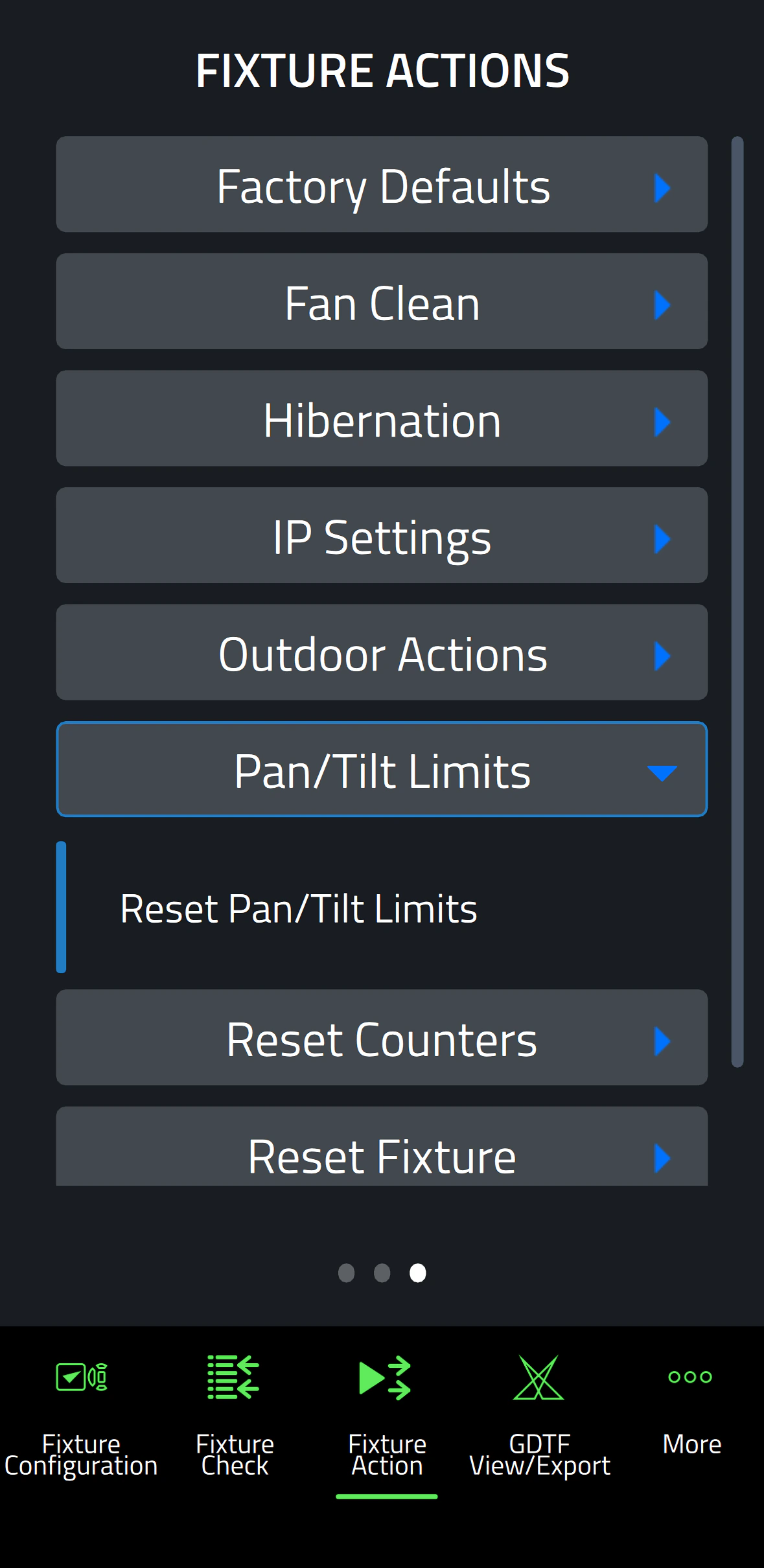
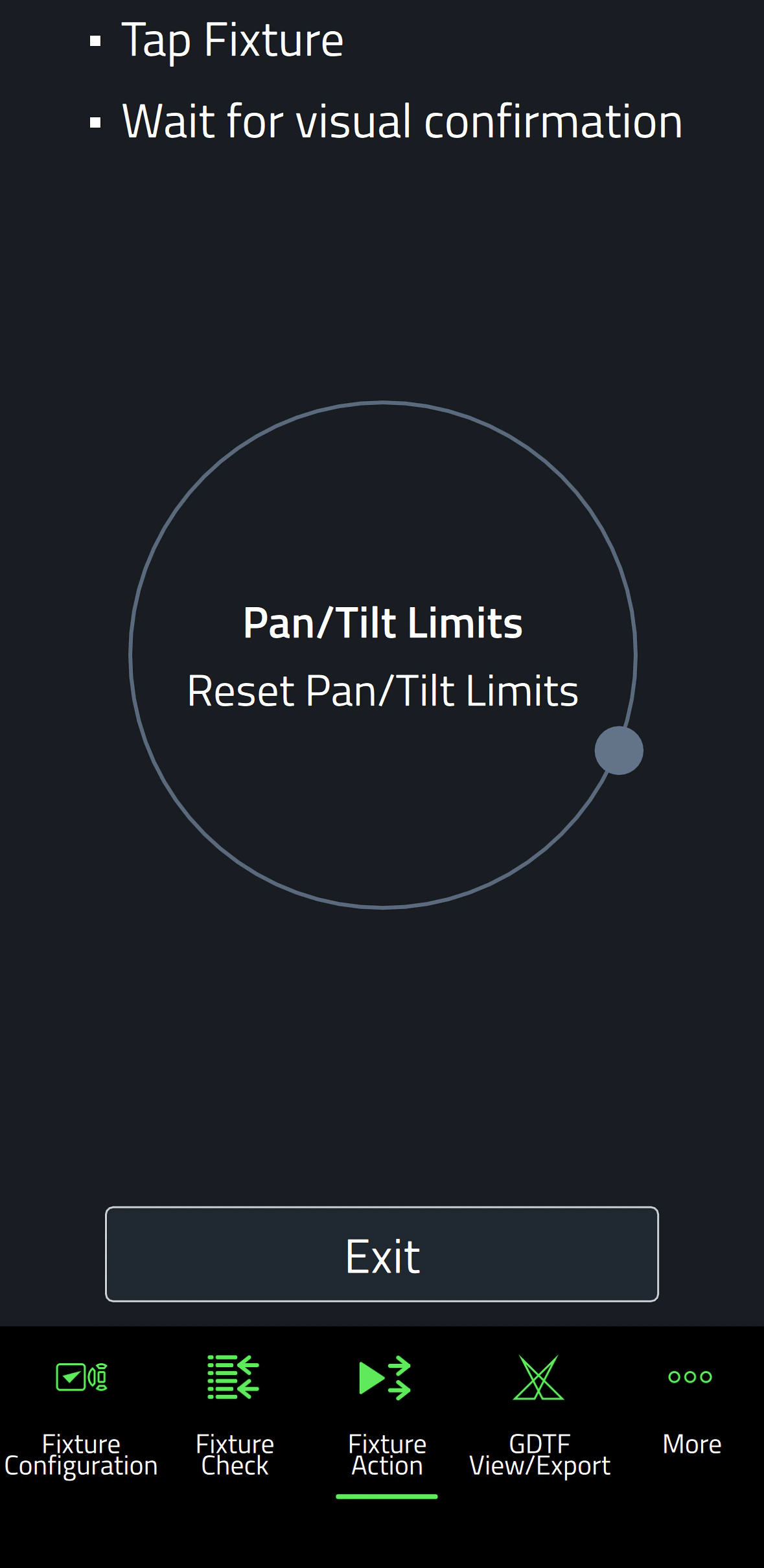
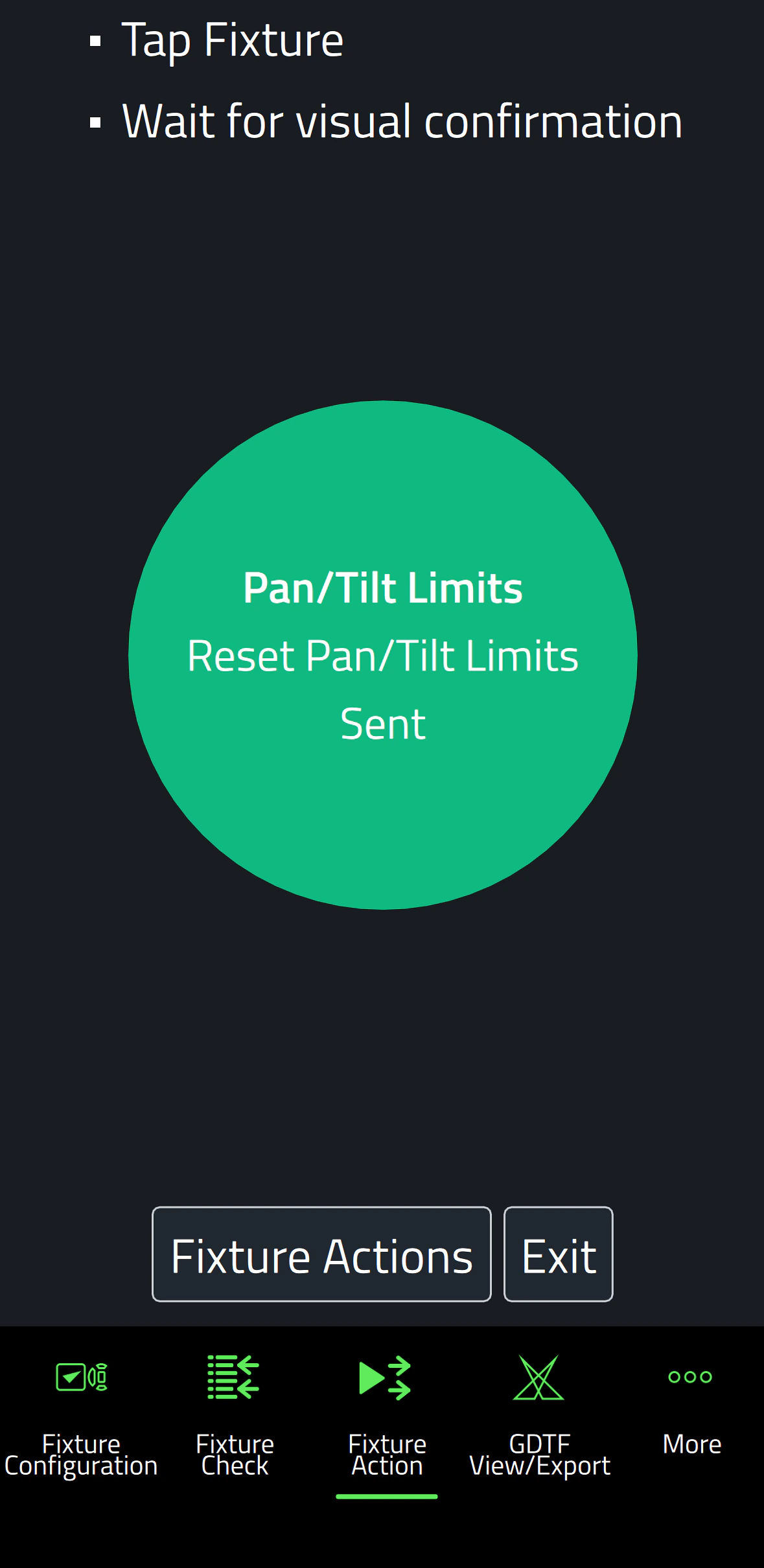
    Pan/Tilt Limits: Reset Pan/Tilt Limits
    Outdoor Actions: Stop, Empty Head, Dry Off, Safe Parking
    Fan Clean: Stop, Start
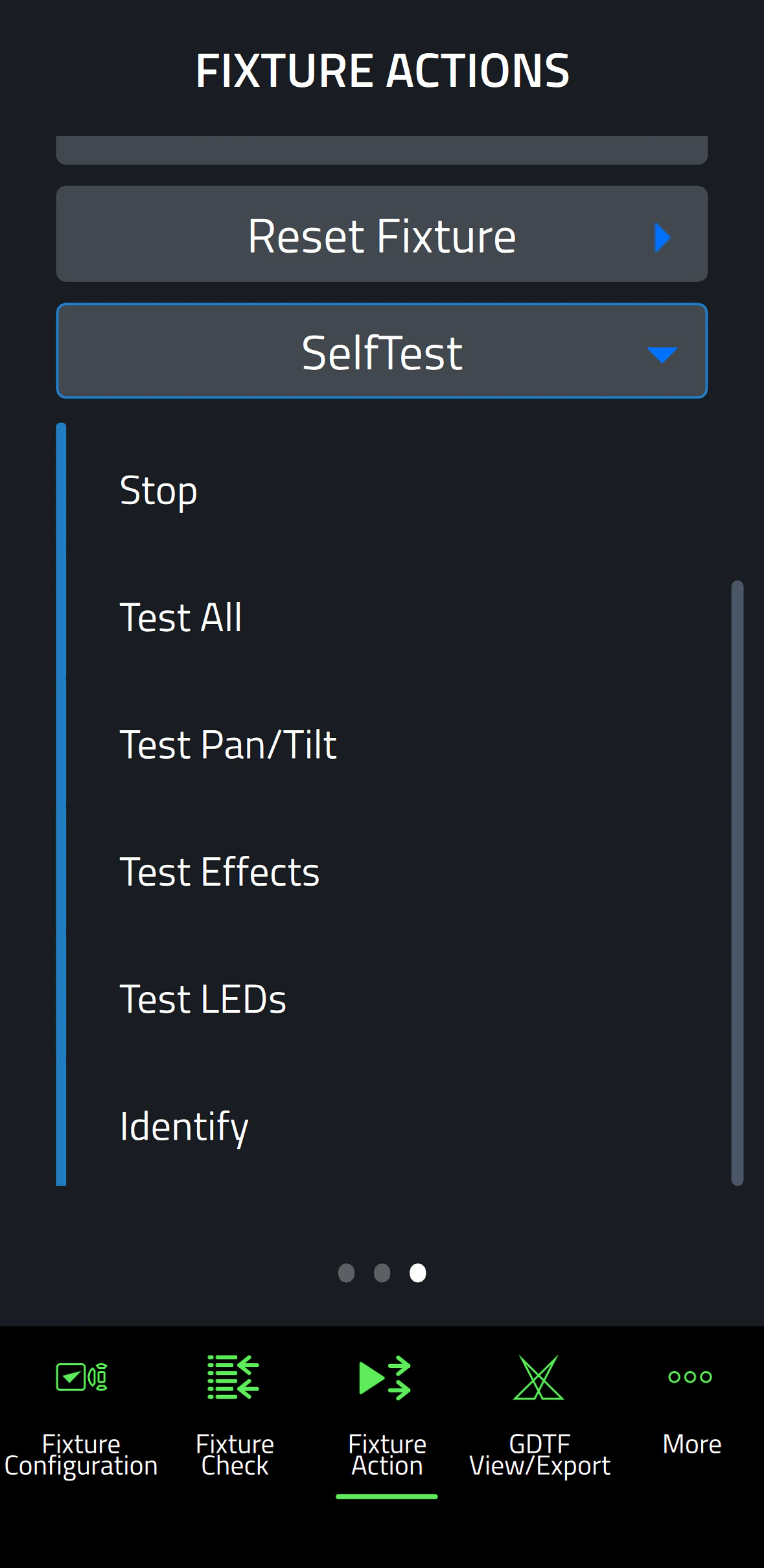
    SelfTest: Stop, Test All, Test Pan/Tilt, Test Effects, Test LEDs, Identify
    Reset Counters: Reset Device Hours, Reset Lamp Hours, Reset Power Cycles

    * Not all parameters are supported by all fixtures

    Supported Fixtures - Fixture Configuration

    - ELP Manet 8F
    - MAC Aura Raven XIP
    - MAC Encore Two
    - MAC Viper XIP

  • Supported Fixtures - Fixture Check

    - ELP Manet 8F
    - MAC Aura Raven XIP
    - MAC Encore Two
    - MAC Viper XIP

    Supported Fixtures - Fixture Action

    - ELP Manet 8F
    - MAC Aura Raven XIP
    - MAC Encore Two

    - MAC Viper XIP

    Supported Fixtures - GDTF View & Export All Martin products
    Related Items

    Companion Desktop Software: Free download from www.martin.com

    Ordering Information

    Companion Mobile Software: Free download from App Store and Google Play

다운로드

Software
  버전 크기 업로드 날짜
iOS download icon Companion Mobile - iOS (App Store)
버전 1.0.3, 출시: 2025년 5월
1.0.3   2025년 5월
Android download icon Companion Mobile - Android (Play Store)
버전 1.0.3, 출시: 2025년 5월
1.0.3   2025년 5월
Android download icon Companion Mobile - Android (Manual Installation)
버전 1.0.3, 업데이트: 2026년 4월
1.0.3   99.3MB 2026년 4월

위의 링크 중 하나에서 브라우저에 이상한 문자가 표시되면, 파일을 마우스 오른쪽 버튼으로 클릭하여 컴퓨터에 저장하세요.

뉴스

HARMAN Pro Insights

Designing Smarter Workflows with Precision Lighting Fixture Management Tools feature

Designing Smarter Workflows with Precision Lighting Fixture Management Tools

    Professional lighting setups demand precise configuration, reliable diagnostics, and up-to-date firmware. Yet DMX addressing, firmware mismatches, and manual data entry often slow down designers, rental houses, and system techs. Effective lighting fixture management tools can eliminate these pain points and keep every show

CONTINUE READING

지원/FAQ

HARMAN Professional Solutions: