
Companion Mobile

เครื่องมือกำหนดค่าอุปกรณ์และวินิจฉัยบนมือถือ แอปพลิเคชัน

Companion Mobile

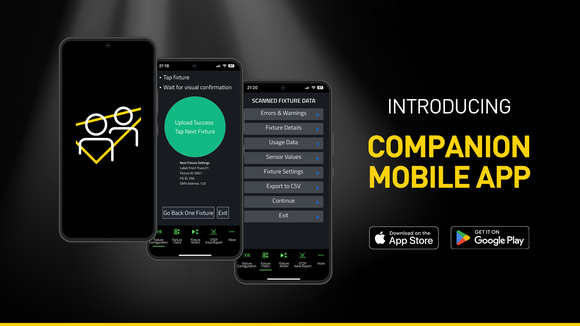
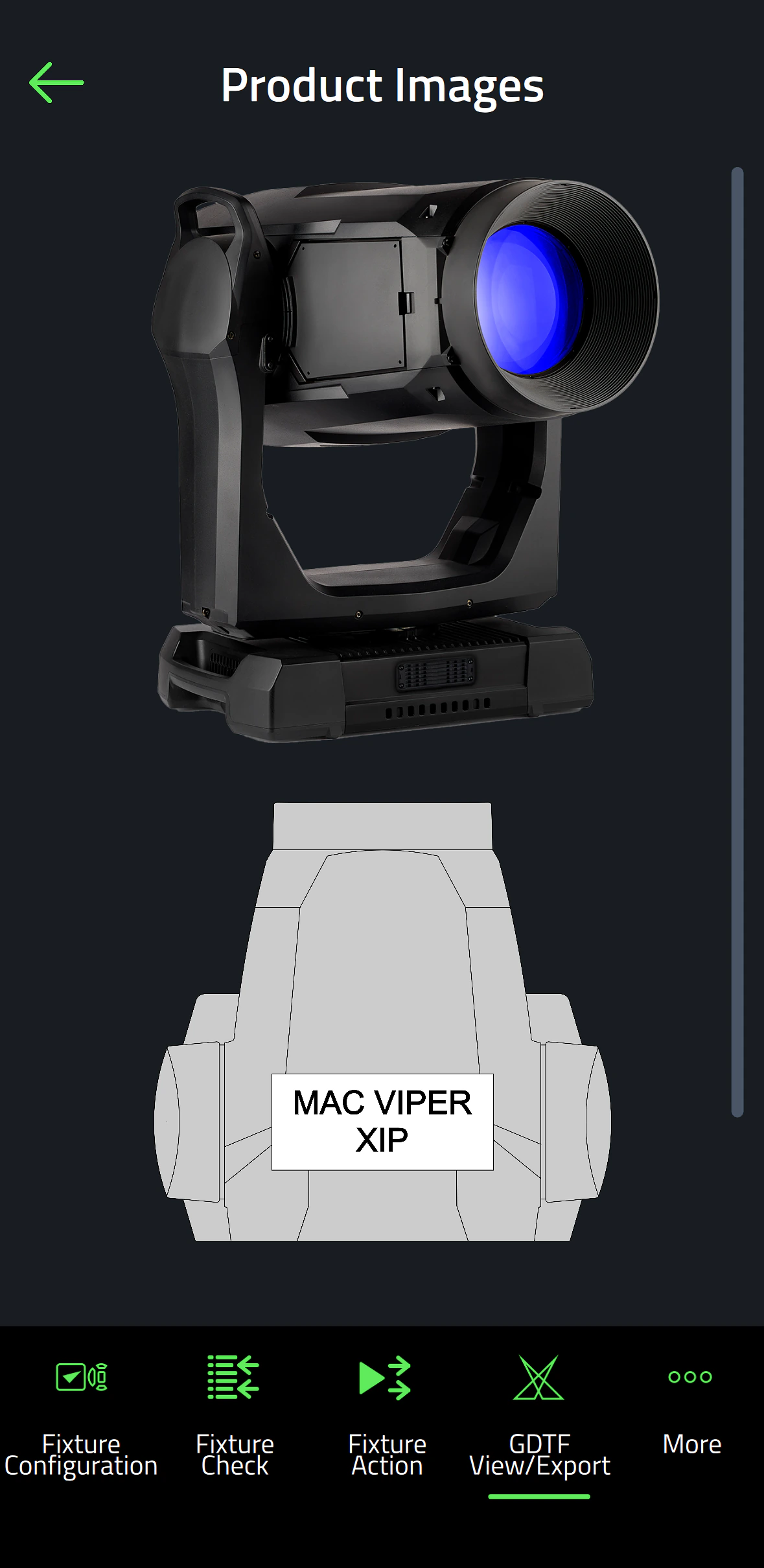
Companion Mobile เป็นเวอร์ชันแอปพลิเคชันของเครื่องมือจัดการ Companion สำหรับการอัปโหลดเฟิร์มแวร์ และการเขียนโปรแกรมแบบสแตนด์อโลน ใช้งานได้กับ Martin NFC (Near Field Communication) fixtures รวมถึง MAC Viper XIP, MAC Aura Raven XIP, MAC Encore Two, ELP Manet 8F และ fixtures อื่น ๆ อีกมากมายที่จะมาในอนาคต แอปฟรีนี้สามารถใช้ได้บน iOS และอุปกรณ์ Android

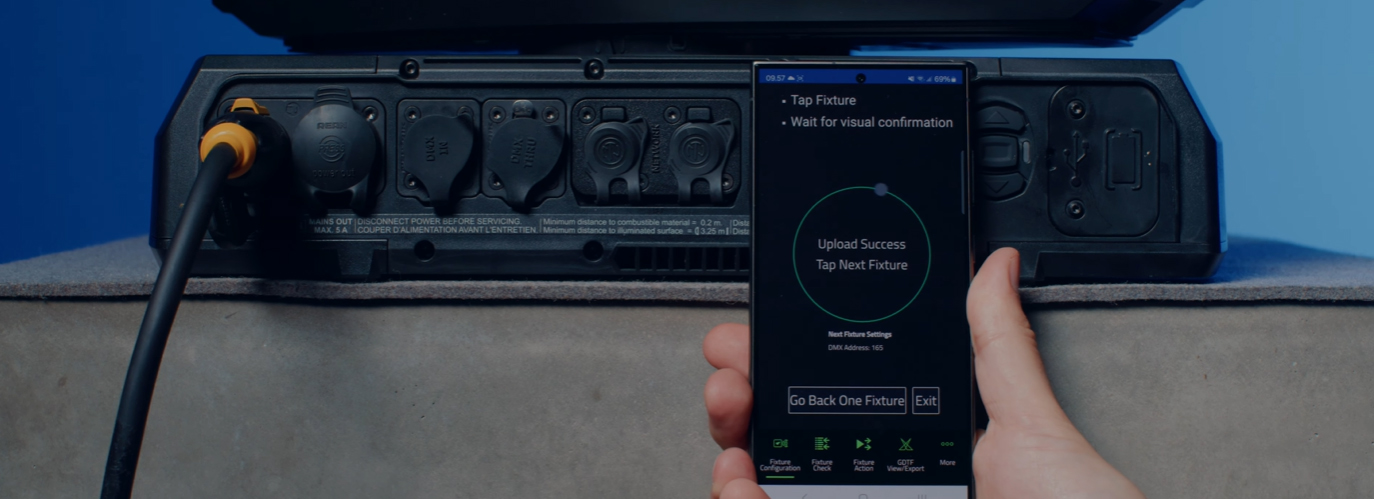
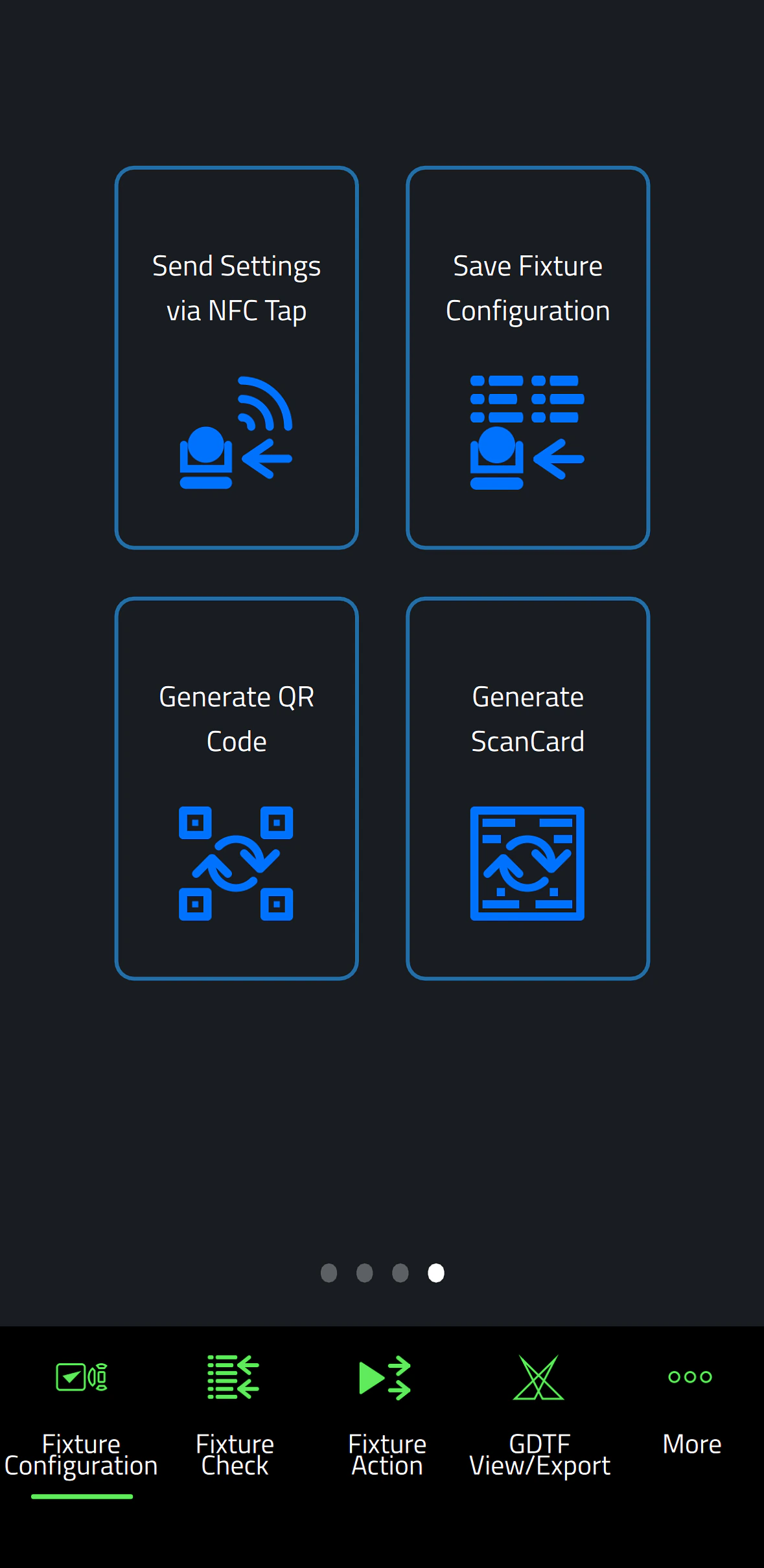
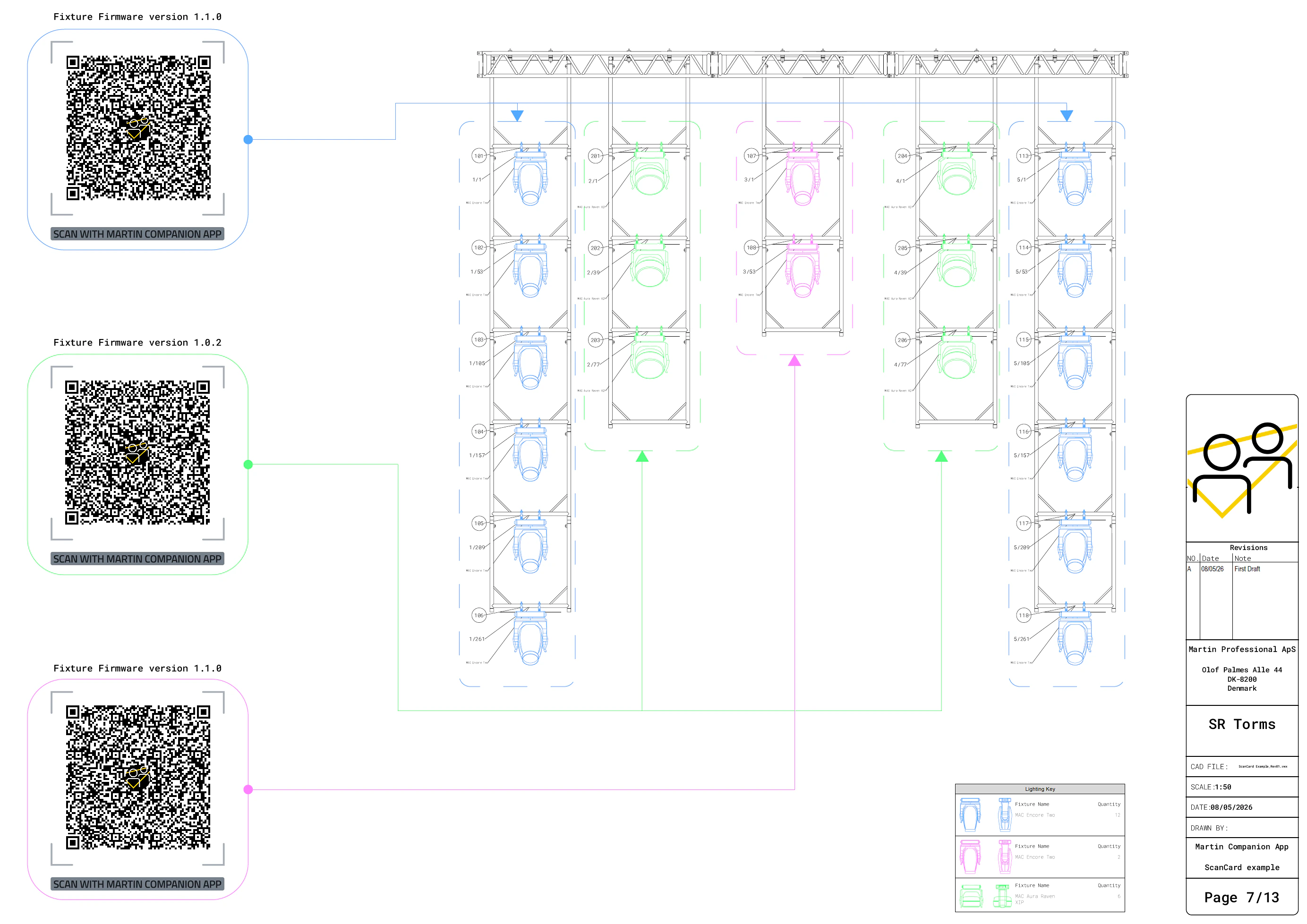
แม้ว่าจะคล้ายกับแอปพลิเคชัน Companion Desktop ที่ได้รับความนิยม แต่ Companion Mobile ใช้ประโยชน์จาก NFC เพื่อจัดตั้งการสื่อสารแบบไร้สาย เพื่อลดความซับซ้อนและความยุ่งยากในการกำหนดค่า fixture ข้อดีของอินเทอร์เฟซ NFC คือสามารถกำหนดค่า fixtures ได้โดยไม่ต้องเปิดพวกมันเลย แม้กระทั่งเมื่อ fixtures ยังอยู่ในกระเป๋าบิน เพียงแค่แตะสมาร์ทโฟนกับหน้าจอของ fixture ก็เพียงพอที่จะกำหนดค่า fixtures

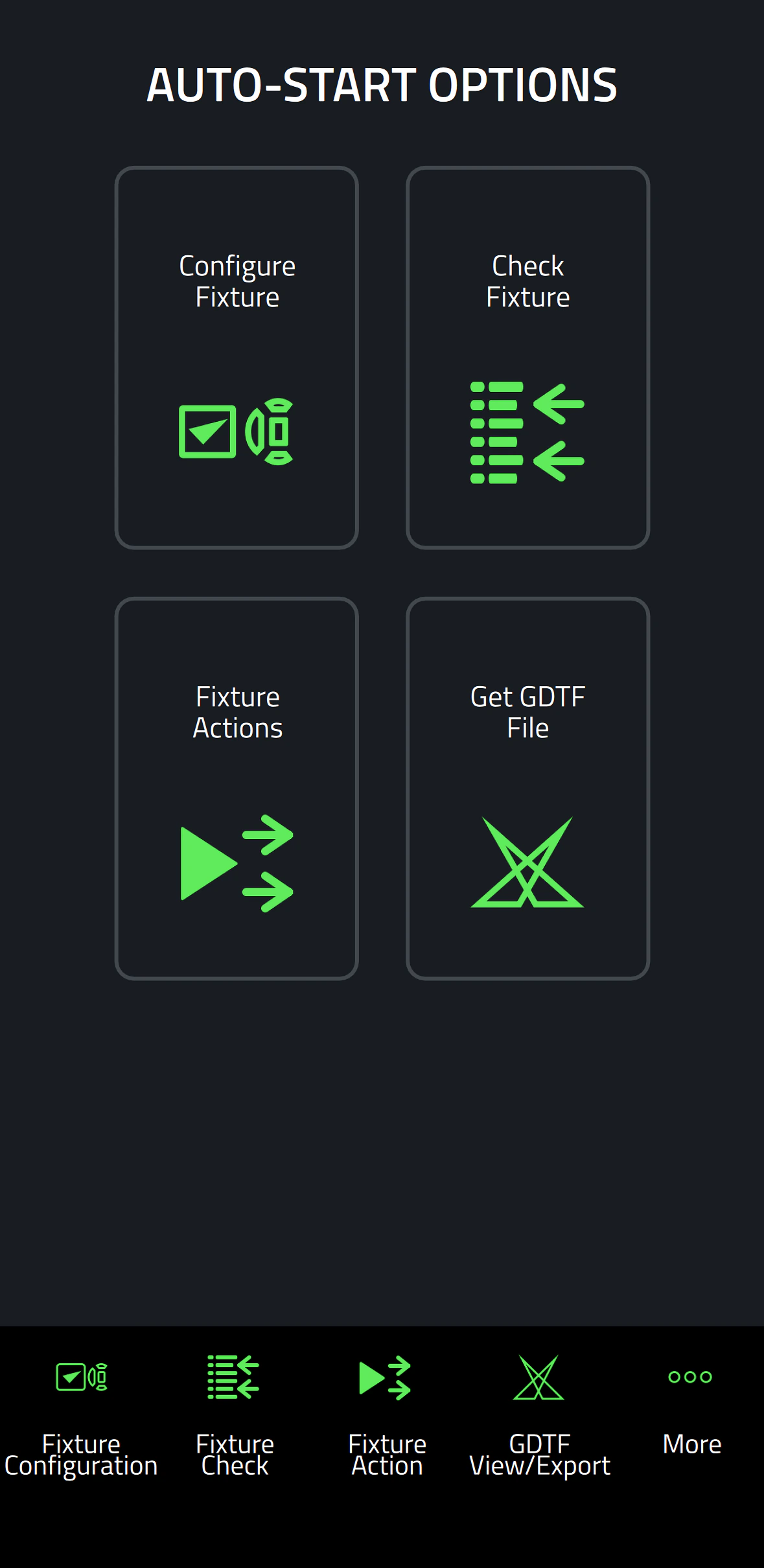
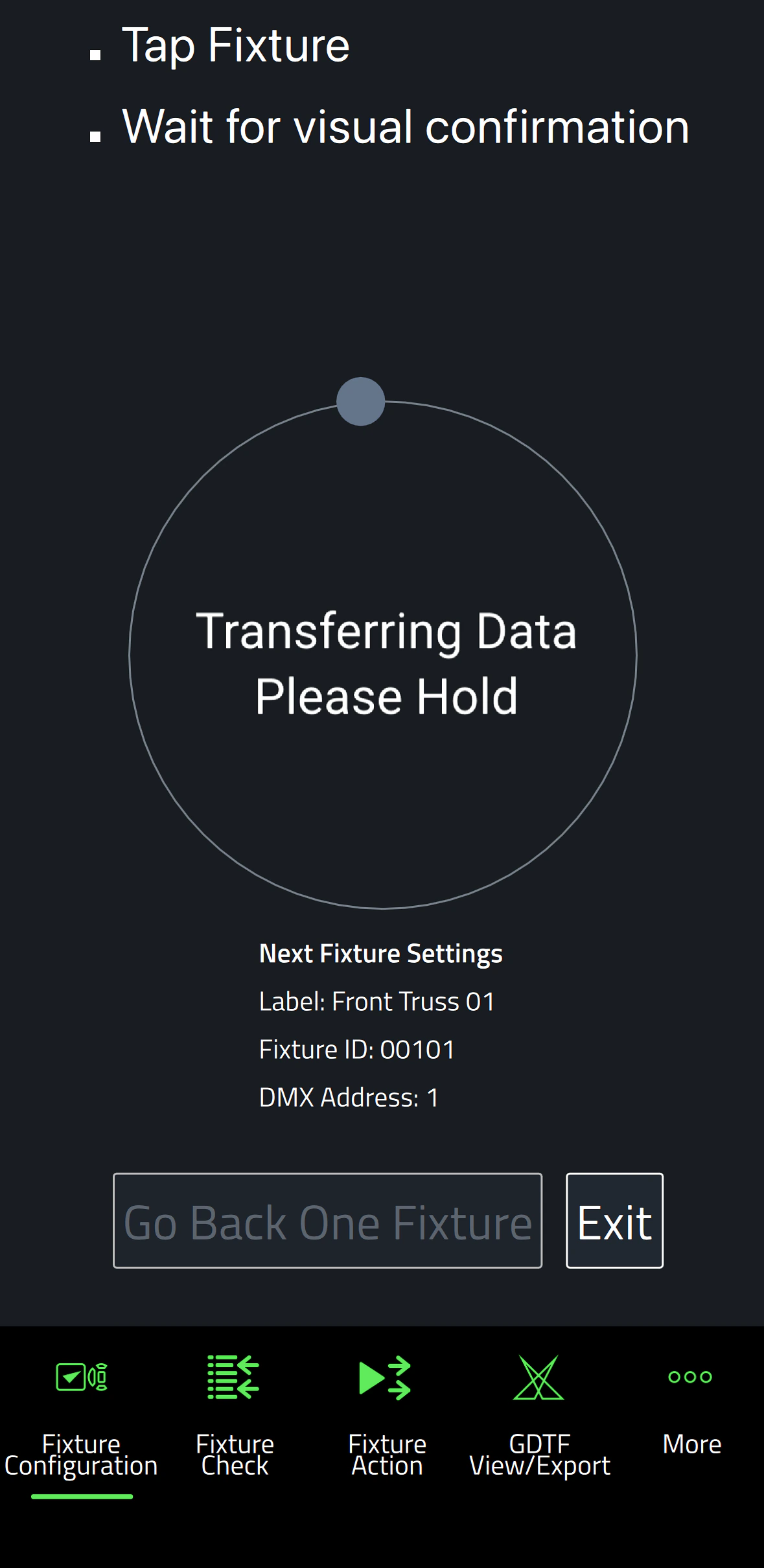
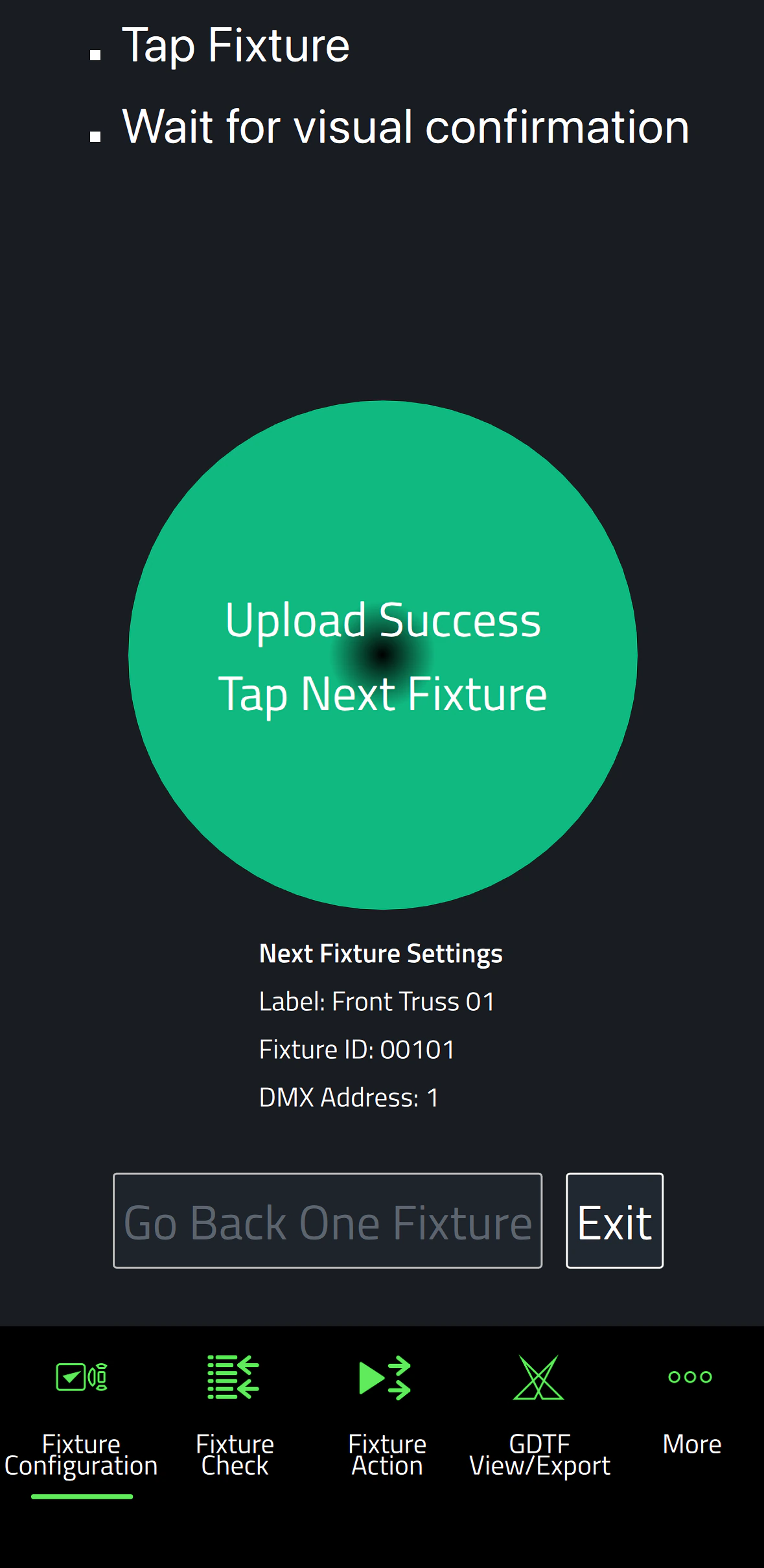
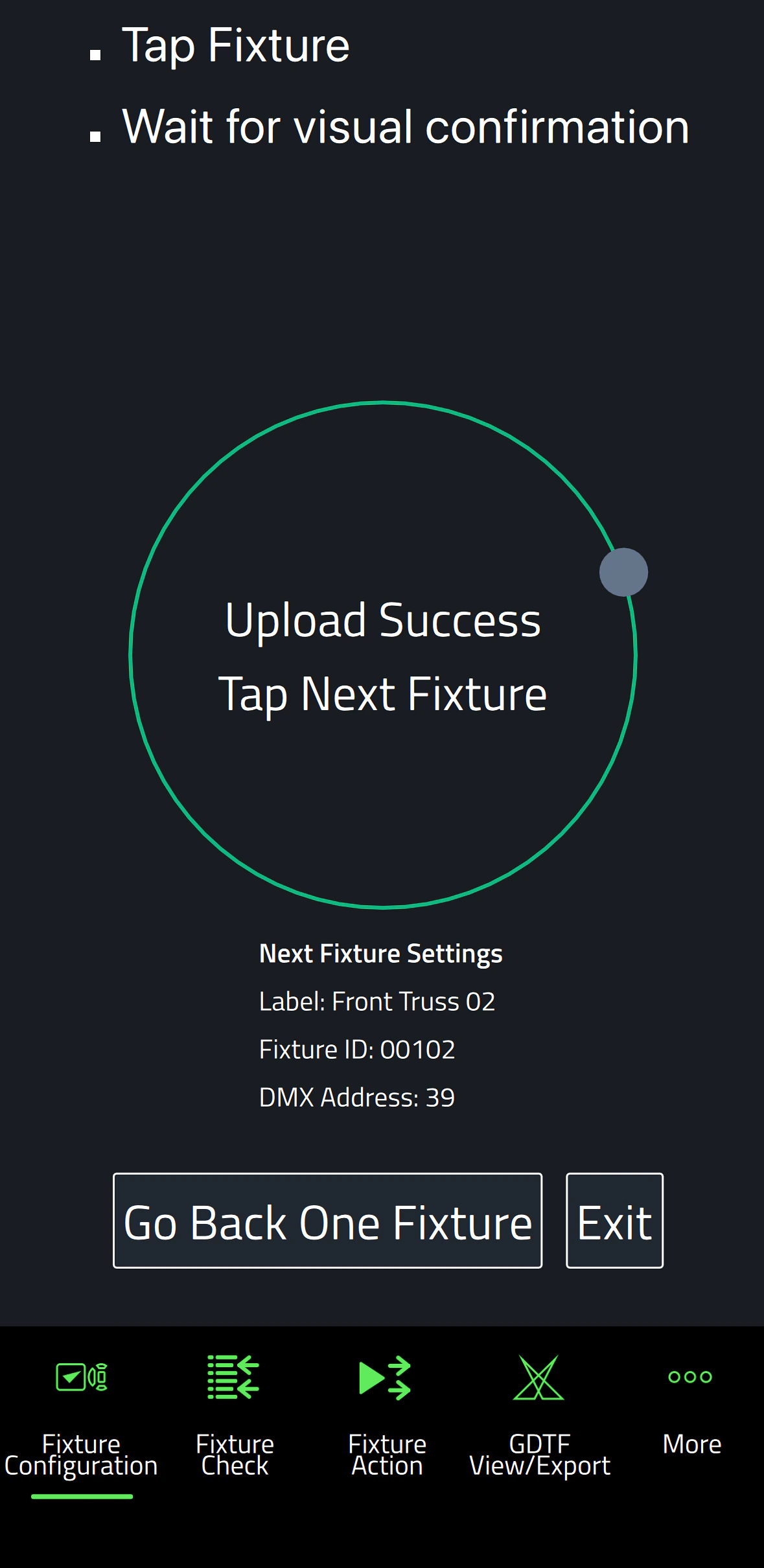
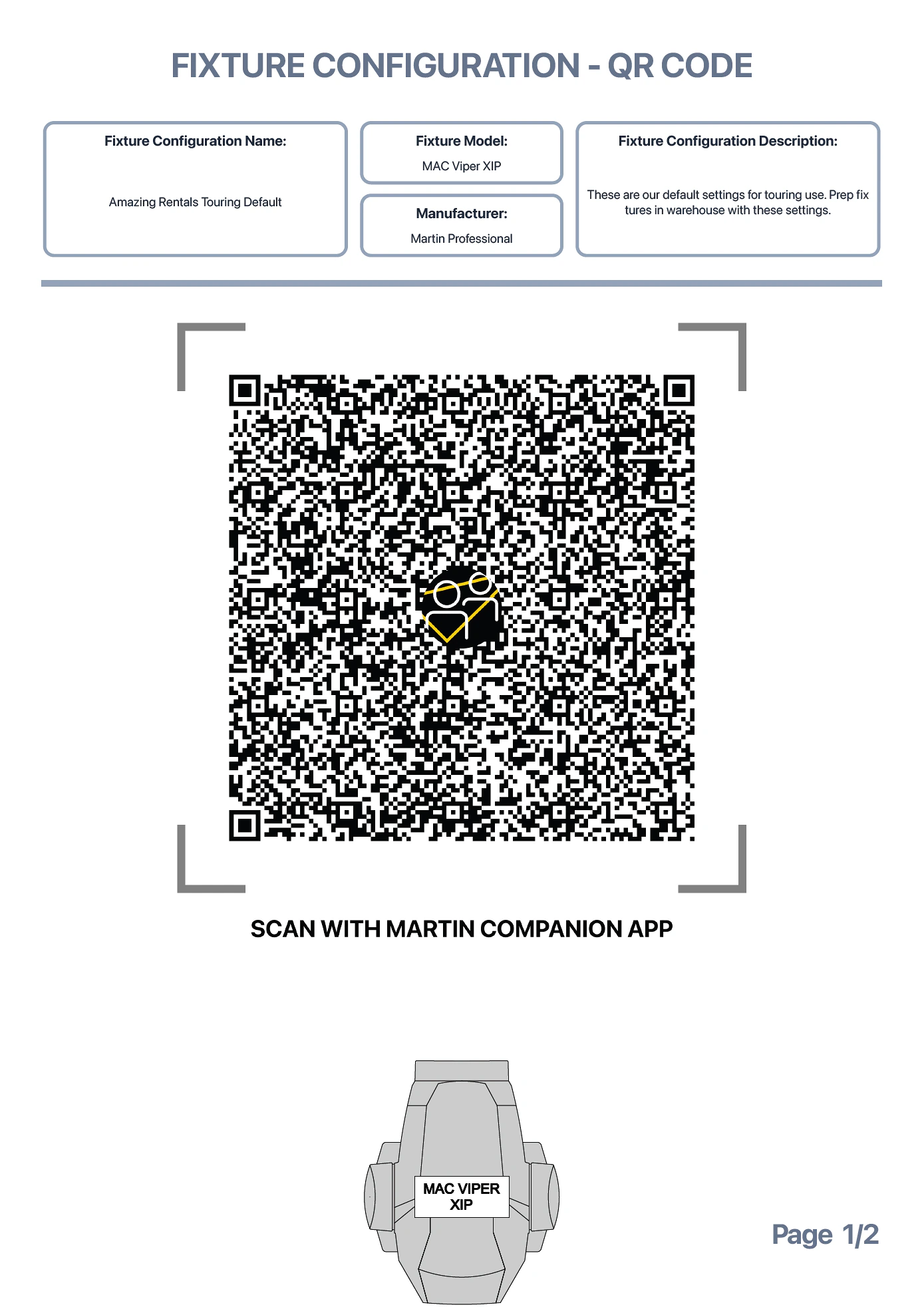
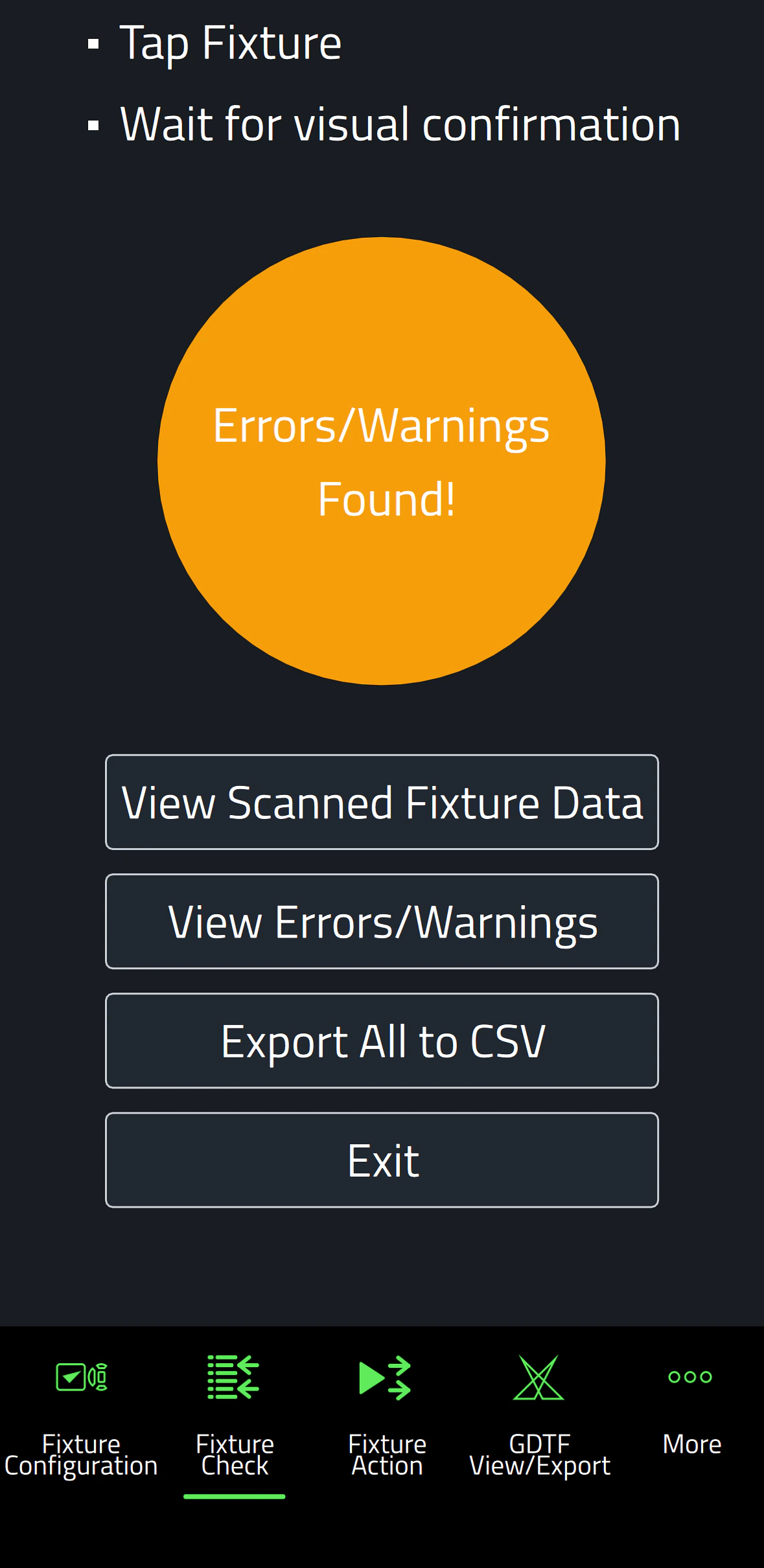
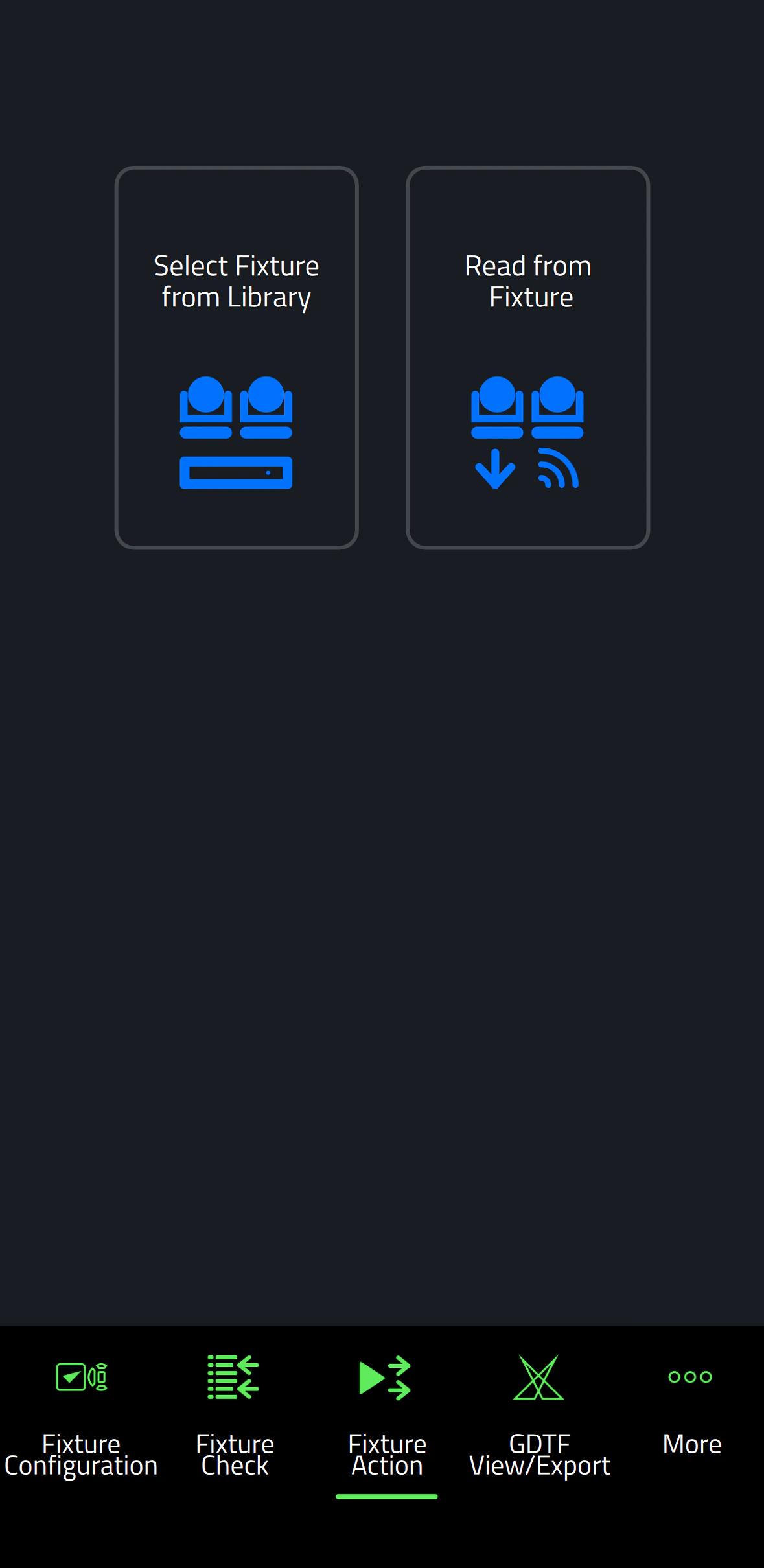
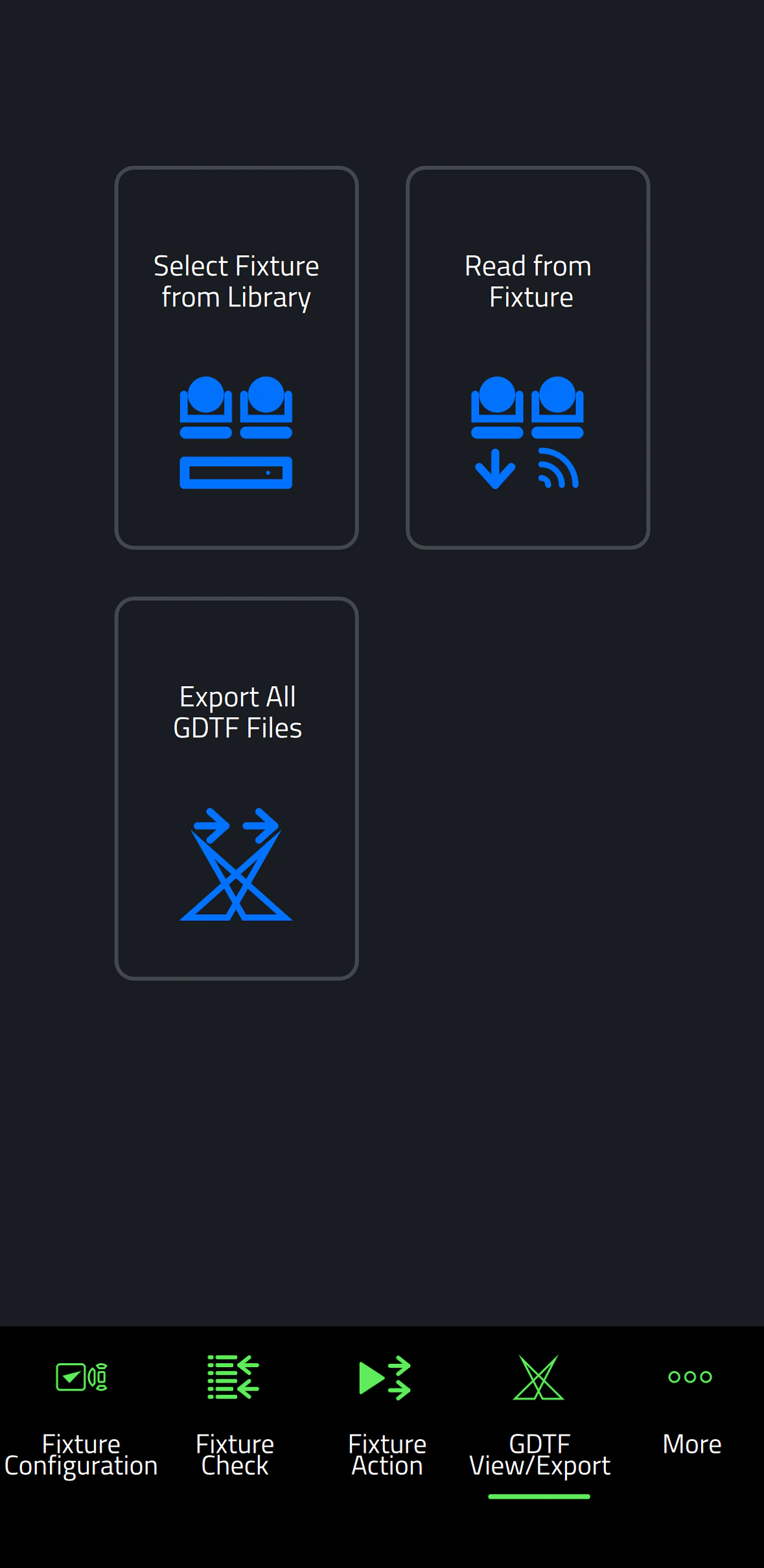
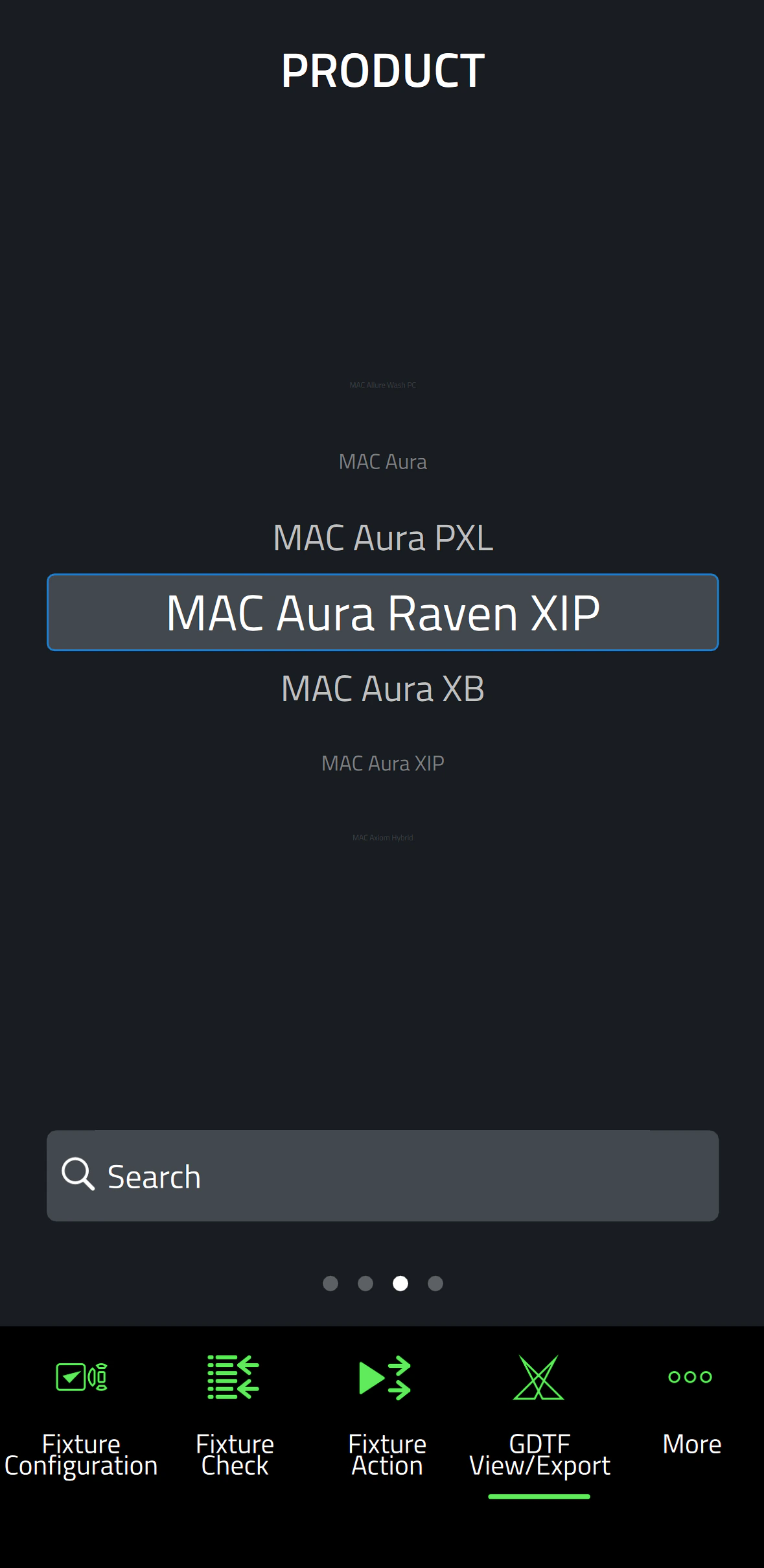
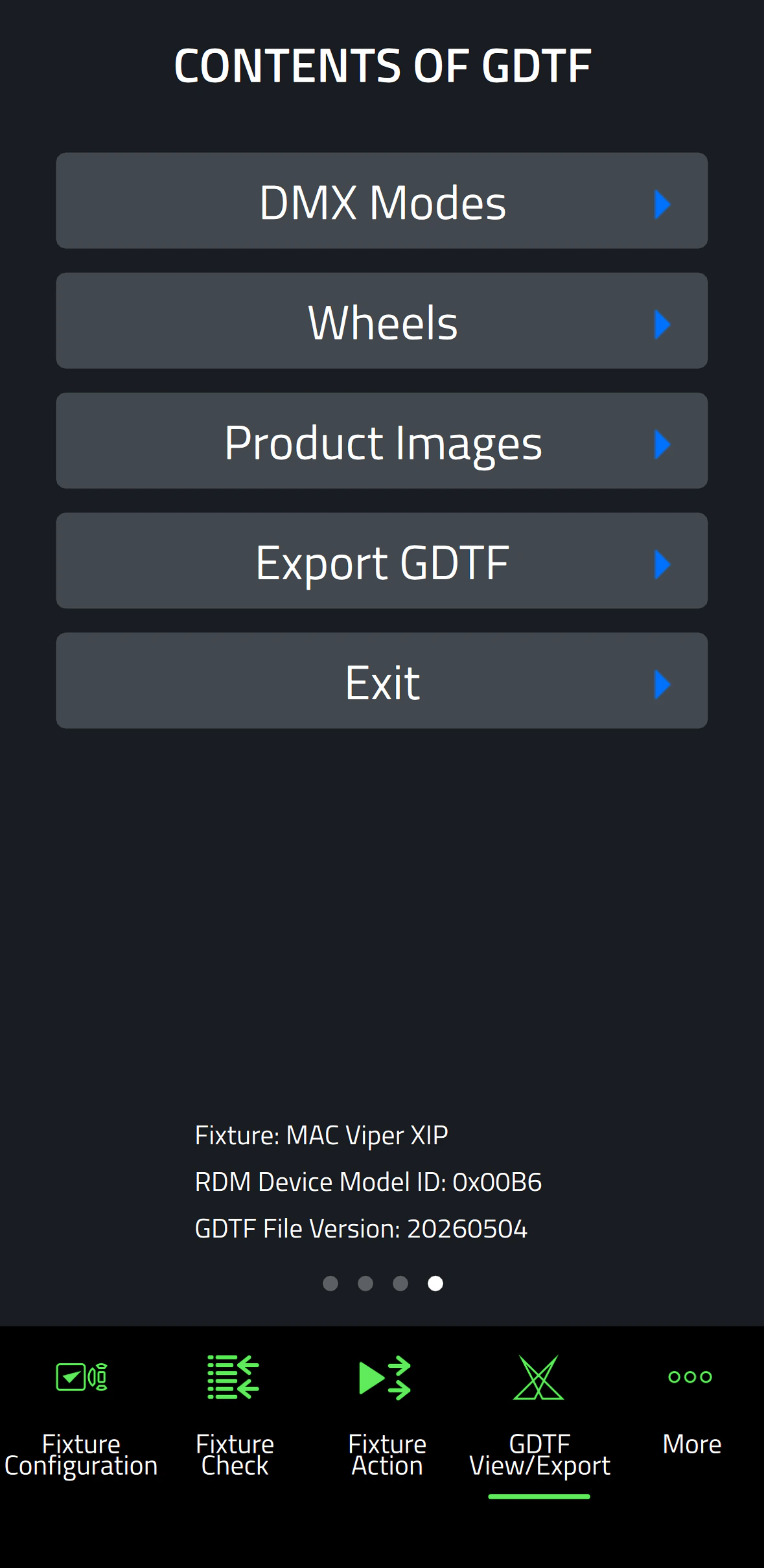
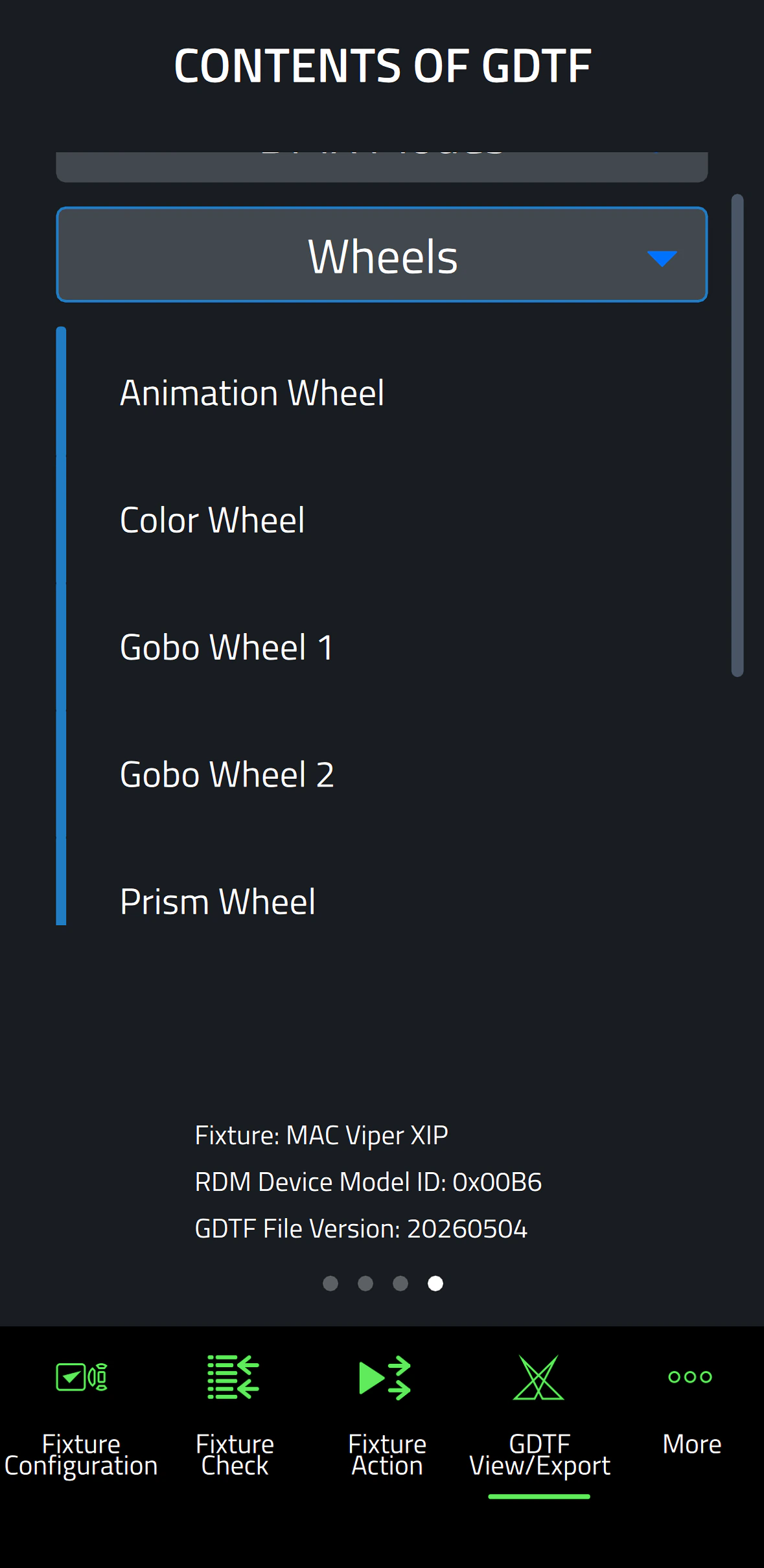
Companion Mobile เวอร์ชัน 1.0.0 นำเสนอคุณสมบัติหลักสี่ประการ โดยมีคุณสมบัติเพิ่มเติมที่วางแผนไว้สำหรับการเปิดตัวในอนาคต ซึ่งรวมถึง Fixture Configure tool สำหรับเปลี่ยนการตั้งค่า fixture ได้อย่างง่ายดาย, Fixture Check tool สำหรับการวินิจฉัย fixture ที่รวดเร็ว, Fixture Action tool สำหรับการเริ่มต้น fixture actions ที่เรียบง่าย และ GDTF View & Export สำหรับการท่องดู Martin-made GDTF files เพื่อค้นหารายละเอียด fixture

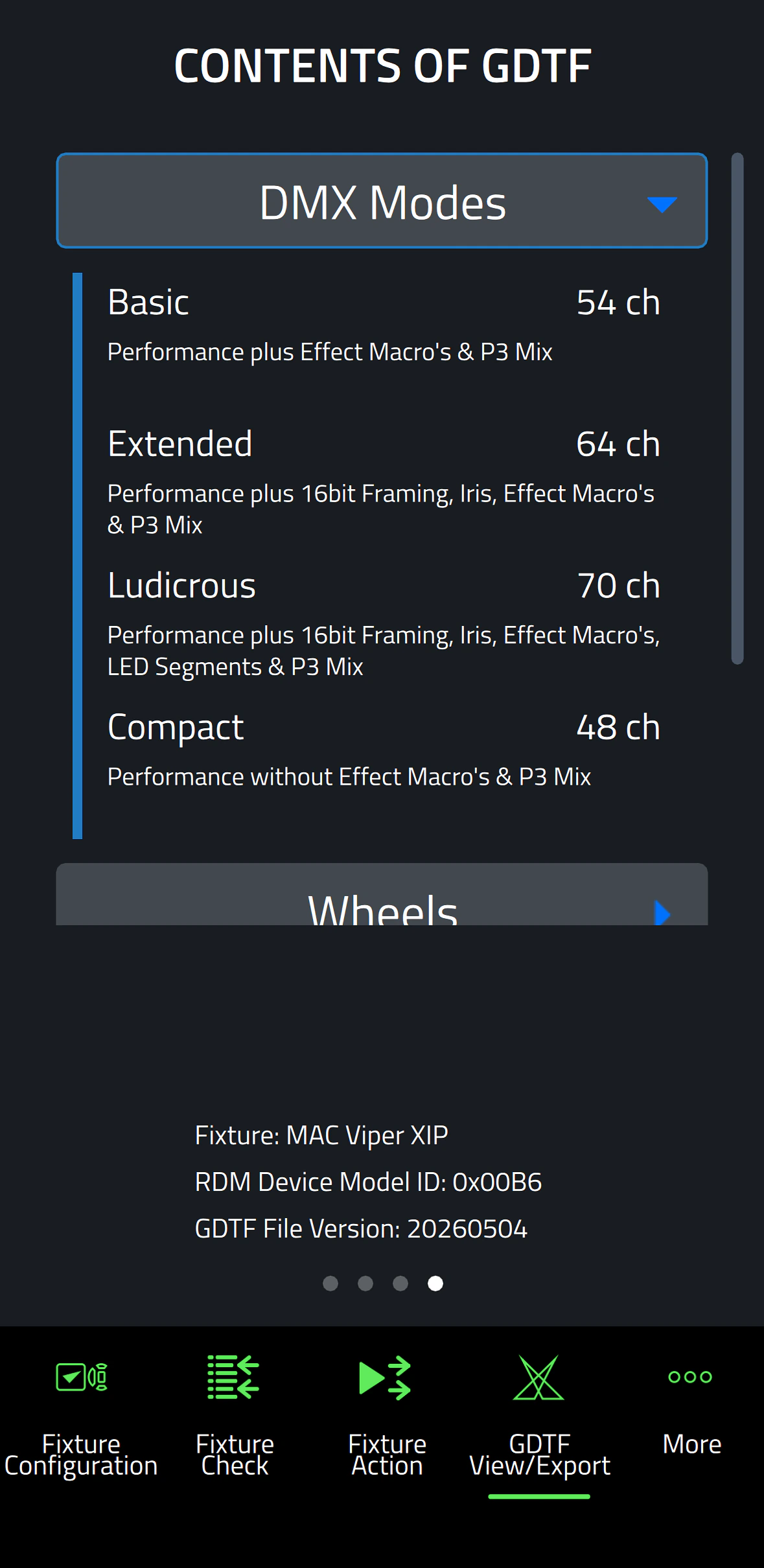
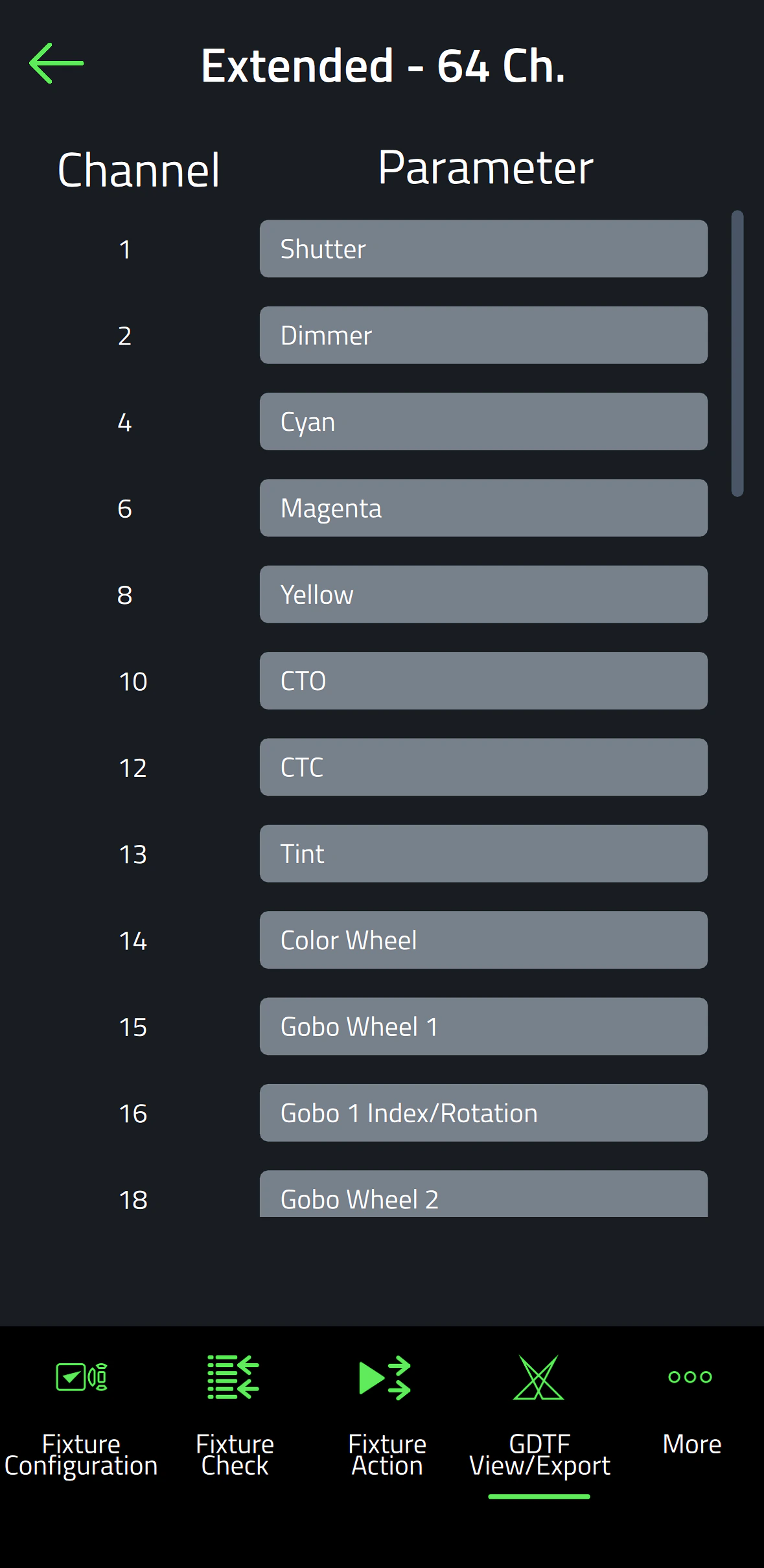
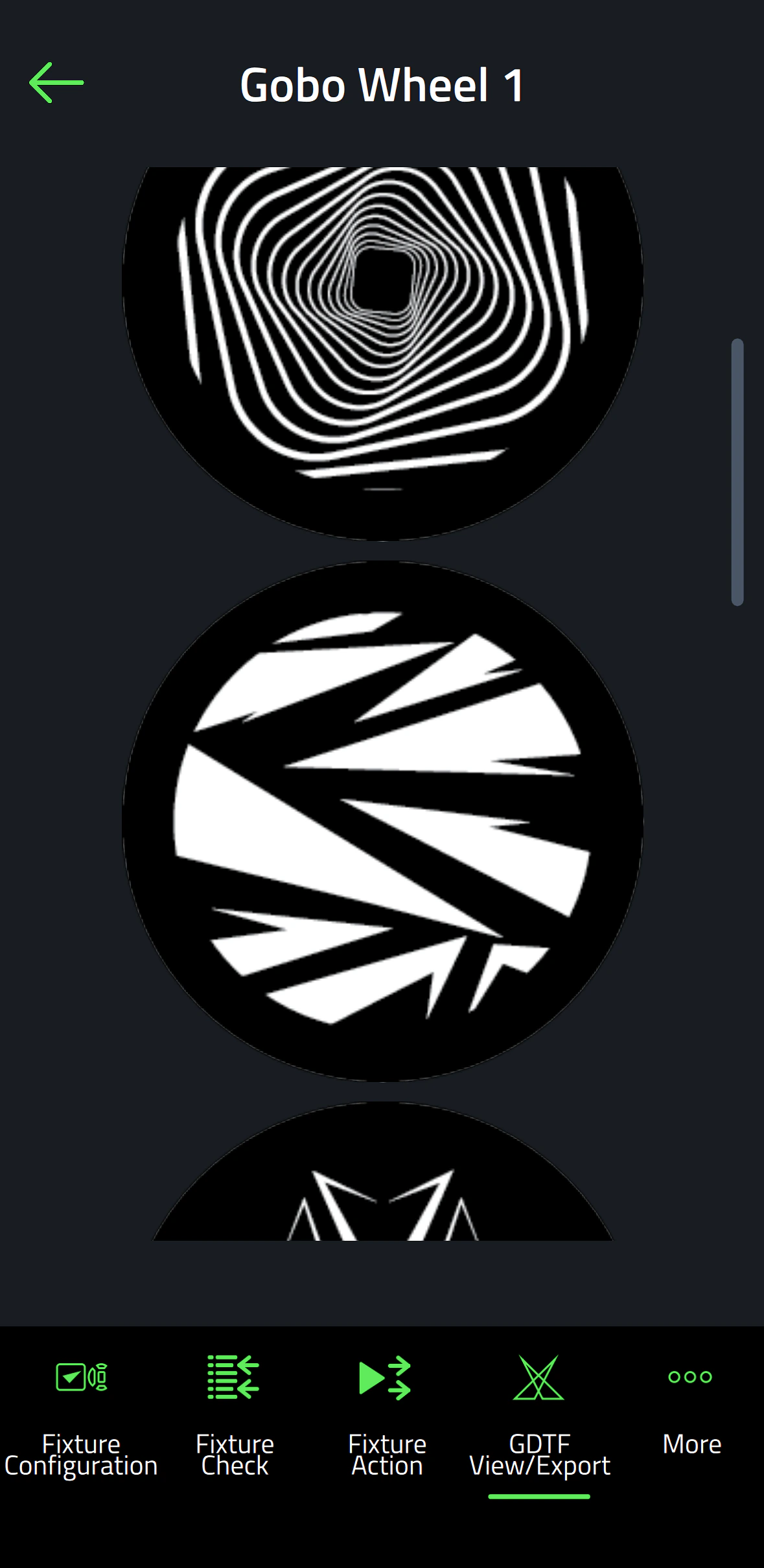
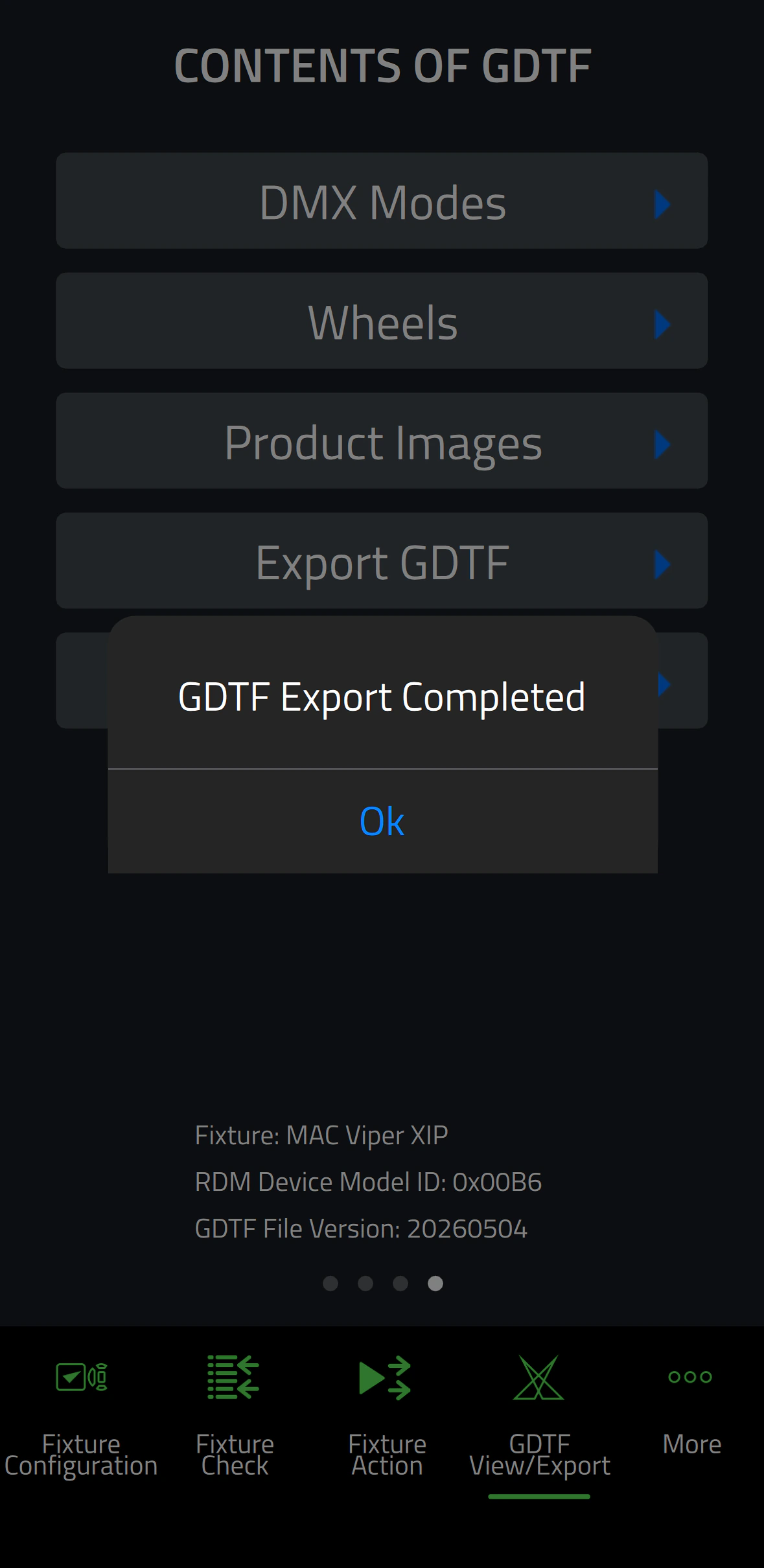
Companion Mobile ซิงโครไนซ์กับไลบรารี Martin ผ่าน Internet ซึ่งไม่จำเป็นต้องดาวน์โหลดด้วยตนเอง นอกจากนี้ยังซิงโครไนซ์โดยอัตโนมัติกับ Martin-made GDTF files บน GDTF share สิ่งนี้ให้สิทธิ์เข้าถึงรายละเอียด fixture ทั้งหมด เช่น DMX Modes, DMX Channel Listings, Gobo Loadouts และอื่น ๆ GDTF files สามารถส่งออกได้โดยตรงจาก Companion เพื่อใช้กับซอฟต์แวร์ที่รองรับ GDTF

นอกจากนี้ยังสามารถดู Companion Desktop ซึ่งมีคุณสมบัติบางส่วนเดียวกันสำหรับคอมพิวเตอร์ที่ใช้ Windows

วิดีโอ


คุณสมบัติ

  • เข้ากันได้กับ Martin fixtures ที่มี NFC รวมถึง MAC Viper XIP, MAC Aura Raven XIP, MAC Encore Two, ELP Manet 8F และ fixtures อื่นๆ อีกมากมายในอนาคต
  • ซิงโครไนซ์ฐานข้อมูล fixture และไลบรารี GDTF ออนไลน์โดยอัตโนมัติ
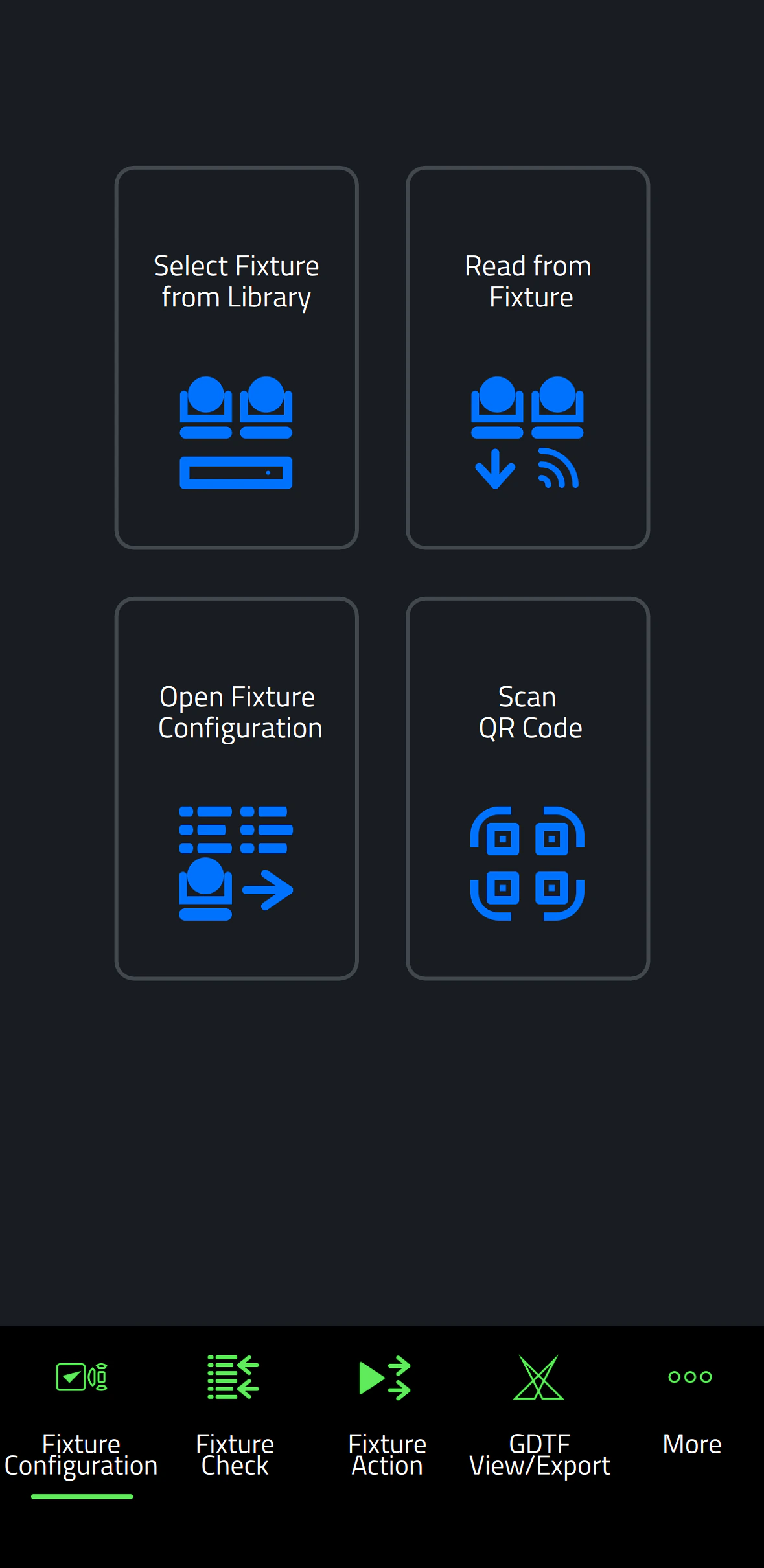
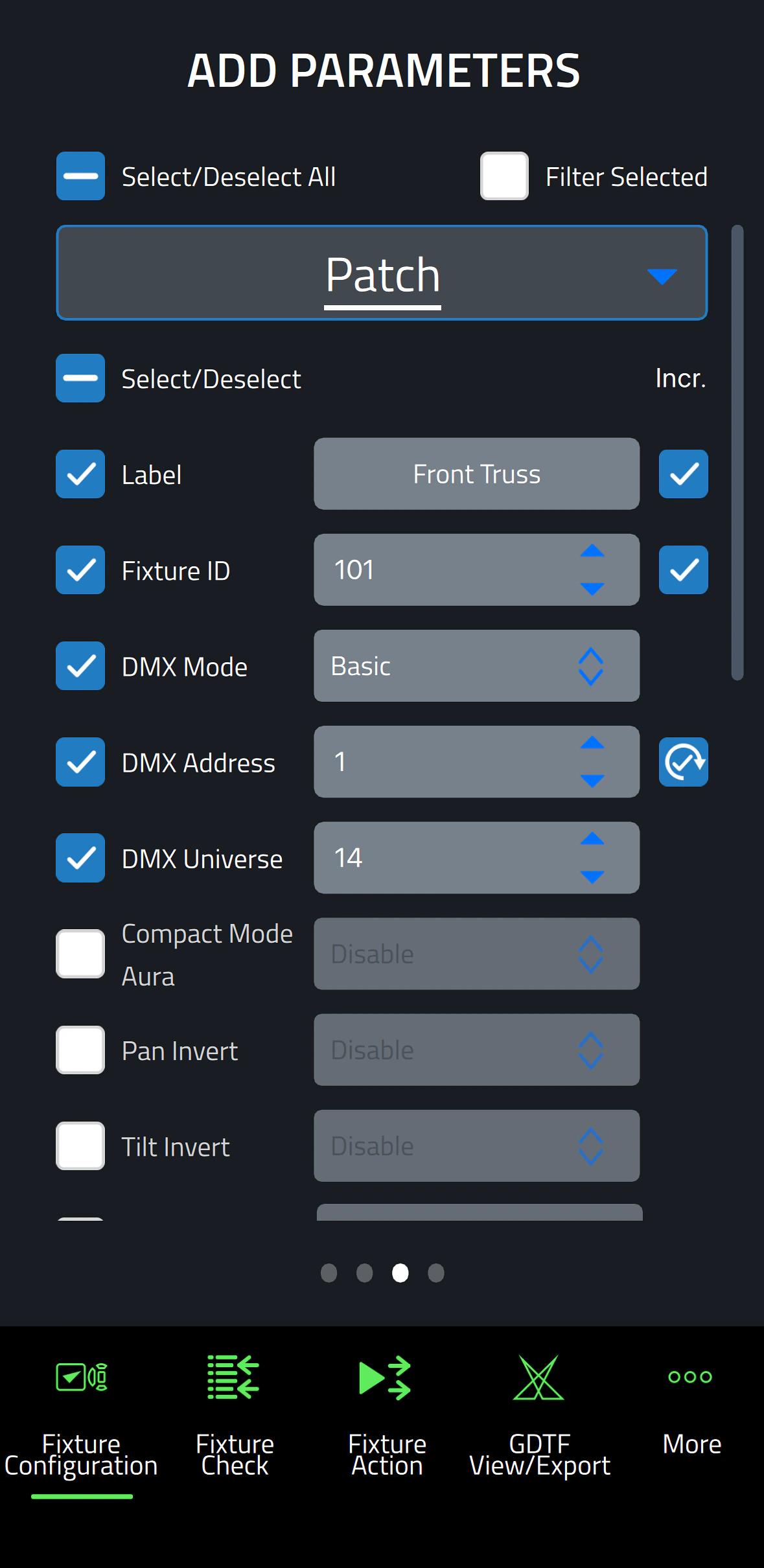
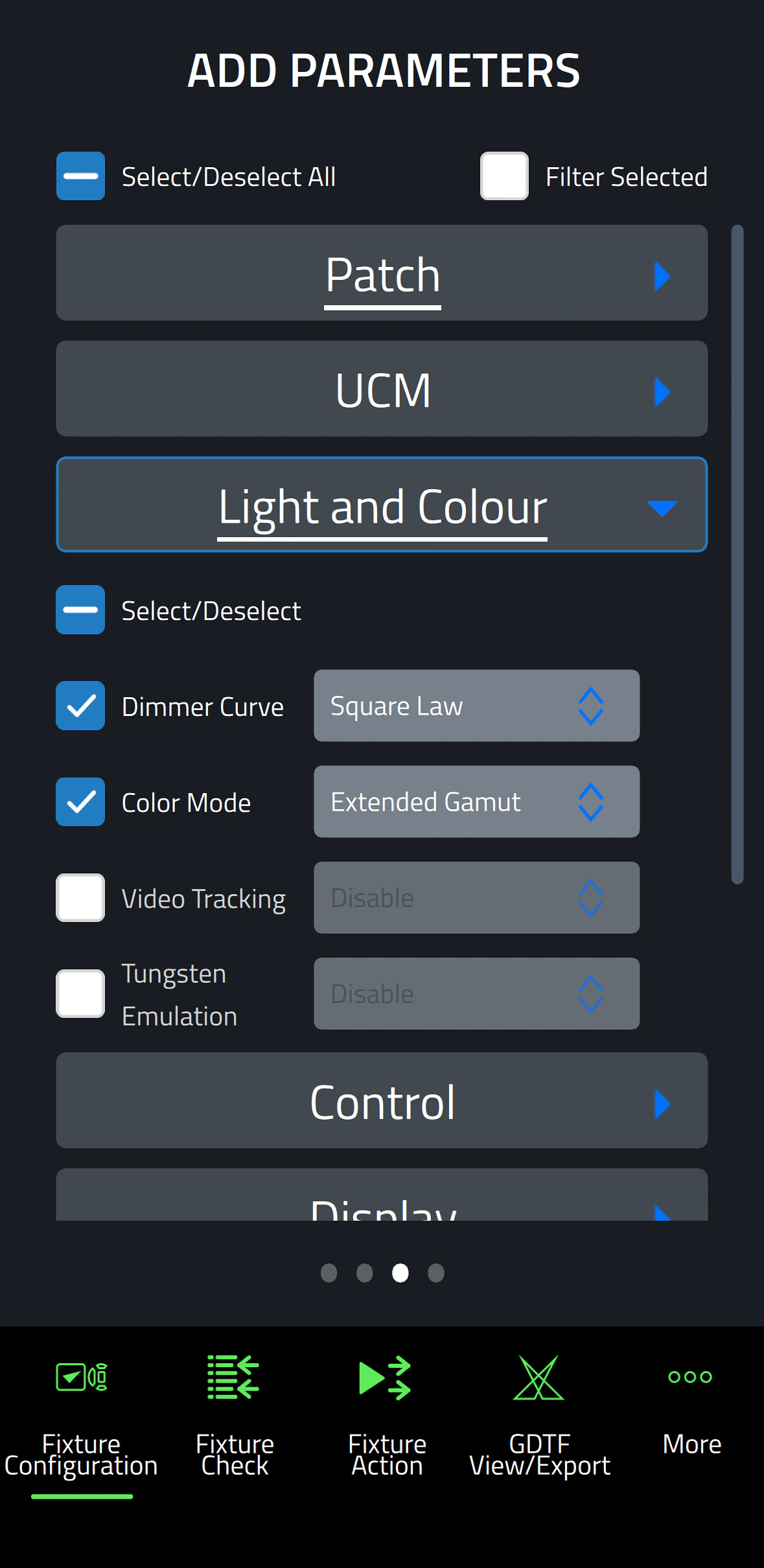
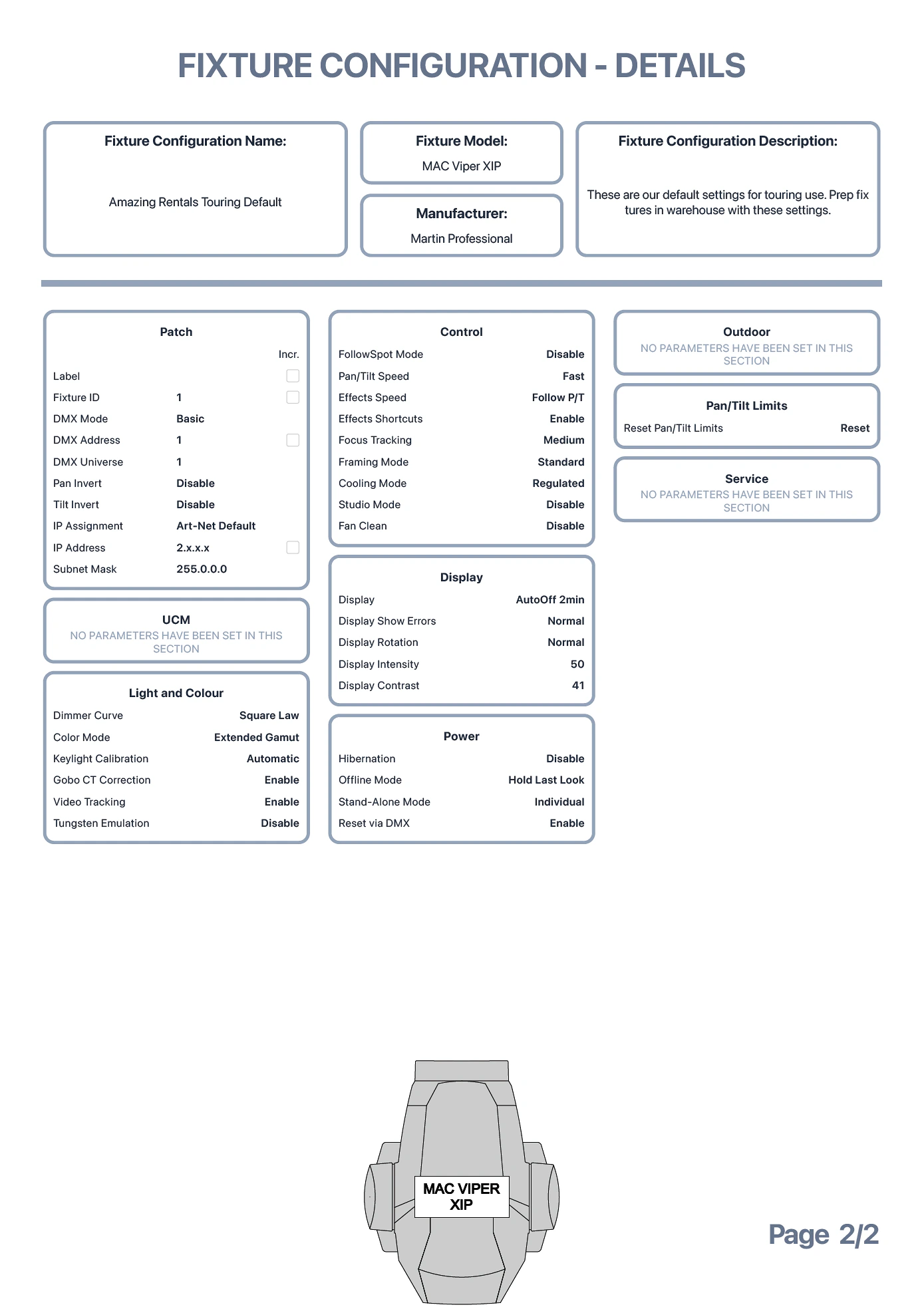
  • Fixture Configure ให้ความสามารถในการเปลี่ยนแปลงการตั้งค่าของ fixture หนึ่งหรือหลายตัวพร้อมกันได้อย่างง่ายดาย
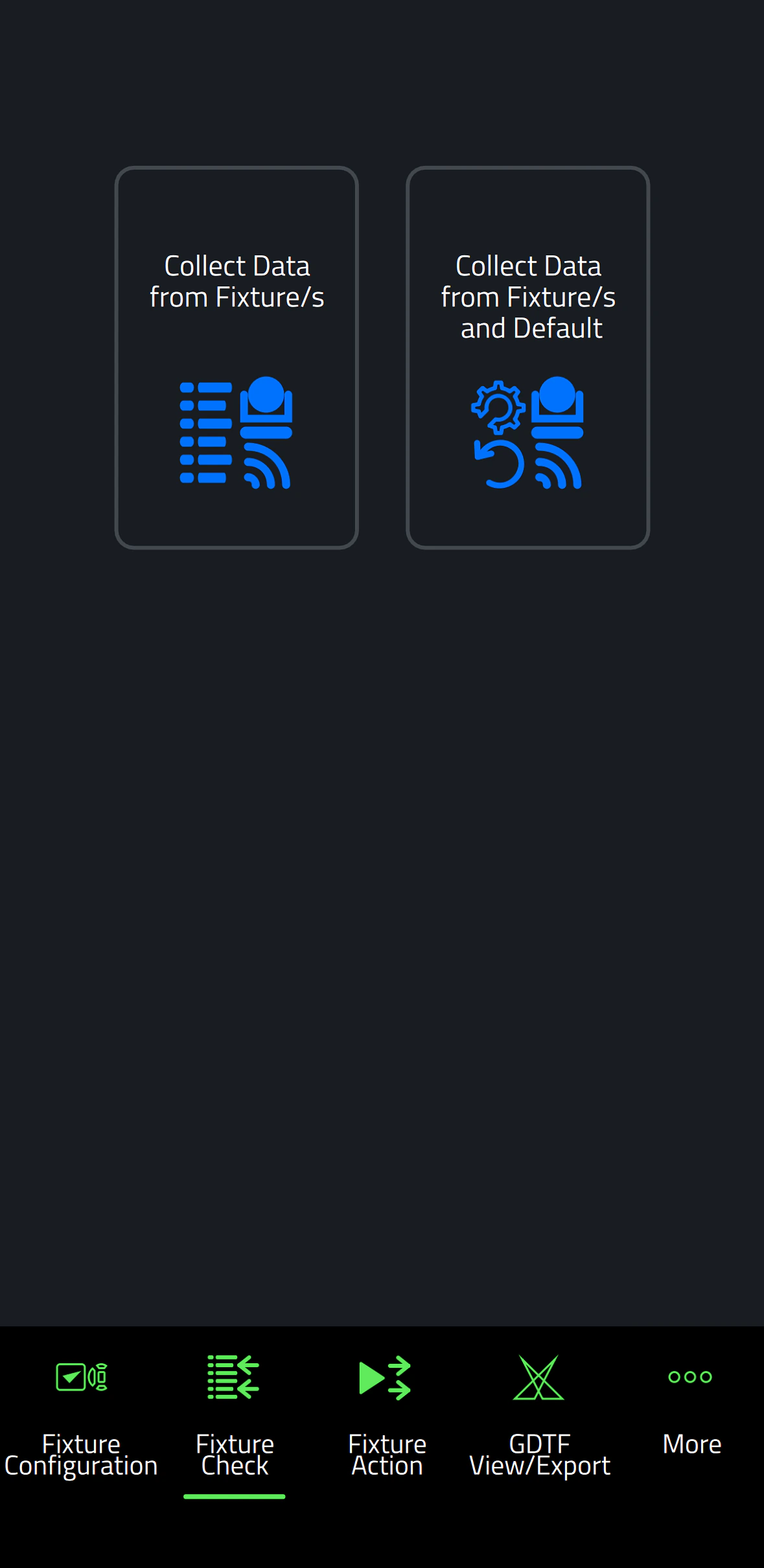
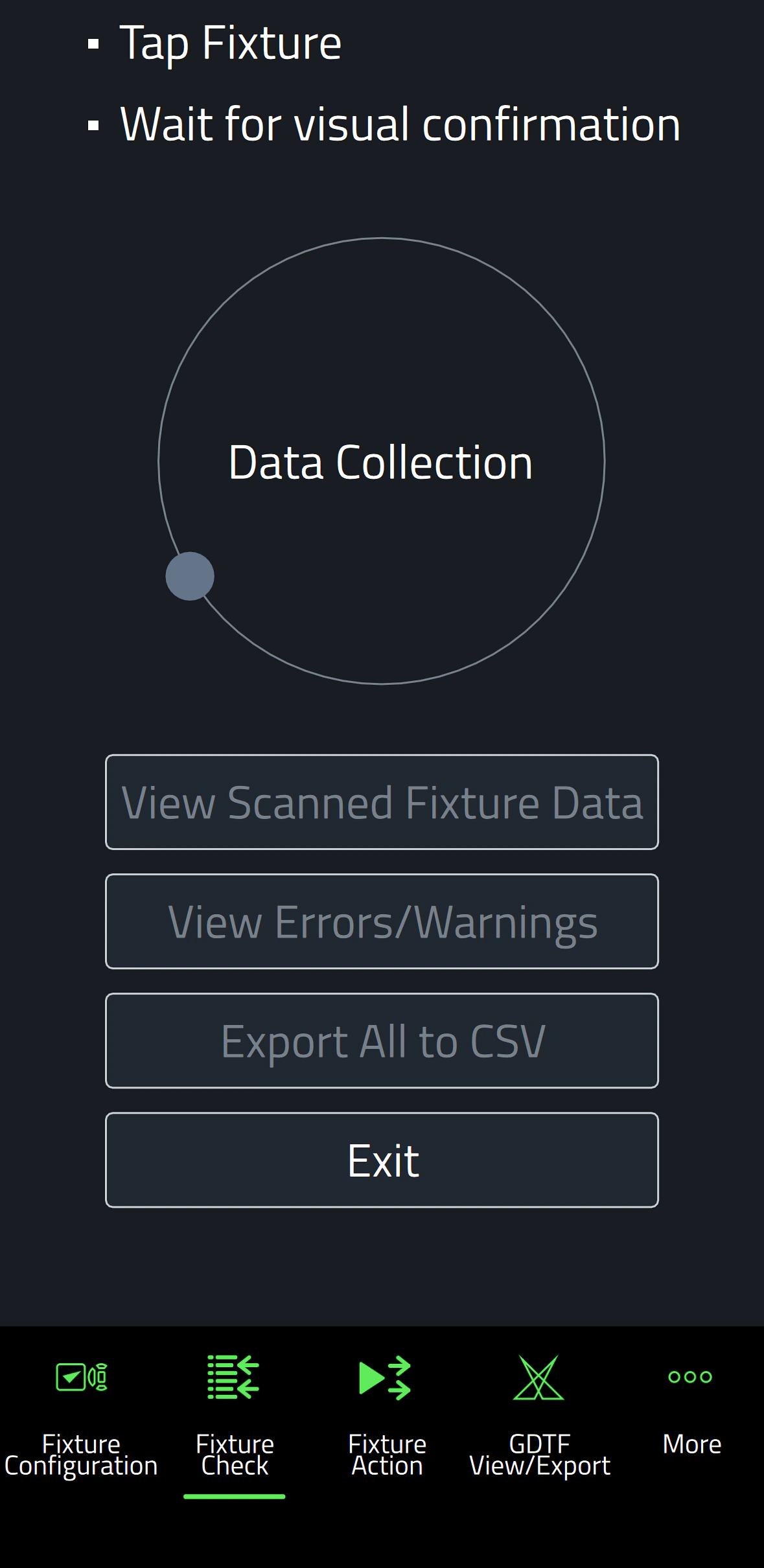
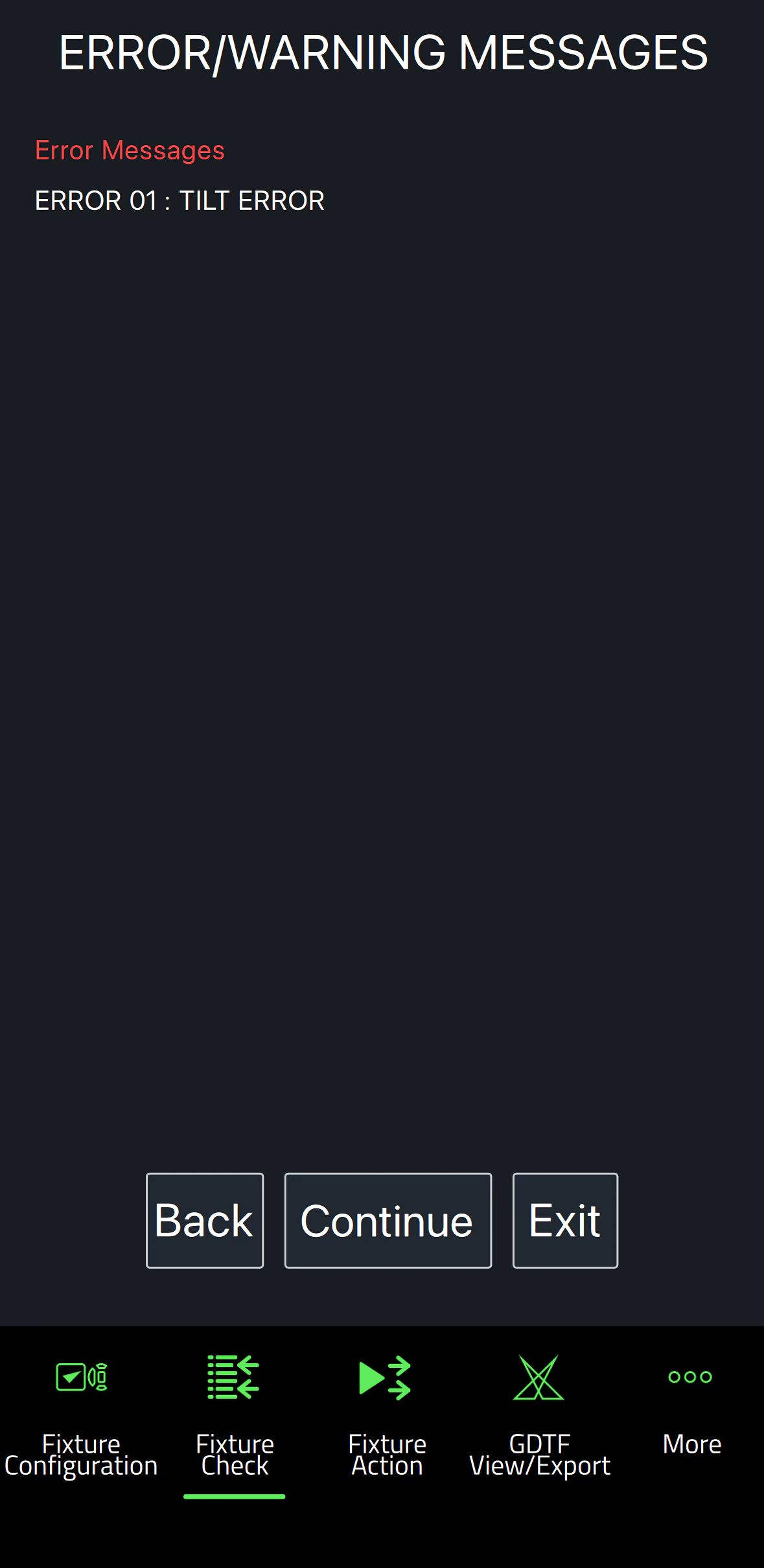
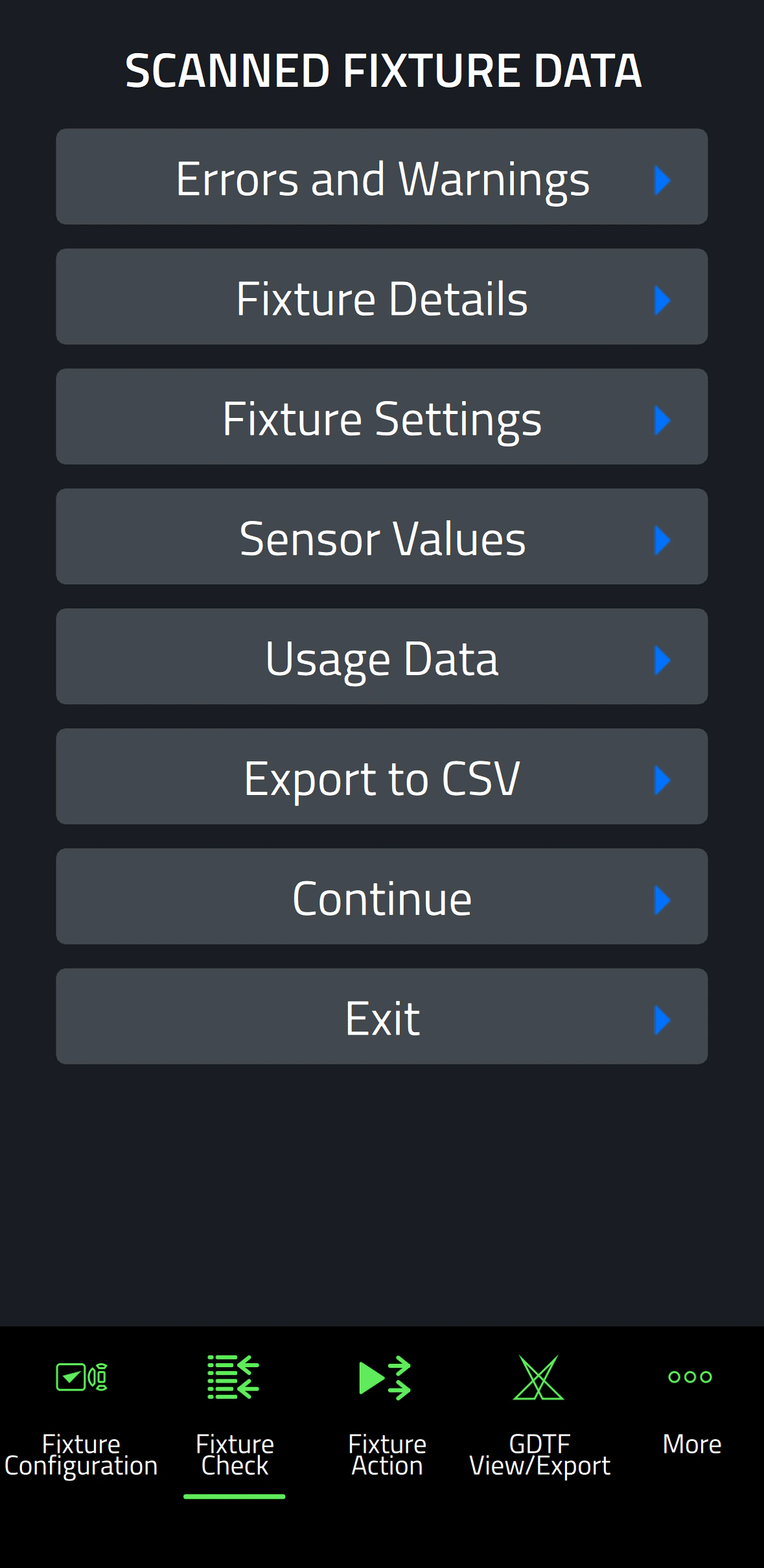
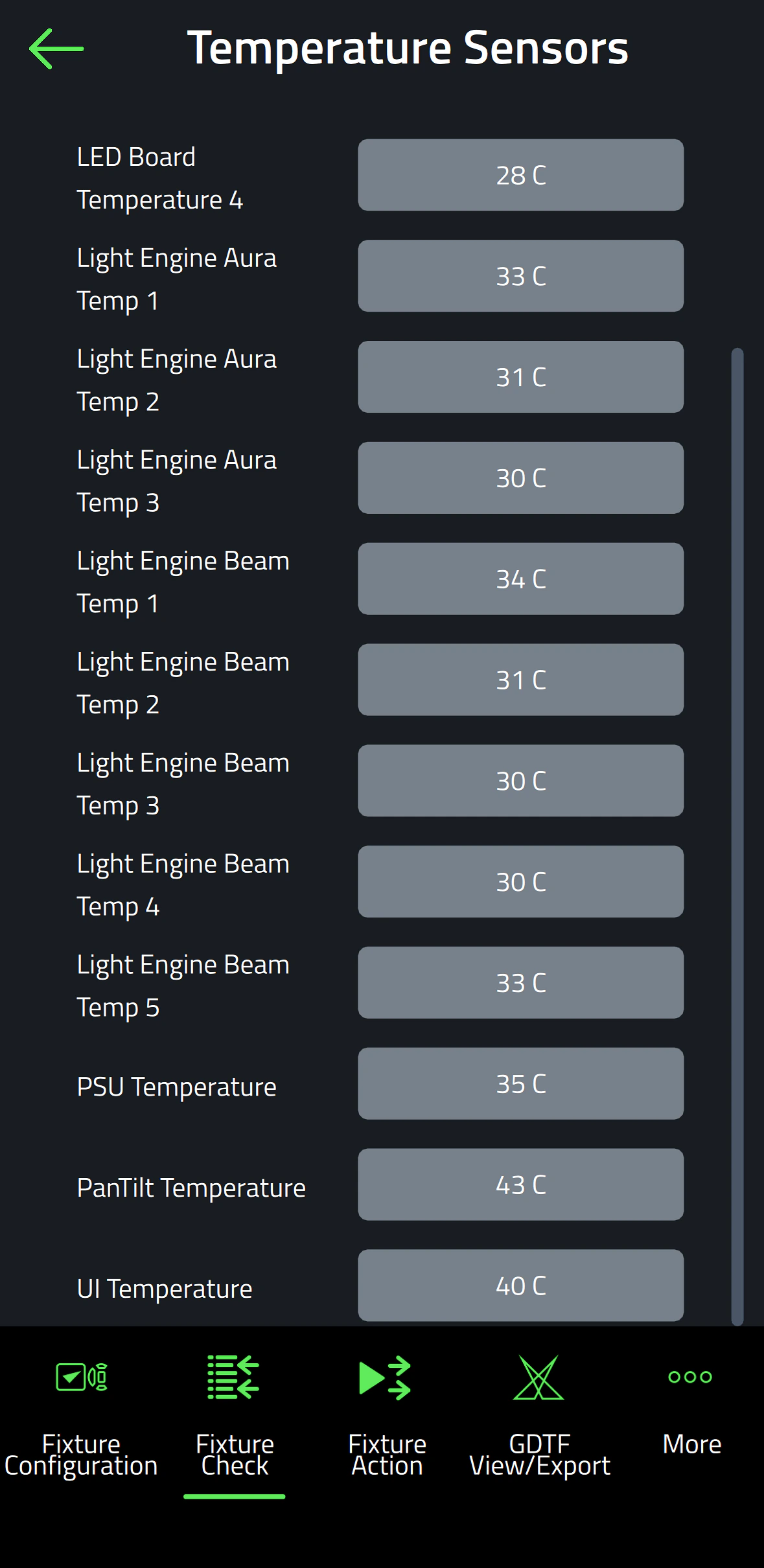
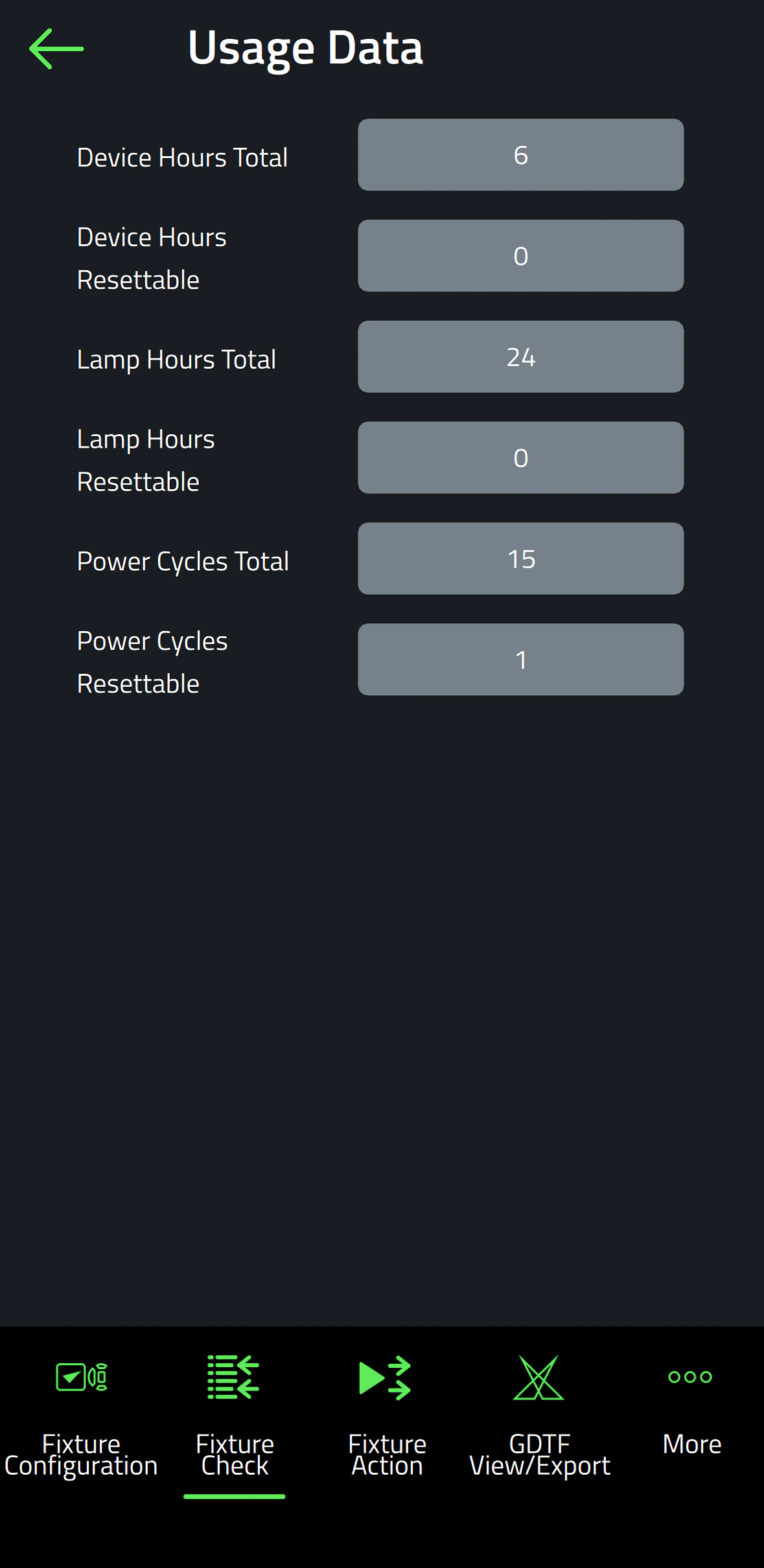
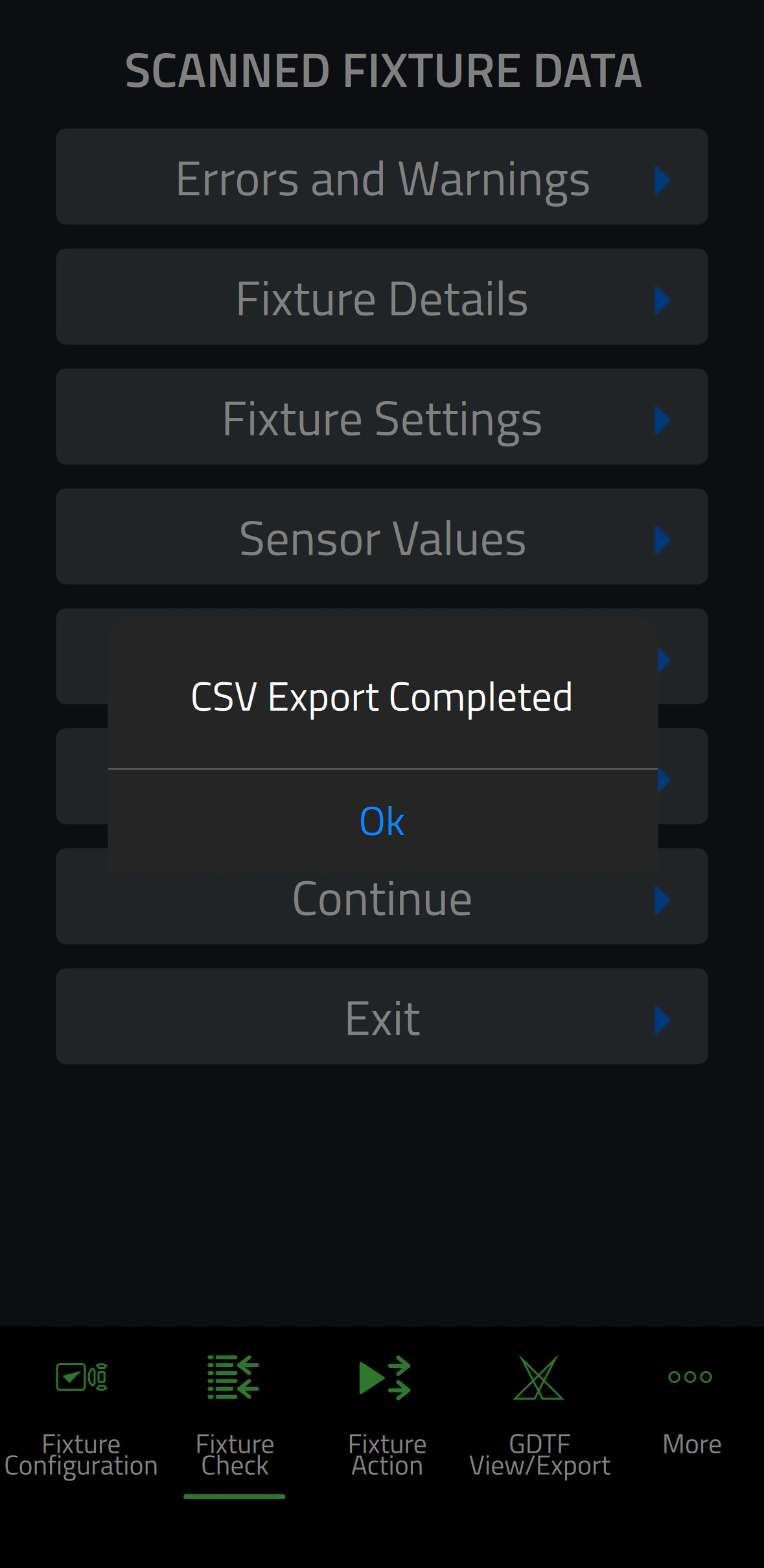
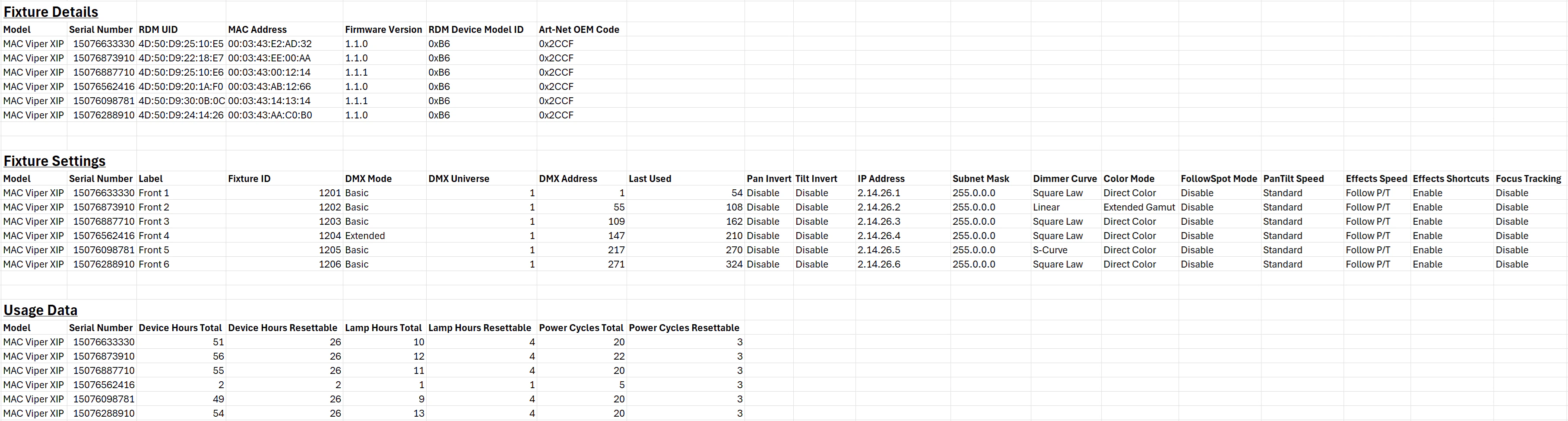
  • Fixture Check เปิดใช้ความสามารถในการวินิจฉัย fixtures อย่างรวดเร็วและส่งออกข้อมูลไปยังไฟล์ CSV
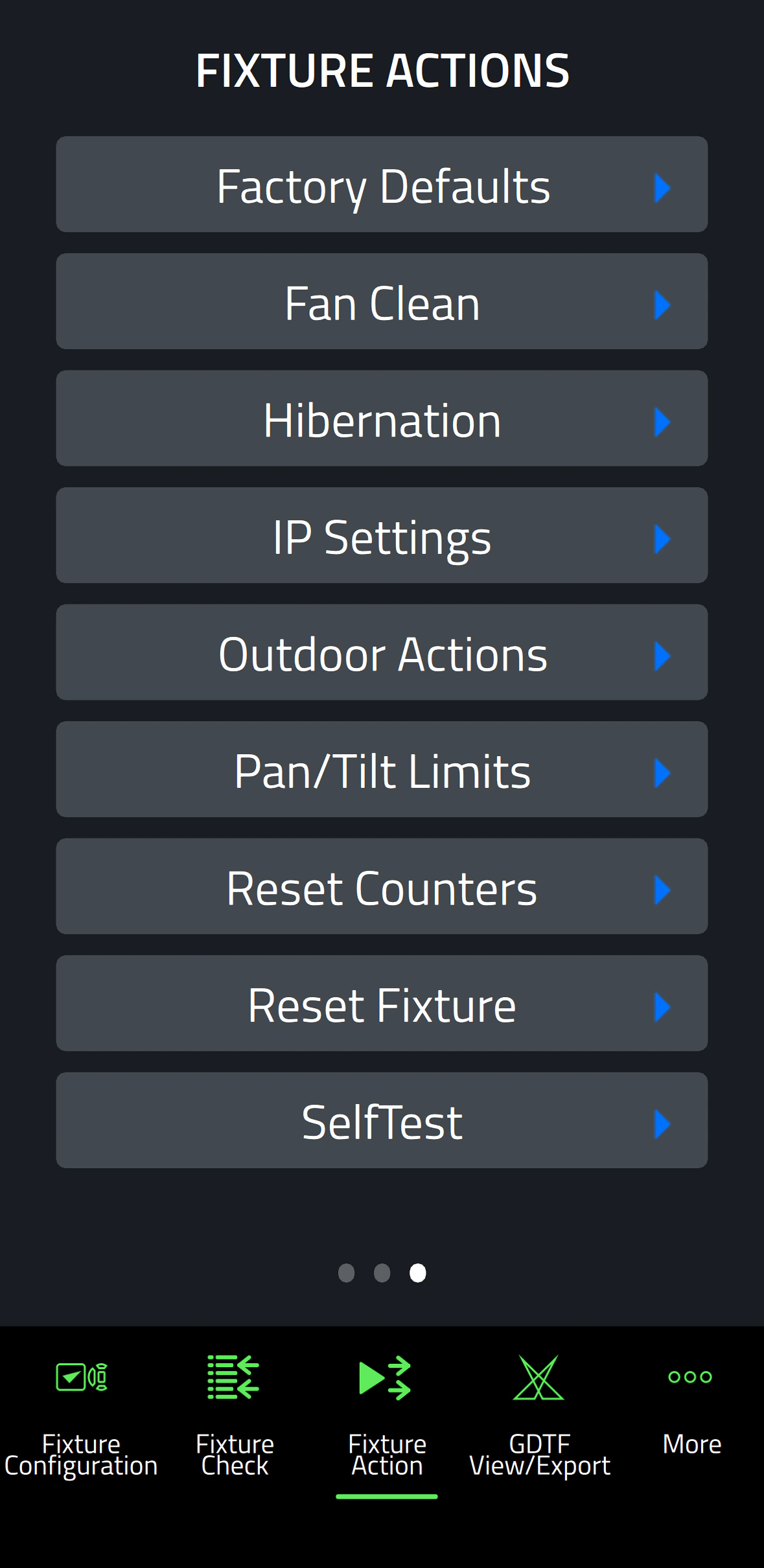
  • Fixture Action อนุญาตให้ทำการทำงานทั่วไปด้วยคลิกเดียว
  • ความสามารถในการอ่านข้อมูลทั้งหมดจาก fixtures แม้ว่าจะปิดอยู่
  • ความสามารถในการตั้งค่า fixtures ได้แม้ก่อนที่จะเปิดสวิตช์
  • รวมเครื่องมือ GDTF viewer และ export ที่ผสานรวม

ข้อมูลจำเพาะ

  • System Requirements

    Android: Version 12 or newer
    iOS: Version 13 or newer
    Storage: 250 MB available storage space

    Supported Fixture Communication Protocols NFC
    Supported NFC Parameters

    Fixture Configuration
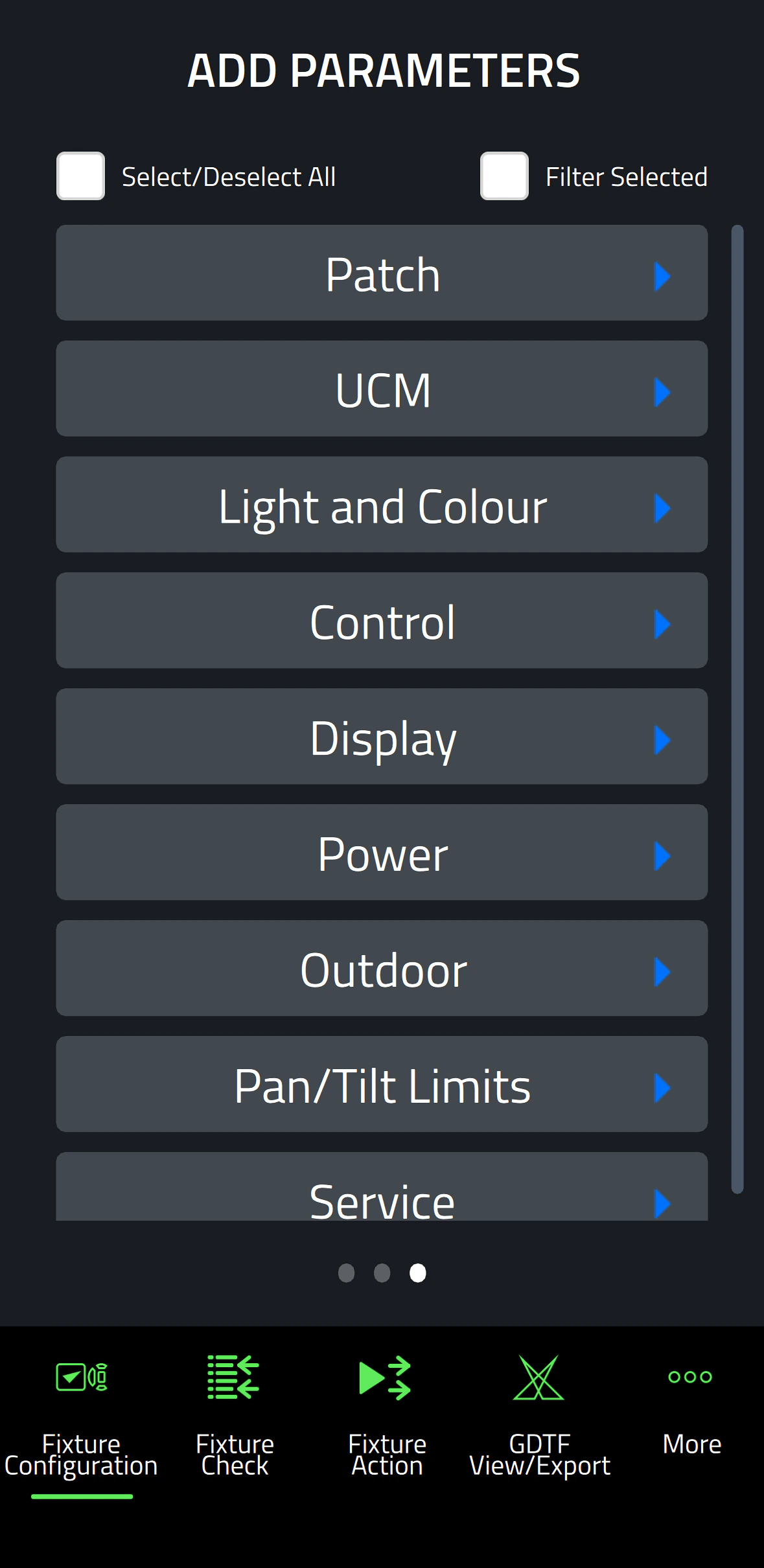
    Patch: Label, Fixture ID, P3 ID, DMX Mode, DMX Address, DMX Universe, Compact Mode Aura, Pan Invert, Tilt Invert, Pan/Tilt Swap, PixelFlip, IP Address, Subnet Mask
    Universal Connect Module: SHoW ID, SHoW Key, Output Power, Antenna Type, RSSI, RX Quality, Connection State, Module Manufacturer, Module Model, Module Firmware
    Light and Colour: Dimmer Curve, Color Mode, Color Boost, Output Mode, Manual CTC, Manual Tint, Keylight Calibration, Gobo CT Correction, End Compensation, Video Tracking, Strobe Behavior, Tungsten Emulation
    Control: FollowSpot Mode, Pan/Tilt Speed, Effects Speed, Effects Shortcuts, Focus Tracking, Framing Mode, HyperZoom, Fan Mode, Cooling Mode, Studio Mode, BeamShaper, Fan Clean
    Display: Display, Display Show Errors, Display Rotation, Display Intensity, Display Contrast
    Power: Power Limit, Hibernation, Offline Mode, Stand-Alone Mode, Reset via DMX
    Outdoor: Auto Empty Water, Outdoor Actions
    Pan/Tilt Limits: Reset Pan/Tilt Limits, Enable Pan/Tilt Limits, Pan Limit Min, Pan Limit Max, Tilt Limit Min, Tilt Limit Max
    Details: Serial Number, RDM UID, MAC Address, RDM Protocol Version, RDM Device Model ID, Art-Net OEM Code, Product Category, Firmware Version, Sub-Device Count
    Service: SelfTest, Device Hours Total, Device Hours Resettable, Lamp Hours Total, Lamp Hours Resettable, Power Cycles Total, Power Cycles Resettable, Fixture Length

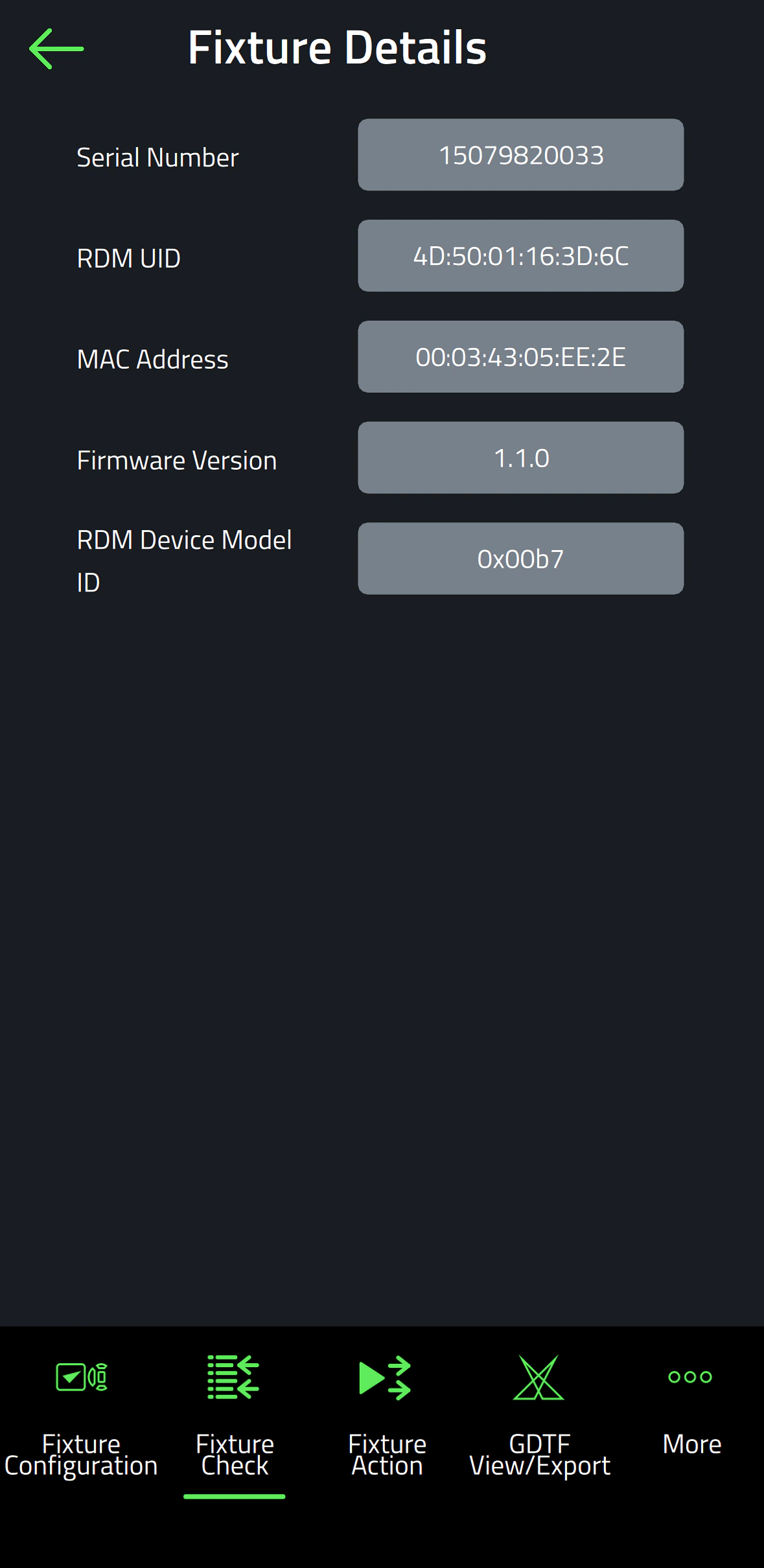
    Fixture Check
    Fixture Details: Serial Number, RDM UID, MAC Address, Firmware Version, RDM Device Model ID, Art-Net OEM Code
    Errors and Warnings: Error Messages, Warning Messages
    Usage Data: Device Hours Total, Device Hours Resettable, Lamp Hours Total, Lamp Hours Resettable, Power Cycles Total, Power Cycles Resettable
    Sensor Values: Temperatures, Fan Speeds
    Fixture Settings: same as fixture configuration

    Fixture Action
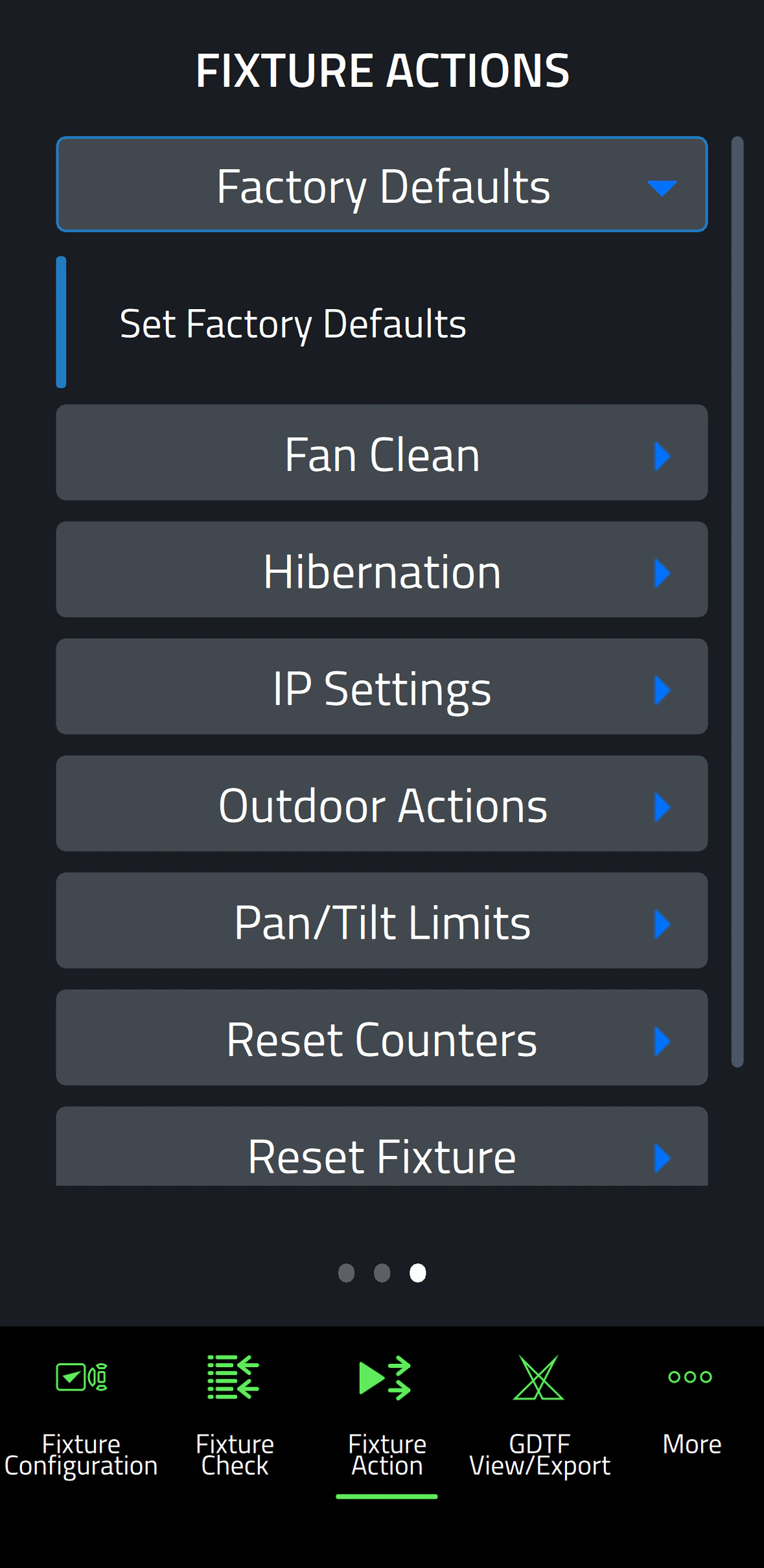
    Factory Defaults: Set Factory Defaults
    Reset Fixture: Warm Reset, Cold Reset
    Hibernation: Disable, Enable
    IP Settings: Reset IP Settings
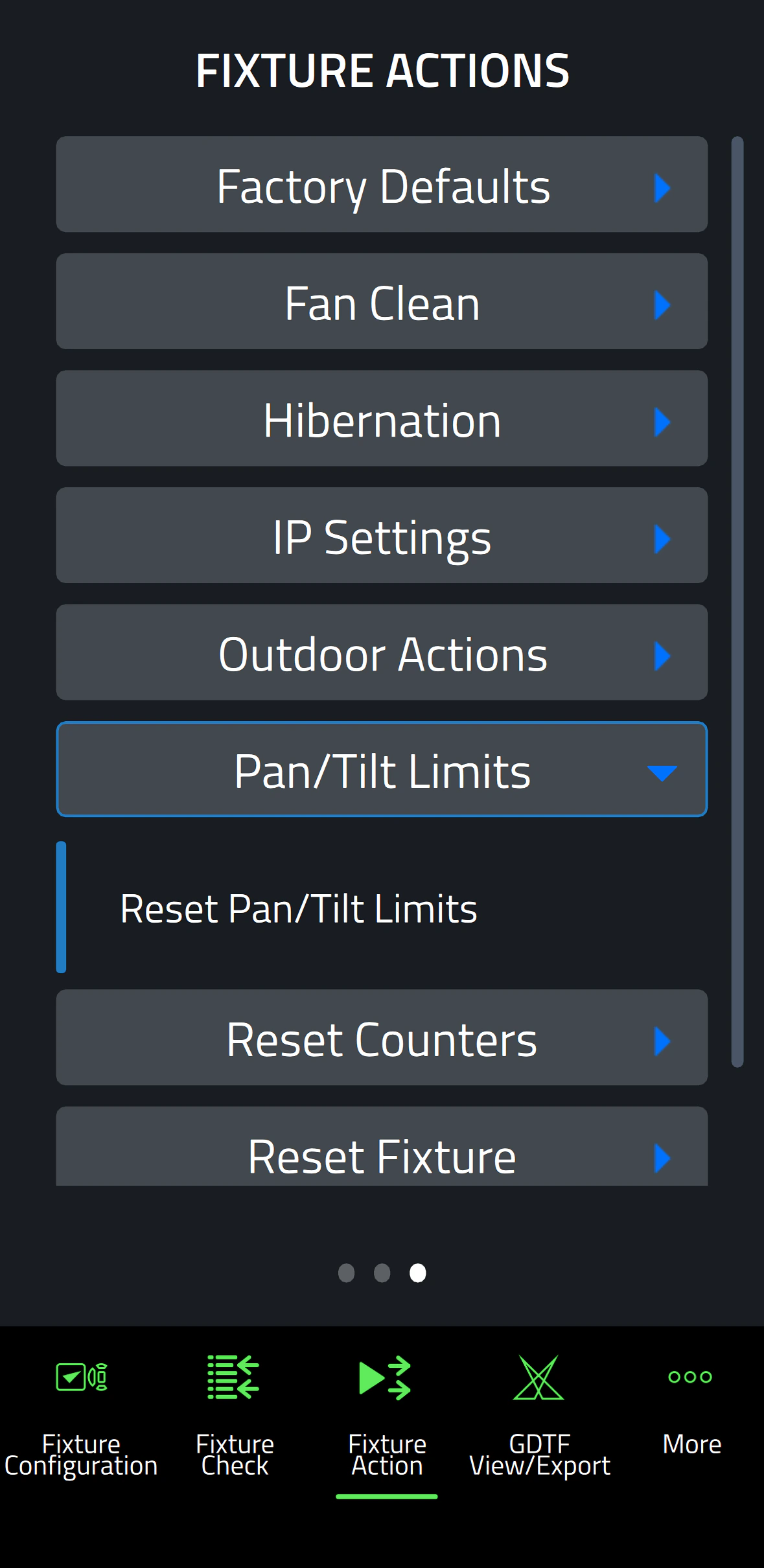
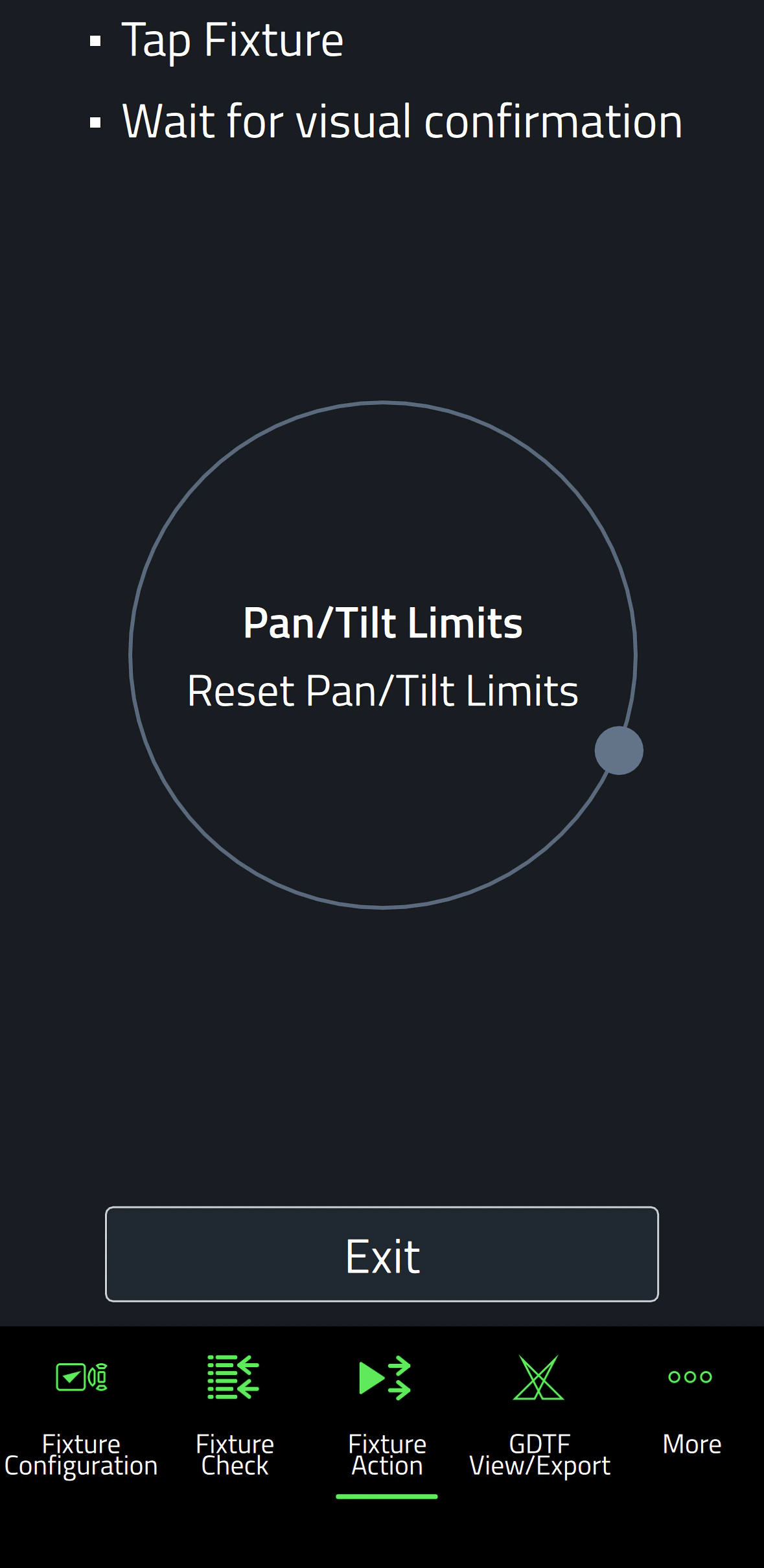
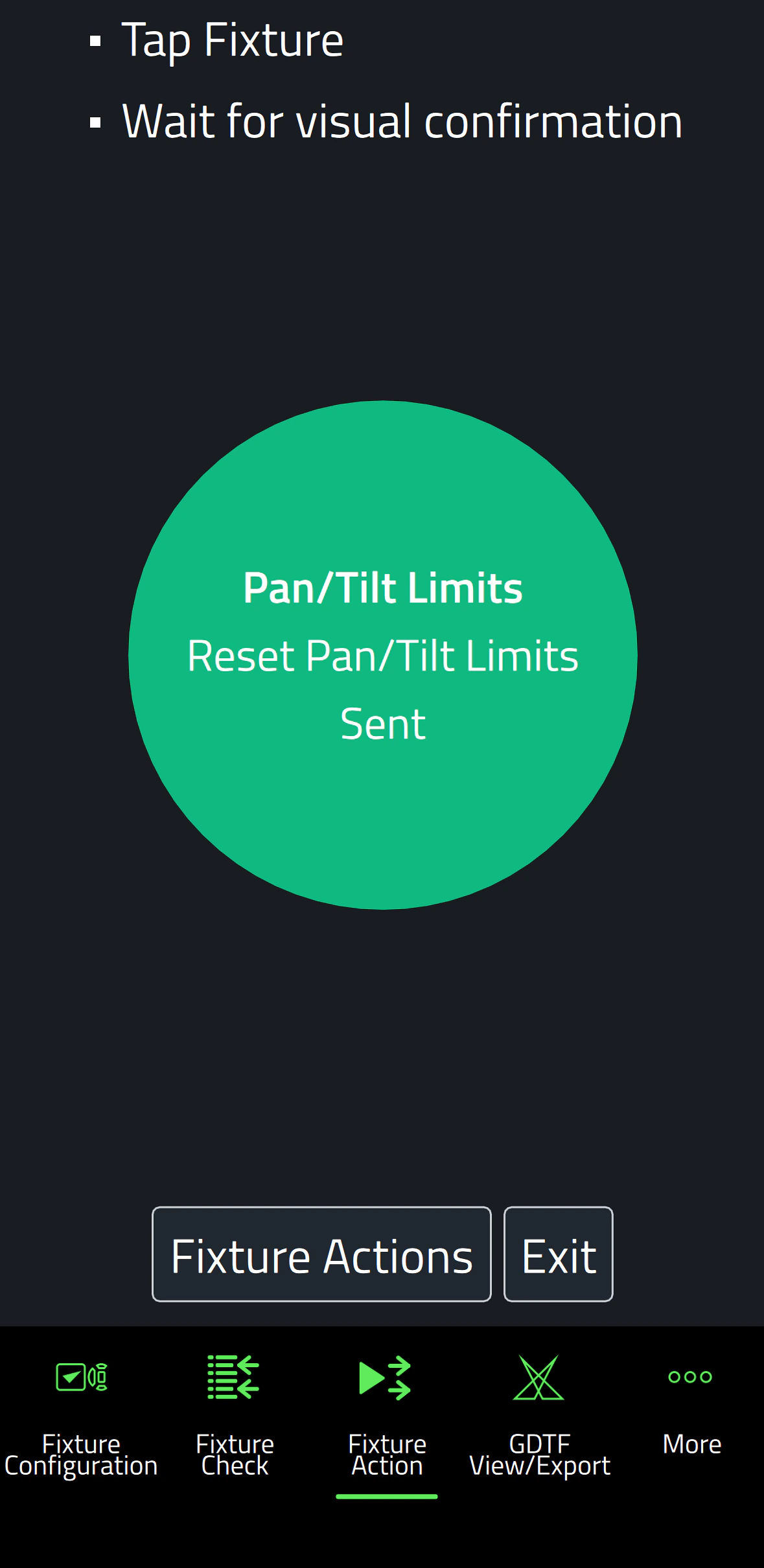
    Pan/Tilt Limits: Reset Pan/Tilt Limits
    Outdoor Actions: Stop, Empty Head, Dry Off, Safe Parking
    Fan Clean: Stop, Start
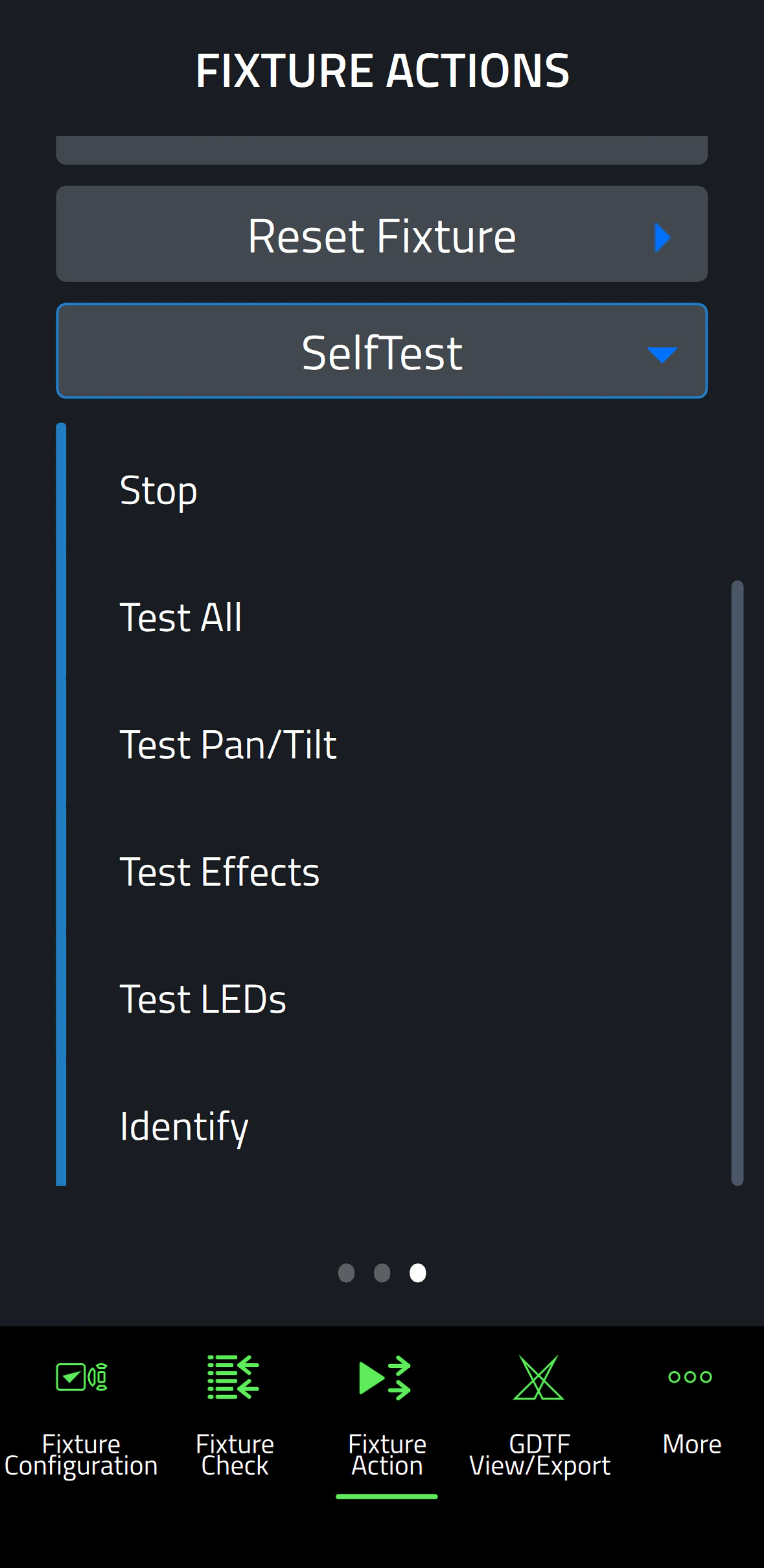
    SelfTest: Stop, Test All, Test Pan/Tilt, Test Effects, Test LEDs, Identify
    Reset Counters: Reset Device Hours, Reset Lamp Hours, Reset Power Cycles

    * Not all parameters are supported by all fixtures

    Supported Fixtures - Fixture Configuration

    - ELP Manet 8F
    - MAC Aura Raven XIP
    - MAC Encore Two
    - MAC Viper XIP

  • Supported Fixtures - Fixture Check

    - ELP Manet 8F
    - MAC Aura Raven XIP
    - MAC Encore Two
    - MAC Viper XIP

    Supported Fixtures - Fixture Action

    - ELP Manet 8F
    - MAC Aura Raven XIP
    - MAC Encore Two

    - MAC Viper XIP

    Supported Fixtures - GDTF View & Export All Martin products
    Related Items

    Companion Desktop Software: Free download from www.martin.com

    Ordering Information

    Companion Mobile Software: Free download from App Store and Google Play

การดาวน์โหลด

Software
  เวอร์ชัน ขนาด อัปโหลดแล้ว
iOS download icon Companion Mobile - iOS (App Store)
เวอร์ชัน 1.0.3, เผยแพร่: พ.ค. 2025
1.0.3   พ.ค. 2025
Android download icon Companion Mobile - Android (Play Store)
เวอร์ชัน 1.0.3, เผยแพร่: พ.ค. 2025
1.0.3   พ.ค. 2025
Android download icon Companion Mobile - Android (Manual Installation)
เวอร์ชัน 1.0.3, อัปเดต: เม.ย. 2026
1.0.3   99.3 เมกะไบต์ เม.ย. 2026

หากลิงก์ใดด้านบนแสดงตัวอักษรแปลกๆ ในเบราว์เซอร์ของคุณ โปรดคลิกขวาที่ไฟล์เพื่อบันทึกไว้ในคอมพิวเตอร์ของคุณ

ข่าว

HARMAN Pro Insights

Designing Smarter Workflows with Precision Lighting Fixture Management Tools feature

Designing Smarter Workflows with Precision Lighting Fixture Management Tools

    Professional lighting setups demand precise configuration, reliable diagnostics, and up-to-date firmware. Yet DMX addressing, firmware mismatches, and manual data entry often slow down designers, rental houses, and system techs. Effective lighting fixture management tools can eliminate these pain points and keep every show

CONTINUE READING

การสนับสนุน/คำถามที่พบบ่อย