

Companion Desktop is the fixture management, firmware upload and stand-alone programming tool compatible with all Martin fixtures for maximal ease of use. The Companion Desktop application synchronizes with Martin’s library over the Internet, so gone are the days of browsing the support pages to find the latest fixture firmware or spare parts overview.
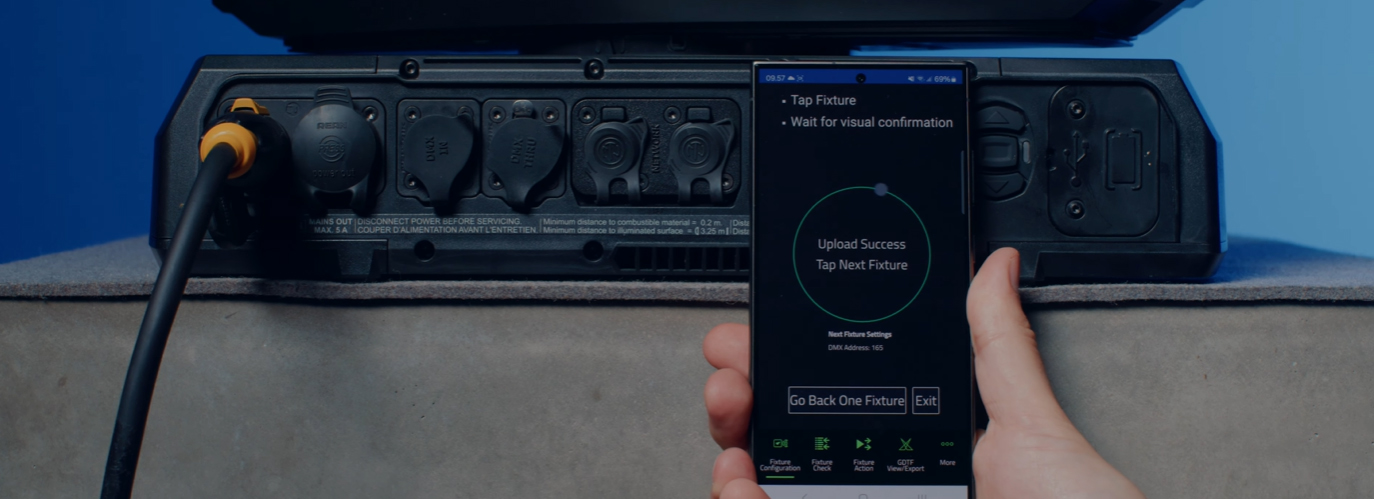
Advanced RDM integration allows all fixtures to be configured and patched remotely. To facilitate easy configuration of many fixtures in one go, a Fixture Configuration system allows an entire set of fixture settings to be pushed to all selected fixtures at once. The built-in Quick Addressing tool enables fixture addressing with just a single click per fixture.
The built-in ergonomic stand-alone programming tool allows fixtures to be programmed with up to 20 scenes with individual hold and fade times. The fixtures can then run these fully synchronized, without any computer or controller connected. Stand-alone shows can also be stored, shared and re-used later.
Companion Desktop also automatically synchronizes with the Martin-made GDTF files on the GDTF share. Giving you access to all fixture details such as DMX Modes, DMX Channel Listings, Gobo Loadouts and more. GDTF files can be exported directly from Companion Desktop for use with any GDTF-compatible software.
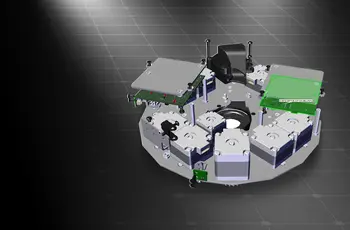
The built-in spare parts finder gives you access to a 3D model of each Martin fixture, which can be taken apart to identify spare parts.
Also check out Companion Mobile, which offers some of the same features for mobile iOS and Android devices.
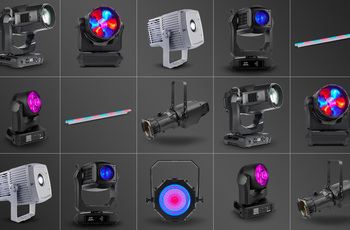
Compatible with all Martin lighting fixtures
Martin Companion can upload firmware to all Martin product ranges including MAC, ERA, ELP, VDO and Exterior.
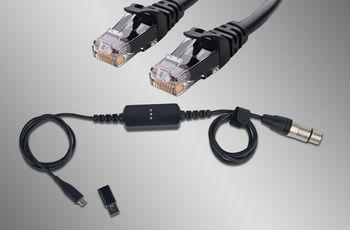
Fixture Connection via DMX or Network
Connection between Martin Companion and the fixtures can be made via the Martin Companion Cable or a standard network interface.
การซิงโครไนซ์คลาวด์อัตโนมัติ
การซิงโครไนซ์แบบออนไลน์ช่วยให้มั่นใจว่าคุณมีเฟิร์มแวร์ของดวงโคมเวอร์ชันล่าสุด ระบบค้นหาอะไหล่ และไฟล์ GDTF พร้อมใช้งานอยู่เสมอ ไม่จำเป็นต้องเข้าไปค้นหาในหน้าฝ่ายสนับสนุนเพื่อหาเฟิร์มแวร์ อะไหล่ หรือไฟล์ GDTF เวอร์ชันล่าสุด เนื่องจาก Martin Companion ดำเนินการทั้งหมดนี้ให้คุณ
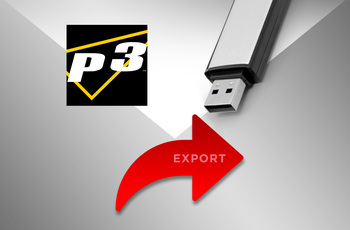
Export for update via USB or P3
Firmware can also be exported out of Martin Companion to update a fixture via a USB memory device or Martin P3 System Controller as alternative to updating fixtures via Martin Companion.
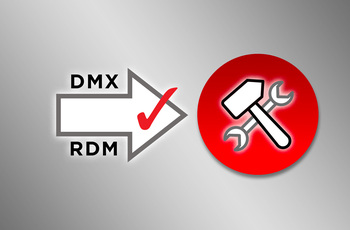
Configure and Patch features via RDM or RDM over Art-Net
The integrated RDM toolkit allows fixtures to be configured and patched remotely. Martin Companion supports standard RDM parameters, but also more advanced Martin-specific RDM parameters to configure fixtures to the best performance.
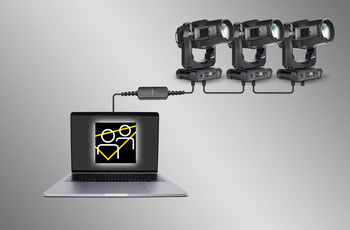
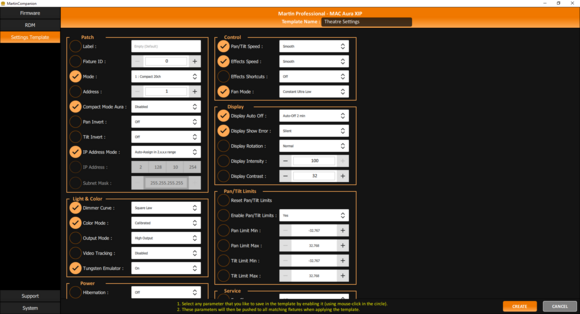
Fixture Settings Templates for Quick Deployment
Update settings of multiple fixtures in a matter of seconds. Any combination of settings can be stored in a template and then pushed to all fixtures in the rig. Gone are the days of manually checking the settings on fixtures one-by-one.
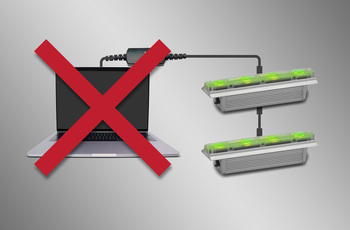
Stand-Alone Programming
Shows of up to 20 scenes, with individual hold- and fade-times, can be programmed into select Martin fixtures using Martin Companion. The fixtures will run the show fully synchronized and without computer or controller connected.
GDTF View and Export
View all Martin-made GDTF files to look up fixture details, and download them directly from within Martin Companion for easy access at all times.
Spare Parts Finder
Open a 3D model of each Martin fixture and find the spare part you need.

 เวอร์ชัน 2.0.0,
อัปเดต: ธ.ค. 2023
เวอร์ชัน 2.0.0,
อัปเดต: ธ.ค. 2023




 การสนับสนุนที่ปรึกษา