

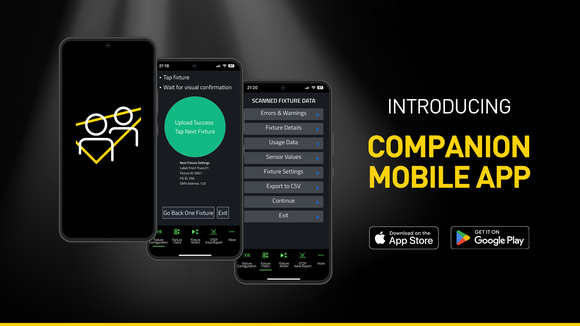
Companion Mobile is the app-based version of the Companion fixture management, firmware upload and stand-alone programming tool. It is compatible with Martin NFC (Near Field Communication)-enabled fixtures, including MAC Viper XIP, MAC Aura Raven XIP, MAC Encore Two, ELP Manet 8F and many more to come. This free app is available for iOS and Android mobile devices.
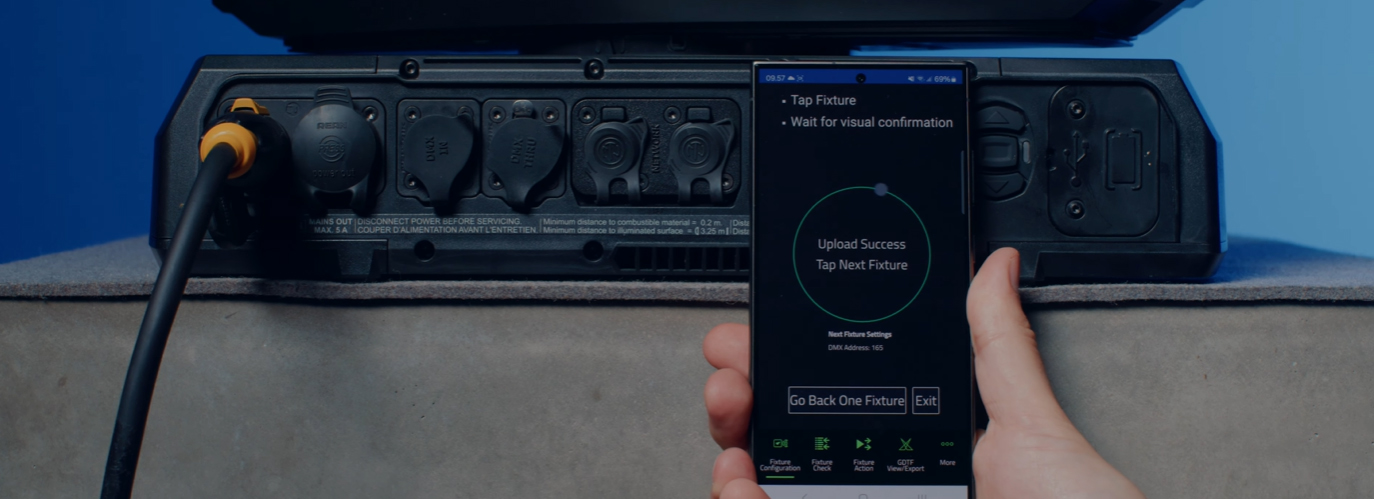
While similar to the popular Companion Desktop application, Companion Mobile utilizes NFC to establish wireless communications to further simplify and ease fixture configuration. The advantage of the NFC interface is that fixtures can be configured without the need to power them on. Even when fixtures are still sitting inside their flightcase, a simple tap with the smartphone against the fixture’s display is all that’s needed to configure fixtures.
Fixture Configurations, including patch and all settings, can be stored and shared to easily (re-) deploy them to fixtures. These Fixture Configurations can also be exported as a QR Code, enabling easy transfer to any smartphone.
Create QR Codes with your preferred fixture settings, hang them in the warehouse for easy scanning, and thereby ensure that all fixtures go out the door with your preferred settings loaded.
Add QR Codes, containing the full fixture patch and other fixture settings, to your lighting plots to make sure fixtures are addressed and configured according to your needs, without the usual scrolling through fixture display menu's and risk of mistakes being made.
Fixture Check can read out any Warning or Error code from fixtures, even when still sitting inside their flightcase. With full fixture details being exported to a spreadsheet for further use.
Companion Mobile synchronizes with Martin’s library over the Internet, eliminating the need for manual downloads. Additionally, it automatically synchronizes with the Martin-made GDTF files on the GDTF share. This provides access to all fixture details such as DMX Modes, DMX Channel Listings, Gobo Loadouts and more. GDTF files can be exported directly from Companion for use with any GDTF-compatible software.
Also check out Companion Desktop, which offers some of the same features for computers running Windows.




 Consultant Support